H7016 User Manual
2-18
6) Connecting a HDD
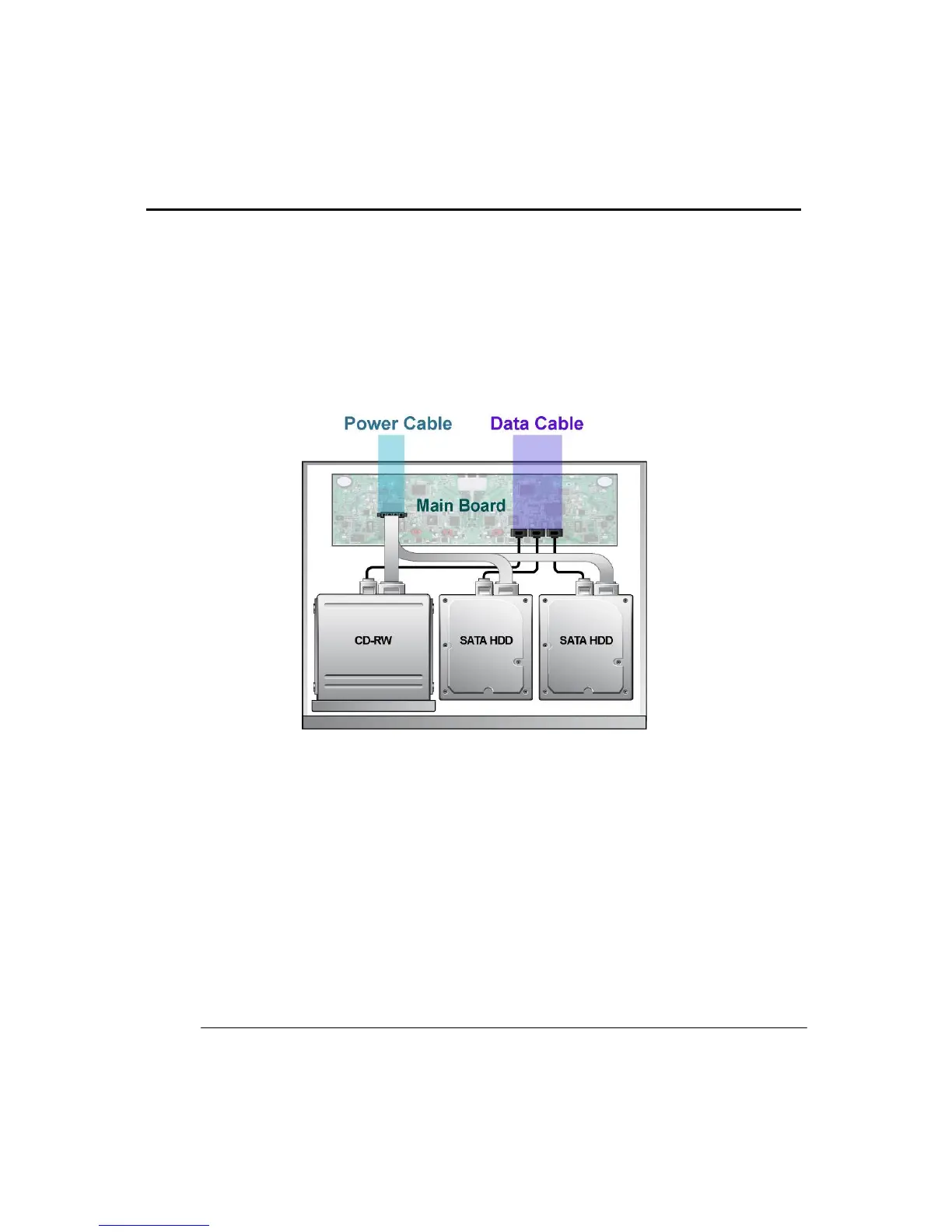
When connecting a HDD the user must follow the connection details and diagram below.
Disconnect the Power cable from the DVR*
a. Remove the top cover. To open the cover, remove screws on both sides and rear.
b. Unscrew the bolts on HDD/Optical casing and remove casing.
c. Place the Optical Drive or HDD as you desired then connect the power and data cables.
d. When reassembling, do in reverse order b→a.



 To Next Page