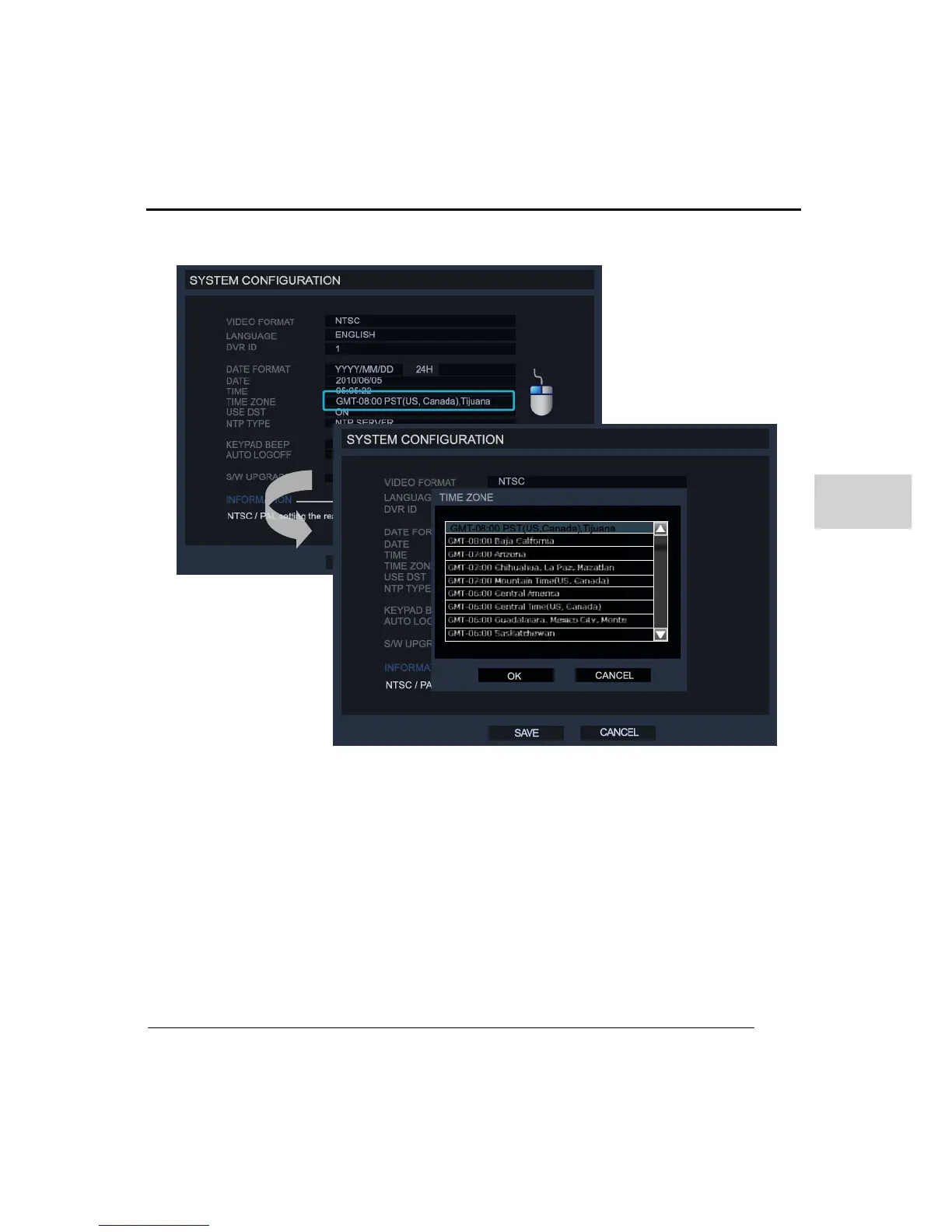
Clicking the TIMEZONE option will show the following pictures
Select the local timezone where the system is located and then click ‘Ok’. The System will
automatically update for DST if selected area is in a DST timezone. (DST: DAY LIGHT
SAVING TIME).
If you don’t want to use the DST setting on the DVR then you can select the USE DST
menu to the off position.
Also the user can set the ‘DATE/TIME’ by connecting to an NTP server for automatic time
synchronization.



 To Next Page