Aprisa SR+ User Manual 1.11.1
FILE TRANSFER STATUS
Transfer Activity
This parameter shows the status of the transfer, ‘Idle’, ‘In Progress’ or ‘Completed’.
Direction
This parameter shows the direction of file transfer. In this software version, the only choice is ‘To The
Radio’.
Method
This parameter shows the file transfer method.
File
This parameter shows the software file source.
Transfer Result
This parameter shows the progress of the transfer:
The transfer has started but no data has transferred.
The transfer has started and has transferred x % of the data.
The transfer has finished successfully.
The transfer has failed.
Possible causes of failure are:
• Is the source file available e.g. USB flash drive plugged in
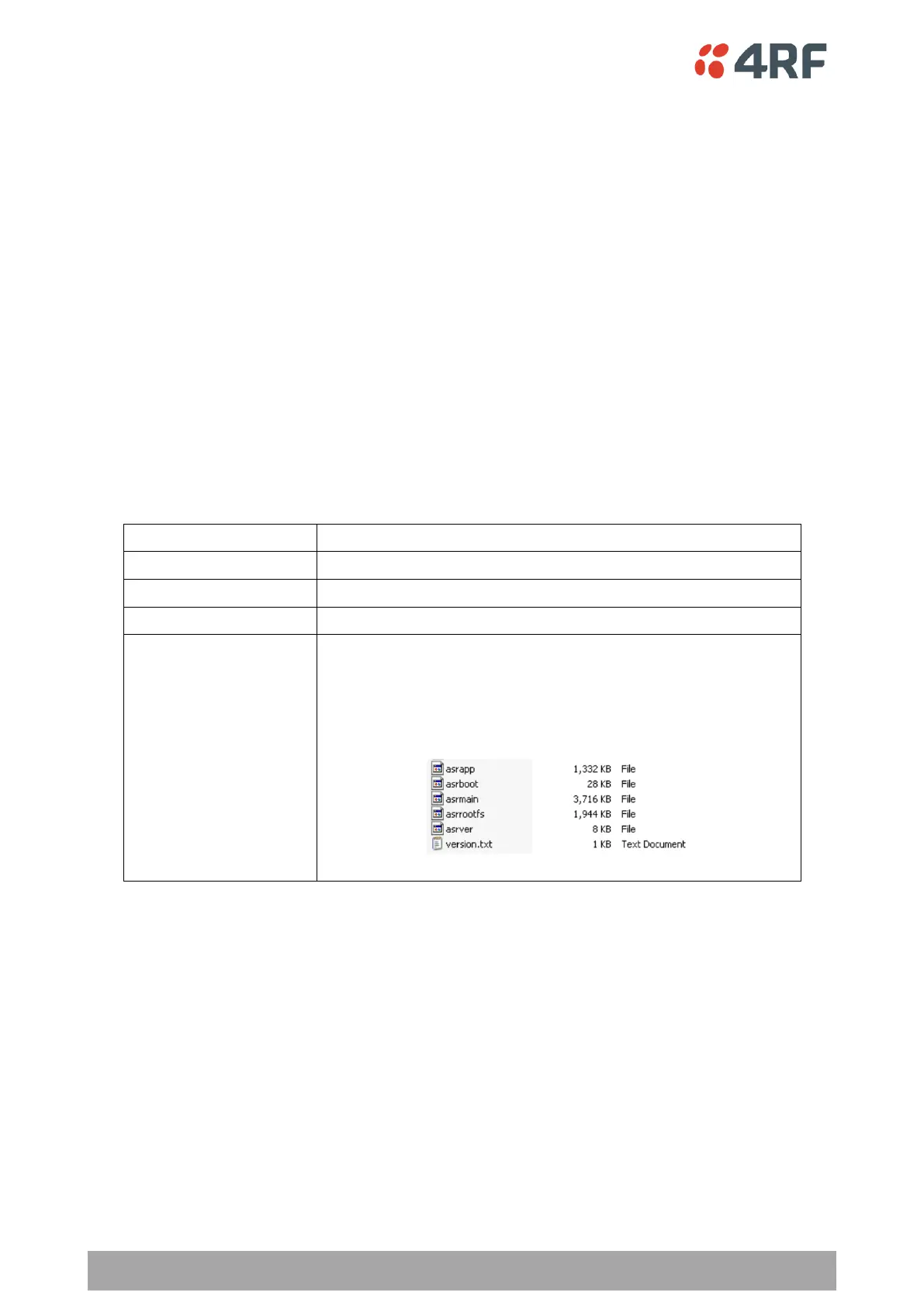
• Does the file source contain the Aprisa SR+ software
release files;



 To Next Page