CHAPTER 8. CLIP VIEW 107
To have the Sample Display follow the play position and scroll automatically, turn on the
Follow switch, or use the Follow command from the Options menu.
The Follow Switch.
Playing and Scrubbing Clips
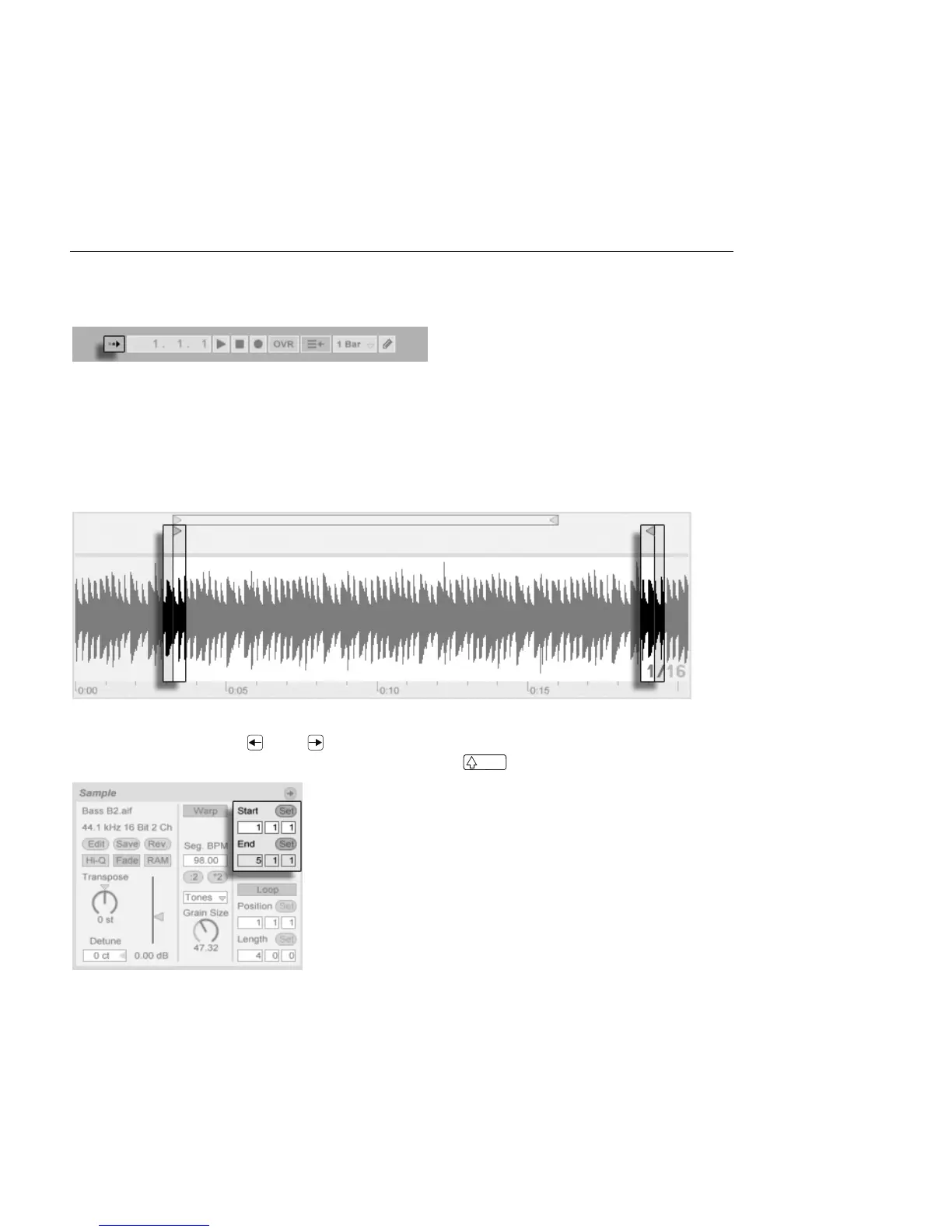
The section of the sample that plays when a clip is launched is set with the clip's region and
loop controls. An unlooped clip will play from its start marker to its end marker or until it is
stopped.
The Clip Start and End
Markers.
These markers can be clicked and dragged to new positions in the Sample Display, or they
can be moved with the and keys. To move the entire clip region (i.e., both the start
and end markers), select the start marker, hold down , and use the arrow keys.
Using Clip Start and End
Controls to Change Clip
Length.



 To Next Page