164
Chapter 13
Routing and I/O
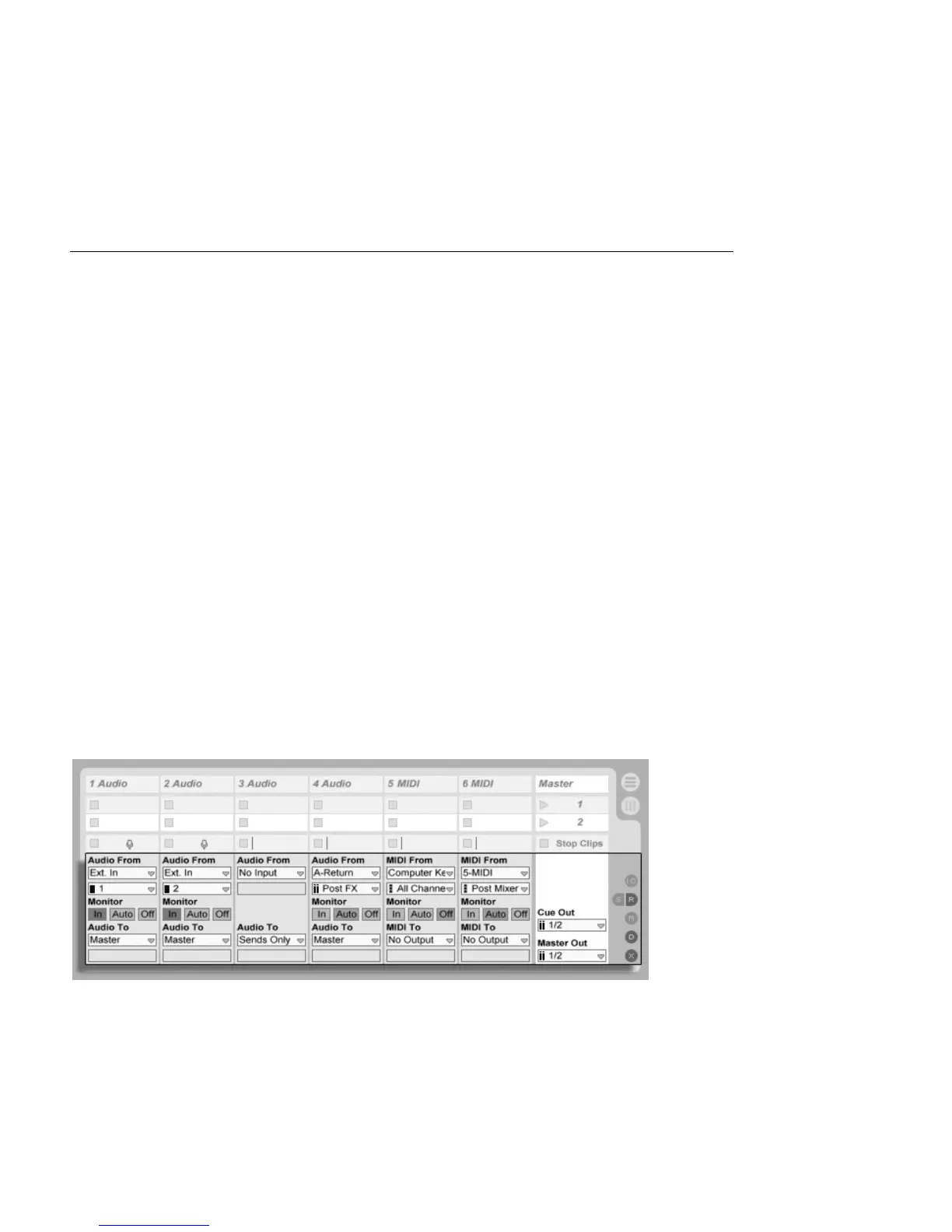
In the context of Live, routing is the setup of the tracks' signal sources and destinations
(i.e., their inputs and outputs). Most routing happens in the mixer's track In/Out section,
which offers, for every track, choosers to select a signal source and destination. The mixer's
In/Out section is Live's patchbay.
The In/Out section can be independently shown or hidden from the Session and Arrange-
ment Views. Toggle its visibility using the I/O Mixer Section selector, or via the View menu's
In/Out option.
The Mixer's In/Out
Section and Mixer
Section Selectors.



 To Next Page