CHAPTER 27. USING THE APC40 470
27.4 Mixer Section
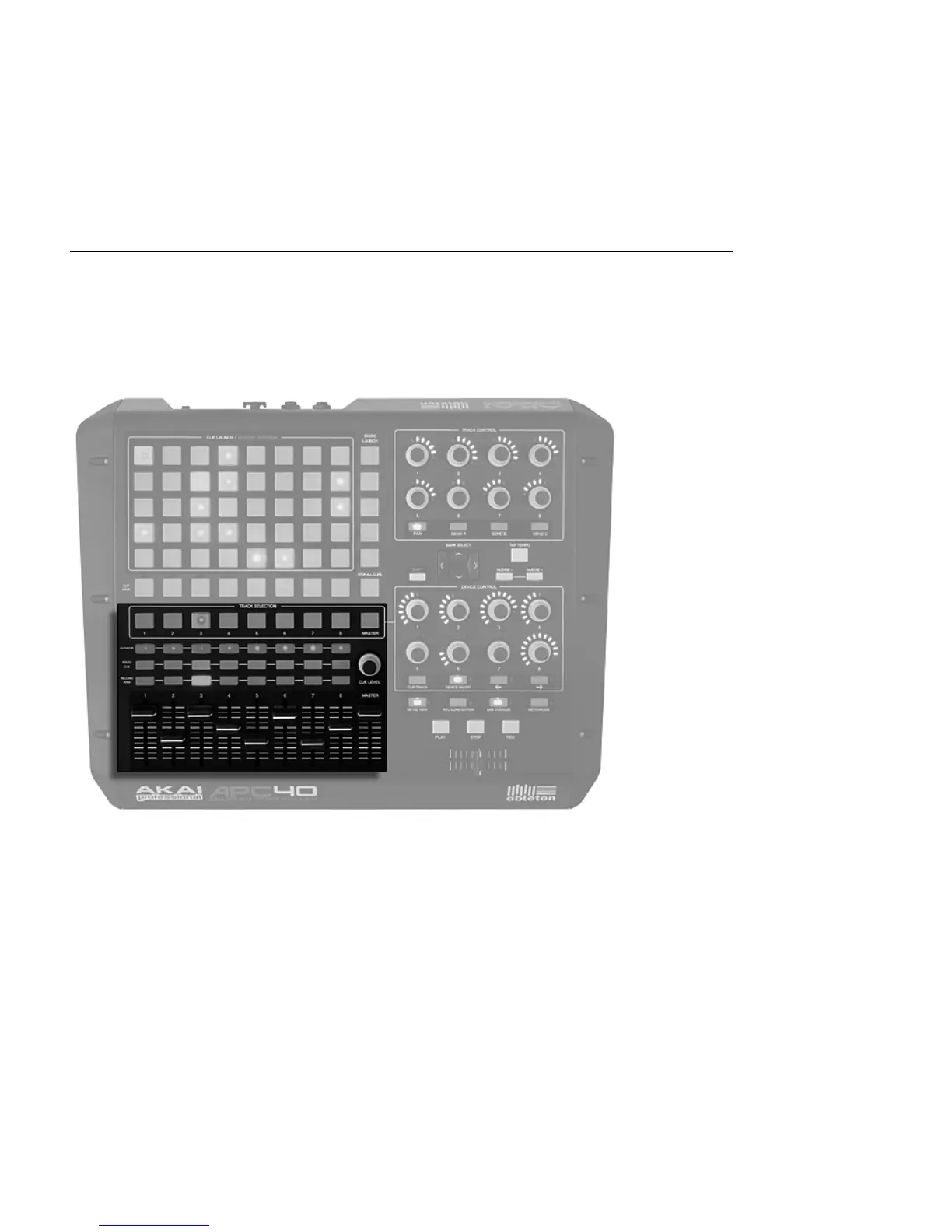
The APC40 features eight tracks, each with its own fader, solo/pre-cue, mute and record
arm buttons. A Master fader controls the master volume and a Cue Level knob controls cue
volume, so you can pre-listen to a clip or the metronome without your audience hearing it.
Mixer Controls.
You can shift these eight tracks around the Session V iew using the directional controls. Press
the right or left arrows to move incrementally, one track at a time. Hold the Shift button and
press the right or left arrows to jump in blocks of eight tracks at a time.



 To Next Page