CHAPTER 23. LIVE INSTRUMENT REFERENCE 414
Velocity Zones
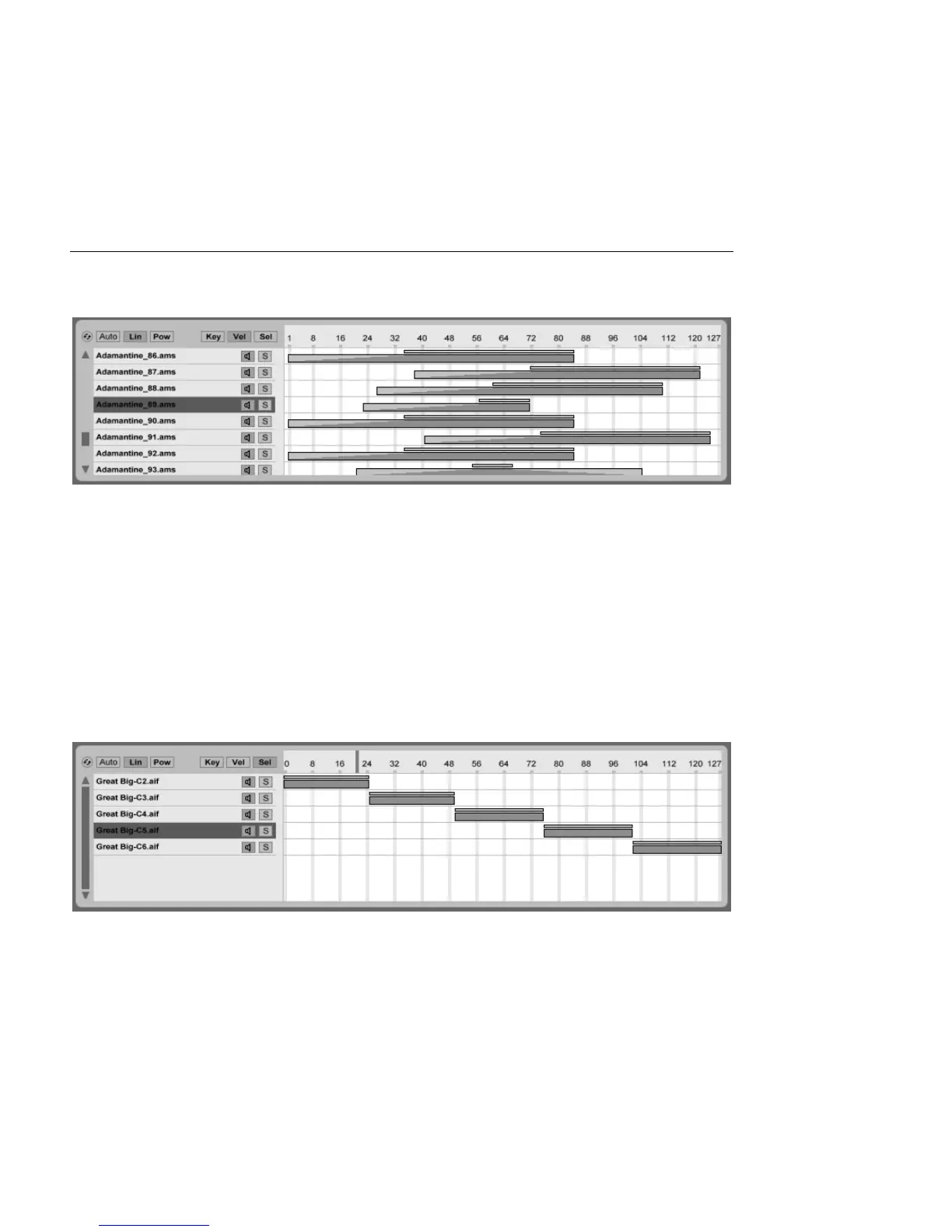
The Velocity Zone Editor.
Velocity zones determine the range of MIDI Note On velocities that each sample will respond
to. The timbre of most musical instruments changes greatly with playing intensity. Therefore,
the best multisamples capture not only individual notes, but also each of those notes at
different velocities.
The Velocity Zone Editor, when toggled, appears alongside the sample layer list. Velocity is
measured on a scale of 1-127, and this number range appears across the top of the editor.
The functionality of the Velocity Zone Editor is otherwise identical to that of the Key Zone
Editor.
Sample Select Zones
The Sample Select
Editor.
Each sample also has a Sample Select zone, which is a data lter that is not tied to any
particular kind of MIDI input. Sample Select zones are very similar to the Chain Select Zones



 To Next Page