CHAPTER 17. INSTRUMENT, DRUM AND EFFECT RACKS 234
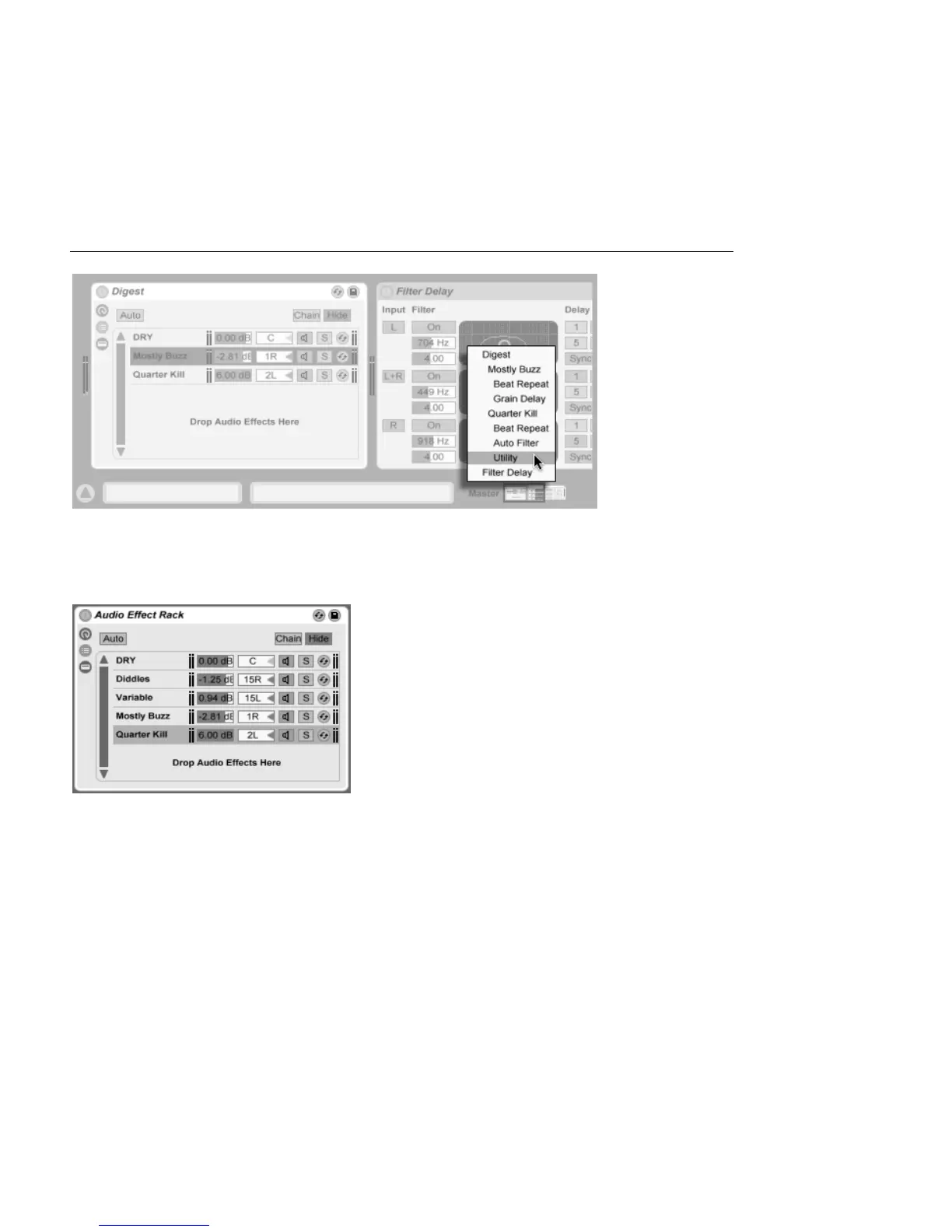
Navigate Racks Quickly
Via a Context Menu.
17.4 Chain List
The Chain List in an
Audio Effect Rack.
As signals enter a Rack, they are rst greeted by the Chain List. We will therefore also
choose this point for our own introduction.
The Chain List represents the branching point for incoming signals: Each parallel device
chain starts here, as an entry in the list. Below the list is a drop area, where new chains can
be added by dragging and dropping presets, devices, or even pre-existing chains.
Note: Racks, chains and devices can be freely dragged into and out of other Racks, and
even between tracks. Selecting a chain, then dragging and hovering over another Session



 To Next Page