CHAPTER 17. INSTRUMENT, DRUM AND EFFECT RACKS 246
3. The Drum Rack's Macro Controls will be pre-assigned to useful parameters for
the Simplers, as determined by the settings in the selected slicing preset. In the
factory Slicing presets, these include basic envelope controls and parameters to
adjust the loop and crossfade properties of each slice. Adjusting one of these
Macros will adjust the mapped parameter in each Simpler simultaneously.
Note: Live will take a few moments to process all of this infor mation.
Playing the MIDI clip will trigger each chain in the Drum Rack in order, according to the
timing information that you specied or that was embedded in the audio. This opens up
many new editing possibilities, including:
Resequencing Slices
Rearranging the Sliced
MIDI Data.
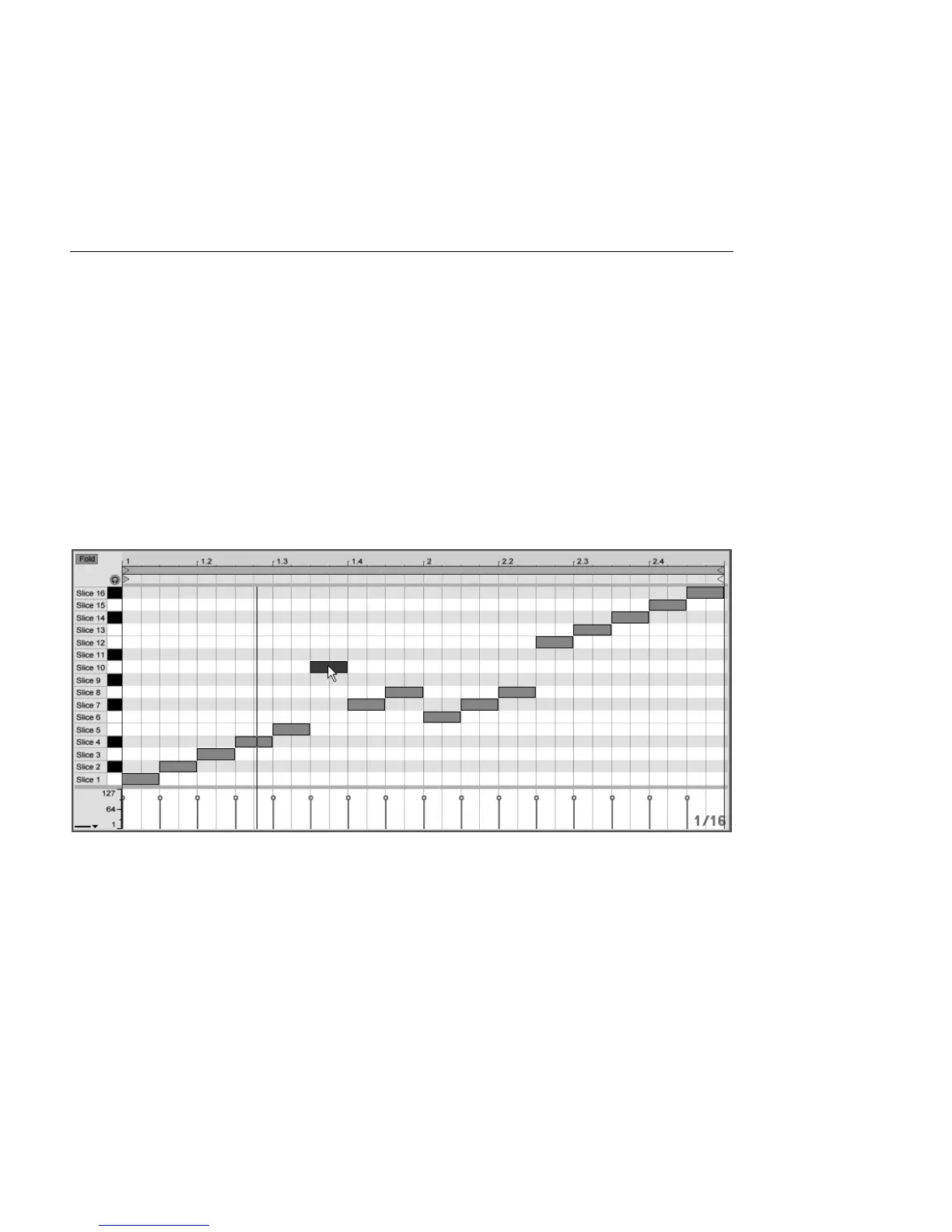
By default, your sliced MIDI data will form a chromatically-ascending staircase pattern in
order to trigger the correct chains in their original order. But you can create new patterns
by simply editing the MIDI notes. You can achieve a similar effect by dragging the Drum
Rack's pads onto each other to swap their note mappings.



 To Next Page