CHAPTER 23. LIVE INSTRUMENT REFERENCE 372
The Global Section
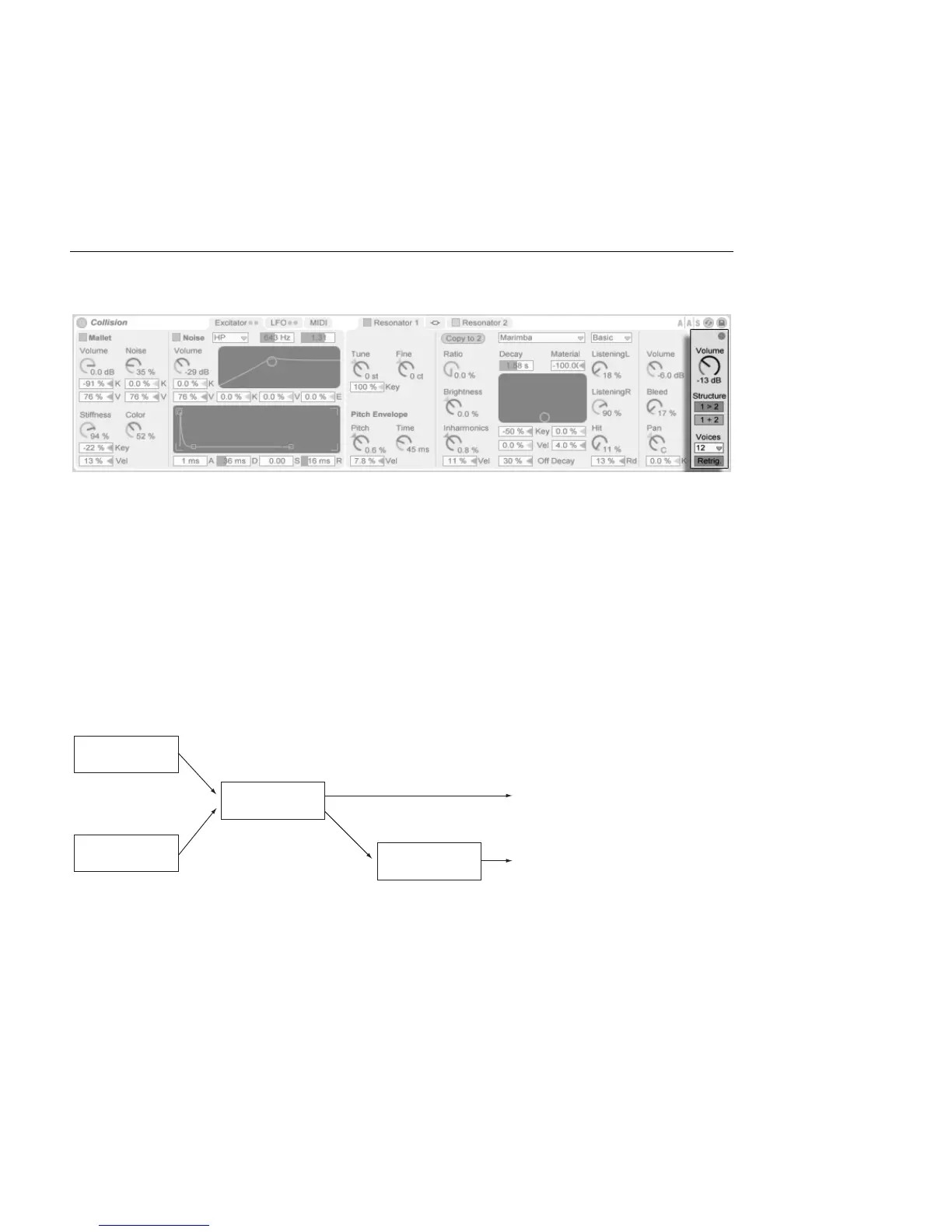
Collision's Global
Section.
The global section contains the parameters that relate to the overall behavior and perfor-
mance of Collision.
The Volume knob acts as Collision's master output control.
Collision contains a built-in limiter that automatically activates when the audio level is too
high. This is indicated by the LED above Collision's global Volume control.
The Structure buttons determine whether Collision's resonators are arranged in series (1 >
2) or in parallel (1 + 2).
When in series, Mallet and Noise output to Resonator 1. This resonator's output is then
mixed down to mono and routed to Resonator 2, as well as to its own mixer (in stereo.)
Note that Resonator 1 must be turned on when using serial mode:
Resonators in 1 > 2
(Serial) Conguration.
In parallel mode, the output of Mallet and Noise is mixed and then sent directly to both
resonators, which then output to their own mixers.



 To Next Page