CHAPTER 4. LIVE CONCEPTS 20
4.7 Devices and the Mixer
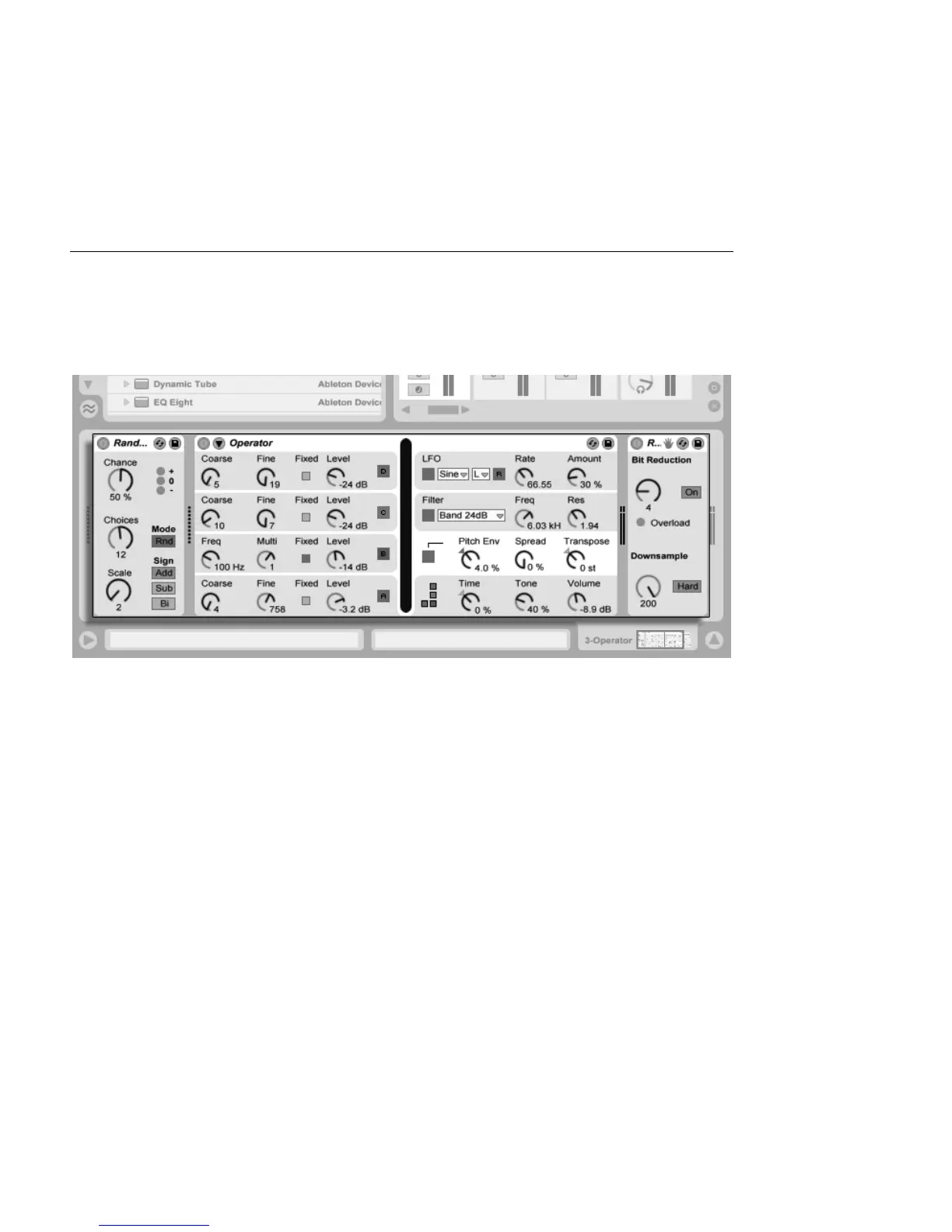
A track can have not only clips but also a chain of devices for processing signals. Double-
clicking a track's title bar brings up the Track View, which shows the track's device chain.
The Track View
Displaying a MIDI Track's
Device Chain.
Live's built-in audio effects, MIDI effects and instruments are available from the Device
Browser and can be added to tracks by dragging them from there into the Track View, or
into a Session or Arrangement track.



 To Next Page