CHAPTER 23. LIVE INSTRUMENT REFERENCE 388
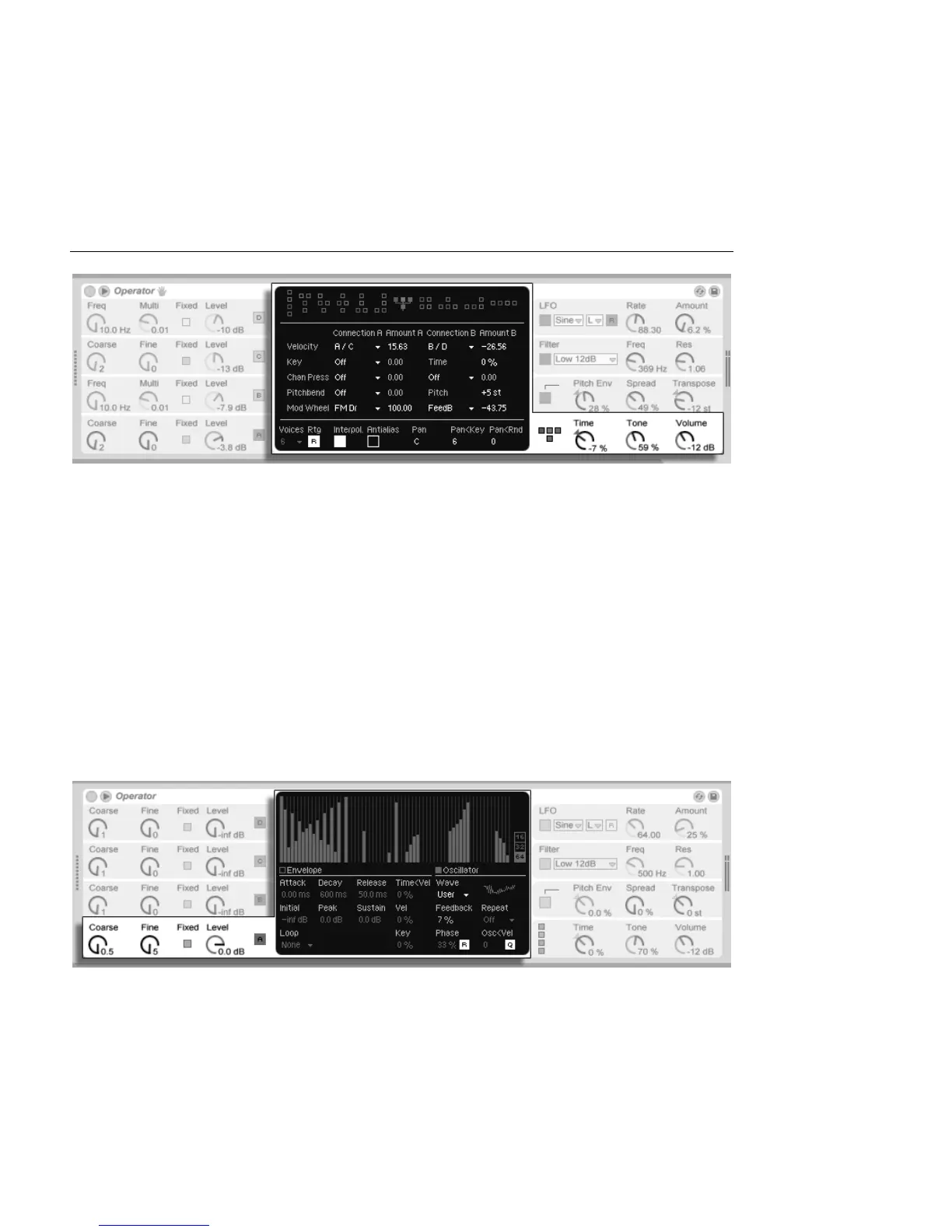
Operator's Global
Display.
Typically, FM synthesis makes use of pure sine waves, creating more complex waveforms
via modulation. However, in order to simplify sound design and to create a wider range of
possible sounds, we designed Operator to produce a variety of other waveforms, including
two types of noise. You can also draw your own waveforms via a partial editor. The
instrument is made complete with an LFO, a pitch envelope and a lter section. Note that
lots of classic FM synthesizers create fantastic sounds without using lters at all, so we
suggest exploring the possibilities of FM without the lter at rst, and adding it later if
necessary.
Operator will keep you busy if you want to dive deep into sound design! If you want to break
the universe apart completely and reassemble it, you should also try modulating Operator's
controls with clip envelopes or track automation.
23.8.2 Oscillator Section
Oscillator A's Display
and Shell Parameters.



 To Next Page