CHAPTER 25. SHARING LIVE SETS 452
25.3 The Upload/Download Browser
All les that you download from Ableton's server are stored locally on your machine, in
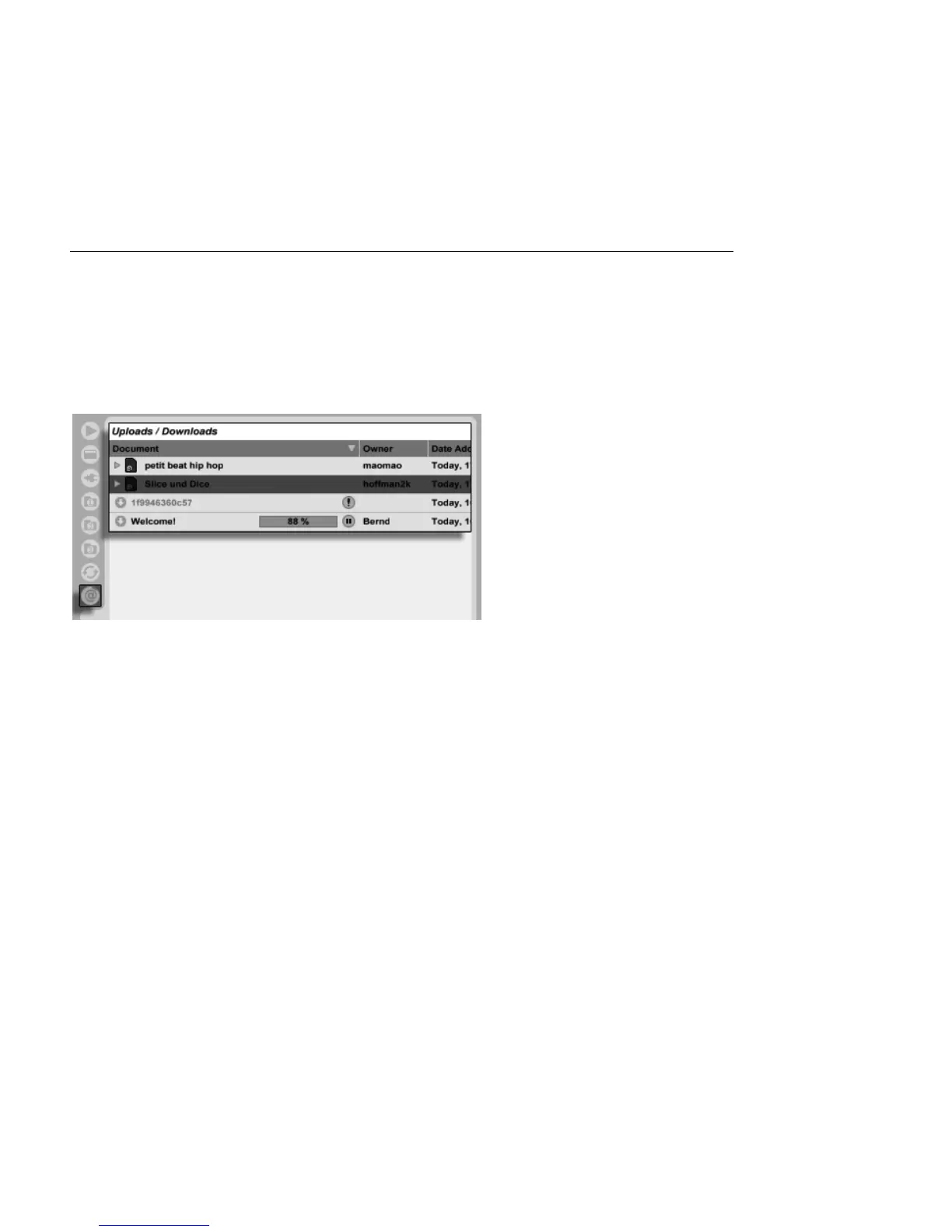
your cache. You can view any nished downloads or in-progress transfers via the Upload/
Download Browser, which can be accessed via its selector. Note that this selector is not
visible until your cache actually contains something.
The Upload/Download
Browser.
You can load Sets via the Upload/Download Browser once they are nished downloading.
Sets that are in the process of transferring will display a progress bar, as well as icons to
pause or resume the transfer. Please note that the Upload/Download Browser shows the
contents of your cache, which is a read-only folder.
Note: Because downloaded media les are stored in your cache, it is possible for this folder
to become very large. Live automatically deletes older les from the cache to make room for
those that are new, so you should not use the cache for permanent storage. Once you have
opened a Set from the Upload/Download Browser, you should save it to your hard drive in
a new location. This will create a self-contained copy of the Set, as well as all referenced
media les.



 To Next Page