CHAPTER 32. LIVE KEYBOARD SHORTCUTS 514
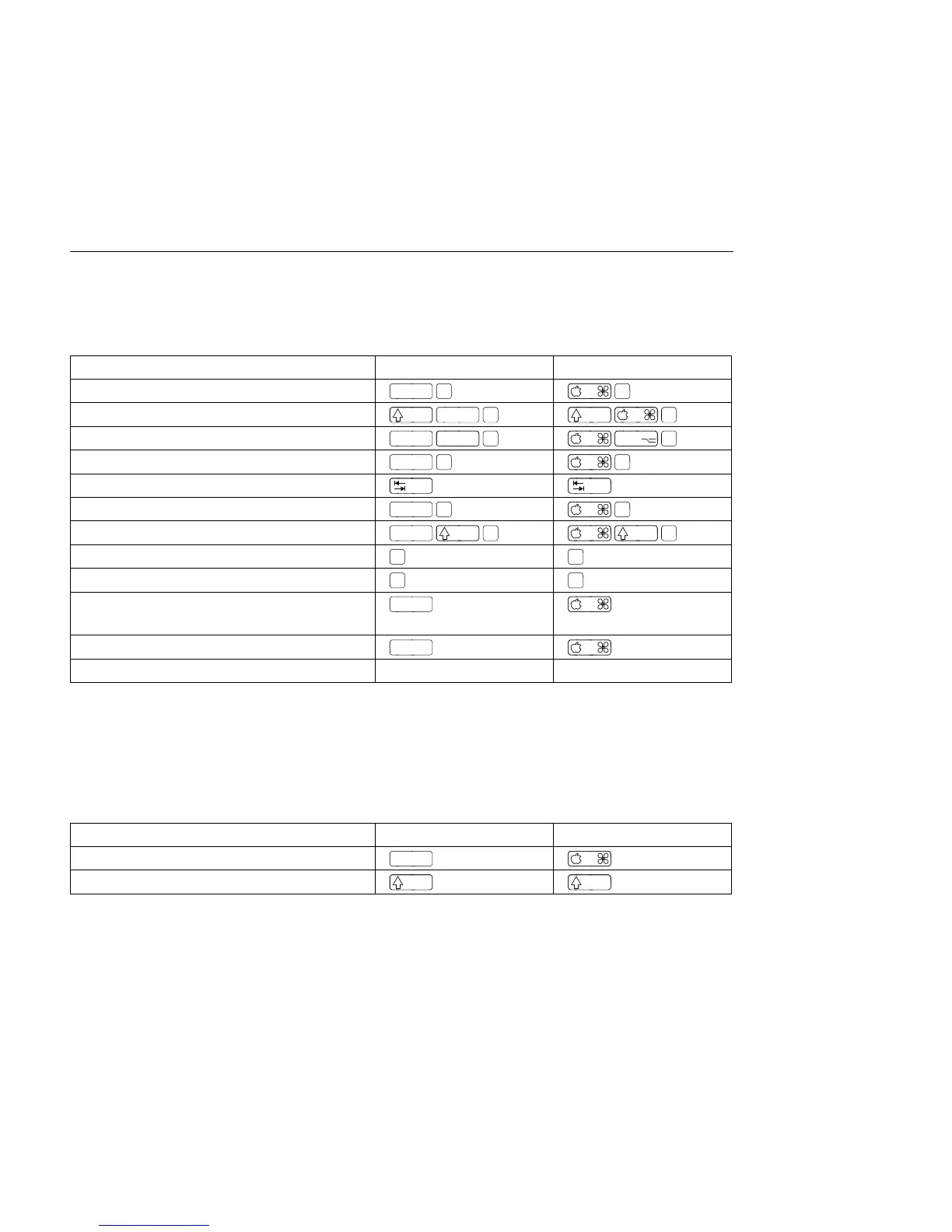
32.10 Commands for Tracks
See also the editing commands.
Windows Macintosh
Insert Audio Track
While Renaming, Go to next Track
Group Selected Tracks
Move Nonadjacent Tracks Without
Collapsing
+ arrow keys + arrow keys
Arm/Solo Multiple Tracks
Click Click
Add Device from Browser Double-Click Double-Click
32.11 Commands for Breakpoint Envelopes
The shortcuts for zooming, snapping/drawing and loop/region settings also work in the
Envelope Editor and Arrangement V iew. See also the editing commands.
Windows Macintosh
Finer Resolution for Dragging
Enable Dragging Over Breakpoints



 To Next Page