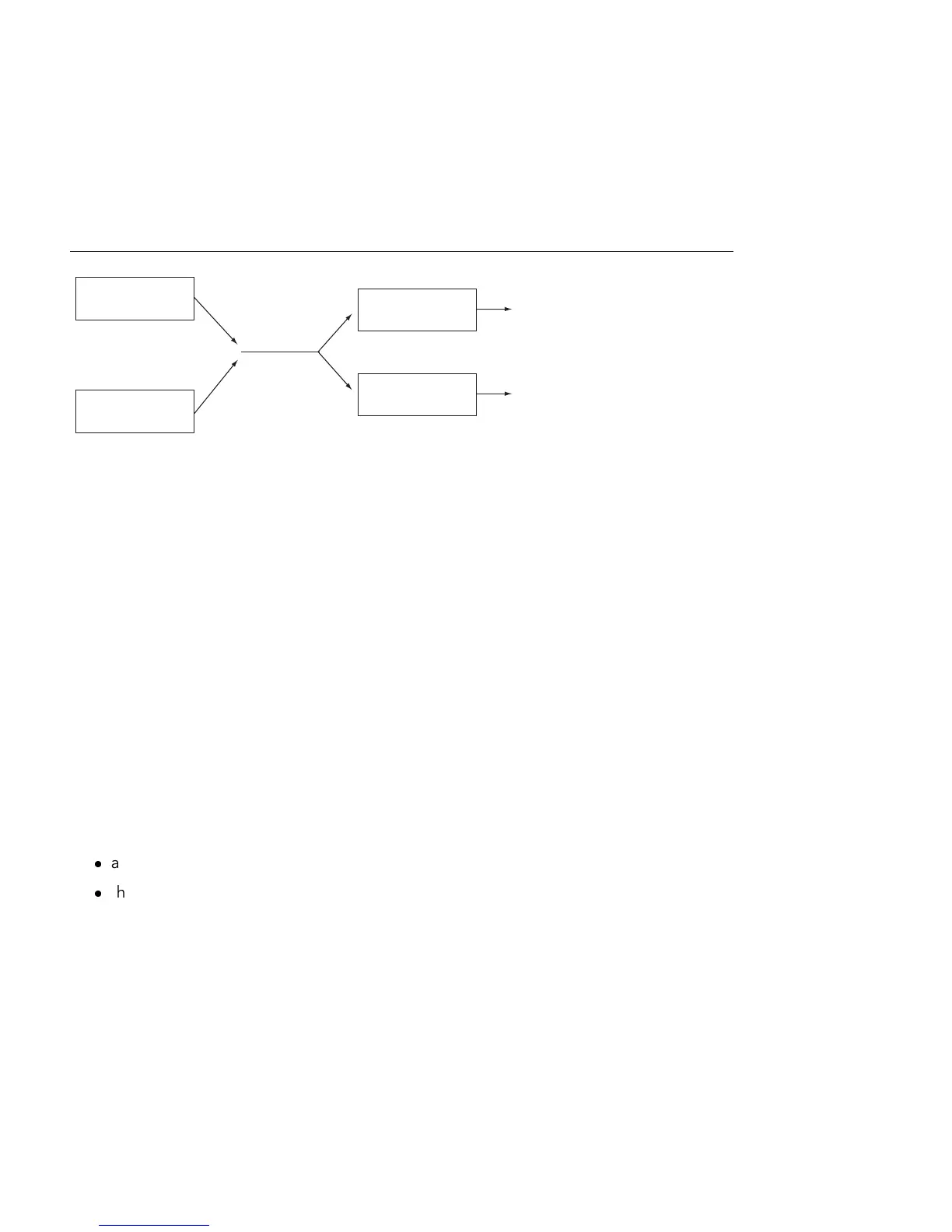
Resonators in 1 + 2
(Parallel) Conguration.
The Voices chooser sets the available polyphony. Since each voice that's used requires
additional CPU, you may need to experiment with this chooser to nd a good balance
between playability and performance, particularly on older machines.
W ith Retrig. enabled, notes which are already sounding will be immediately stopped when
retriggered, rather than generating an additional voice. This can be useful for keeping CPU
down when working with long decay times.
23.2.6 Sound Design Tips
Although Collision has been designed to model the behavior of objects that exist in the
physical world, it is important to remember that these models allow for much more exibility
than their physical counterparts. While Collision can produce extremely realistic simulations
of conventional mallet instruments such as marimbas, vibraphones and glockenspiels, it
is also very easy to misuse the instrument's parameters to produce sounds which could
never be made by an acoustic instrument.
To program realistic instrument simulations, it helps to think about the chain of events that
produces a sound on a mallet instrument (a marimba, for example), and then visualize those
events as sections within Collision:
a beater (Mallet) strikes a tuned bar (Resonator 1).
the tuned bar's resonance is amplied by means of a resonating tube (Resonator 2).
Thus the conventional model consists of the Mallet excitator and the two resonators in a
serial (1 > 2) conguration.
Of course, to program unrealistic sounds, anything goes:



 To Next Page