CHAPTER 27. USING THE APC40 471
27.5 Device Control
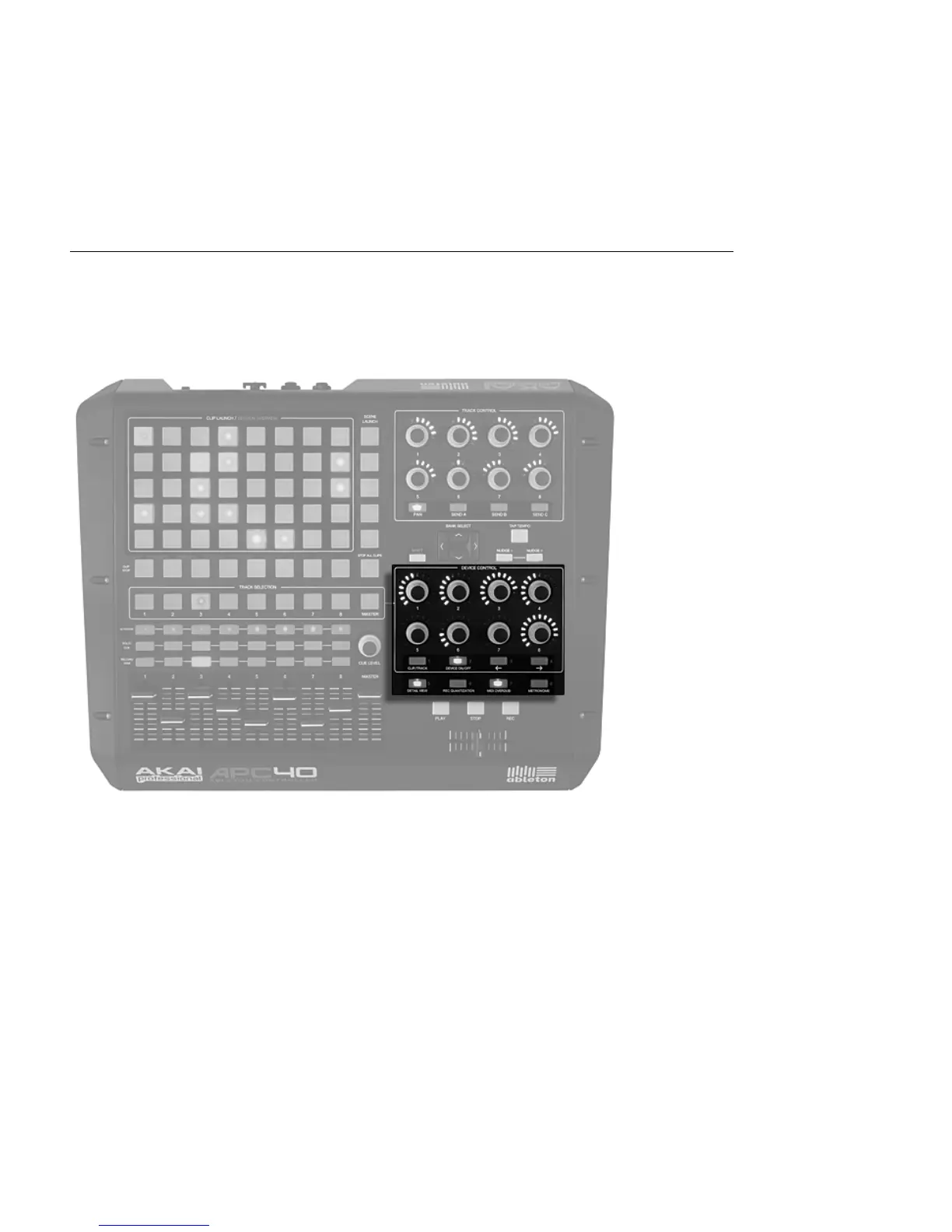
The APC40 features eight endless dials and four control buttons that map to your devices
automatically for exibility and speed on stage or in the studio.
Device Controls.
The Track Selection buttons route the eight endless encoders to the rst device or Rack on
that track, with LED rings to automatically show you the levels on the selected parameter.
Four buttons below the dials give you additional control options. Clip/Track lets you switch
between viewing the devices on a track or the properties of the clip currently playing on that
track. Device On/Off turns the currently selected device on or off. Device Left and Device
Right (indicated by two arrows) shift you one step sideways along a track's device chain.
Some effects or virtual instruments have more than eight parameters. When holding down
the Shift button, these eight buttons let you select eight banks of eight device parameter



 To Next Page