CHAPTER 32. LIVE KEYBOARD SHORTCUTS 516
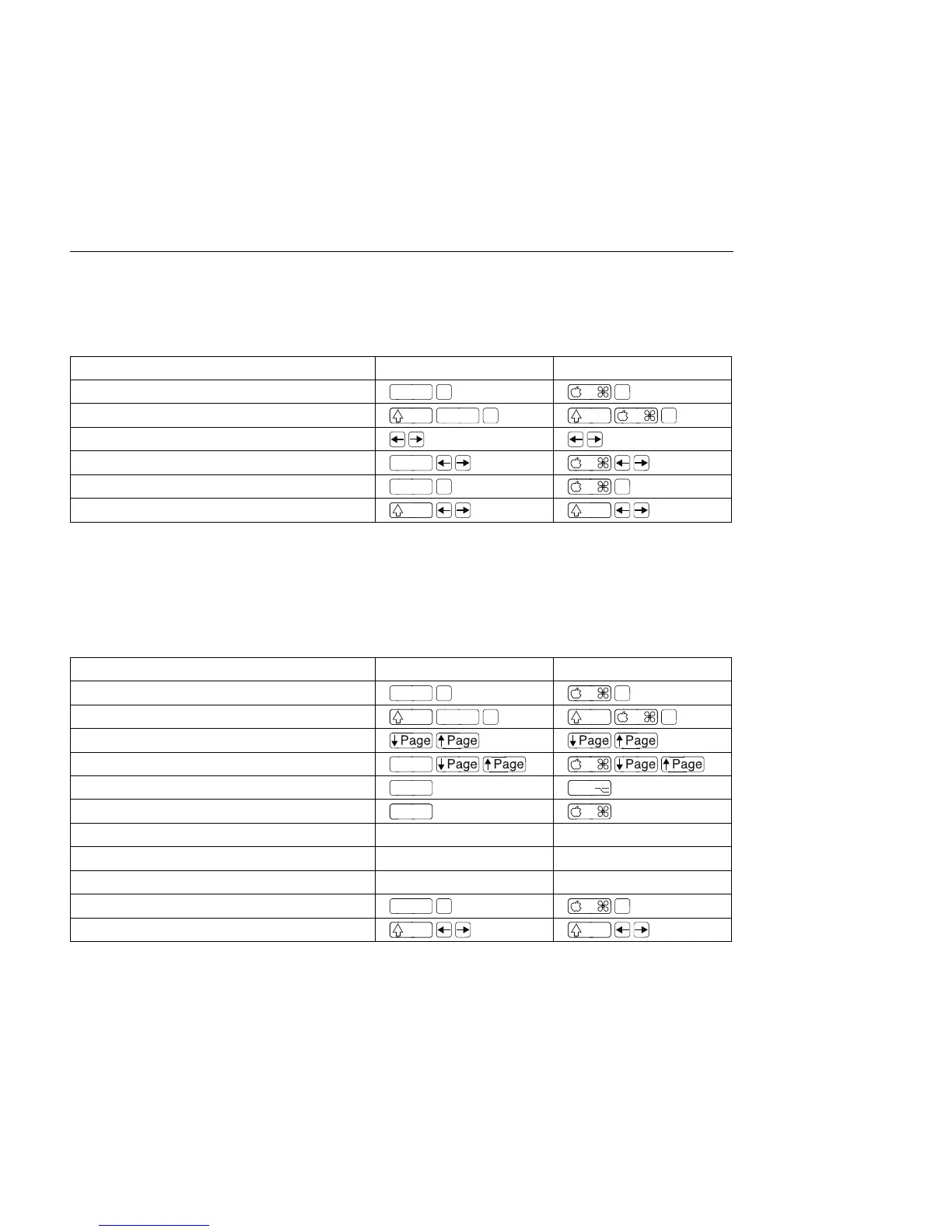
32.14 Clip View Sample Display
The shortcuts for zooming and loop/region settings also work in the Sample Display.
Windows Macintosh
Quantize
Move Selected Warp Marker
Select Warp Marker
Scroll Display to Follow Playback
Move Clip Region with Start Marker
32.15 Clip View MIDI Editor
The shortcuts for zooming, snapping/drawing and loop/region settings also work in the
MIDI Editor.
Windows Macintosh
Quantize
Scroll Editor Vertically
Scroll Editor Horizontally
Drag
Change Velocity From Note Editor
Drag Drag
Add/Delete Note in Edit Mode Double-Click Double-Click
Move Insert Mark to Beginning Home home
Move Insert Mark to End End end
Scroll Display to Follow Playback
Move Clip Region with Start Marker



 To Next Page