CHAPTER 16. WORKING WITH INSTRUMENTS AND EFFECTS 226
The VST Program/Bank
Load Button (Left) and
Save Button (Right).
VST programs and banks can be imported from les. Clicking the VST Program Load button
brings up a standard le-open dialog for locating the desired le.
W indows only: Please select from the File Type menu whether you want to locate VST
Device Program les or VST Device Bank les.
To save the currently selected program as a le, click the VST Program/Bank Save button to
bring up a standard le-save dialog; select VST Device Program from the Format menu
(Macintosh)/from the File Type menu (Windows); select a folder and name. For saving the
entire bank as a le, proceed likewise but choose VST Device Bank as a le type/format.
16.4 Audio Units Plug-Ins
Audio Units Plug-ins are only available in Mac OS X. In most respects, they operate just like
VST Plug-ins.
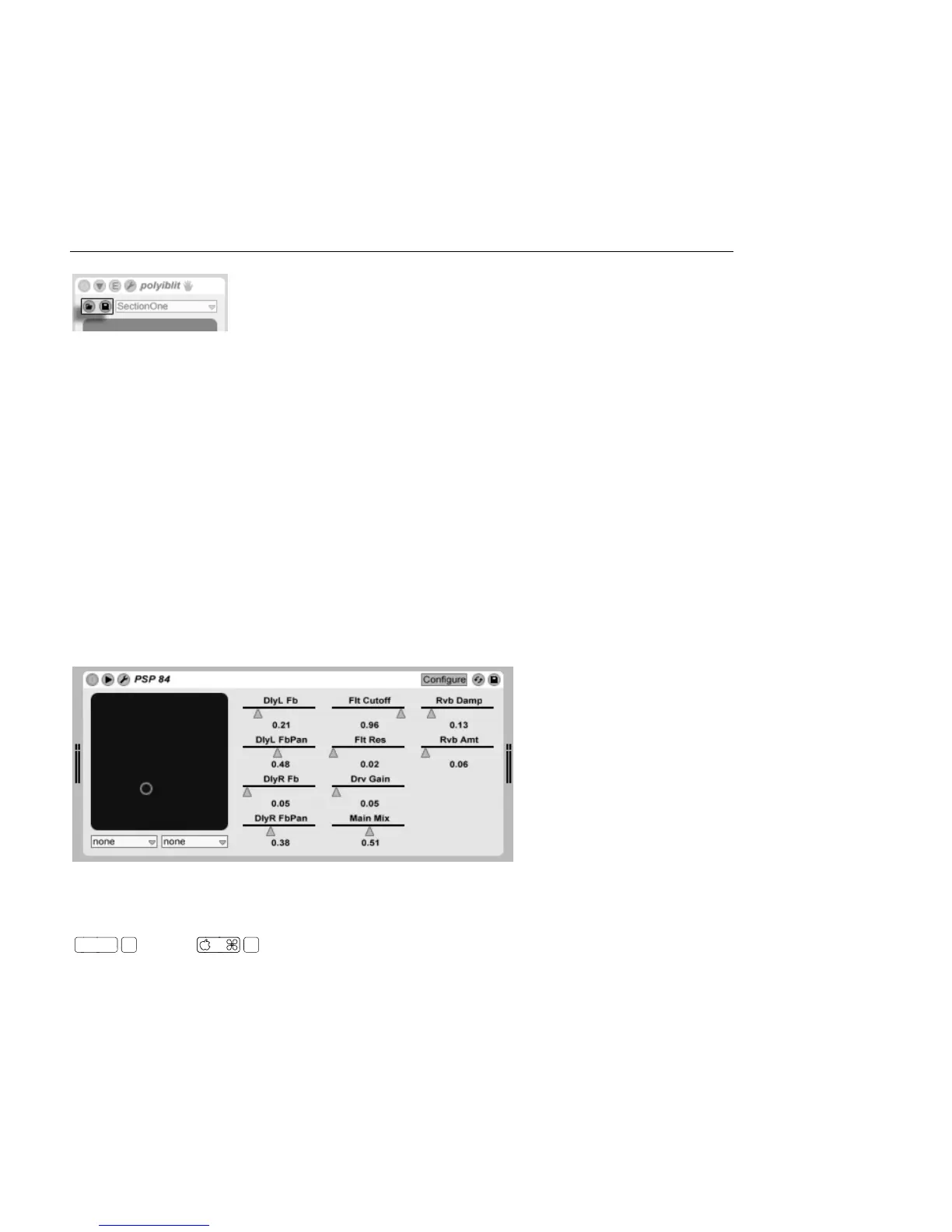
An Audio Units Plug-In.
The rst time you open Live, Audio Units Plug-ins will not appear in the Plug-In Device
Browser. In order to activate your Audio Units as a plug-in source, please press the Activate
button in the Plug-In Device Browser, or go to the File/Folder Preferences by pressing



 To Next Page