CHAPTER 10. EDITING MIDI NOTES AND VELOCITIES 137
Previewing MIDI Notes.
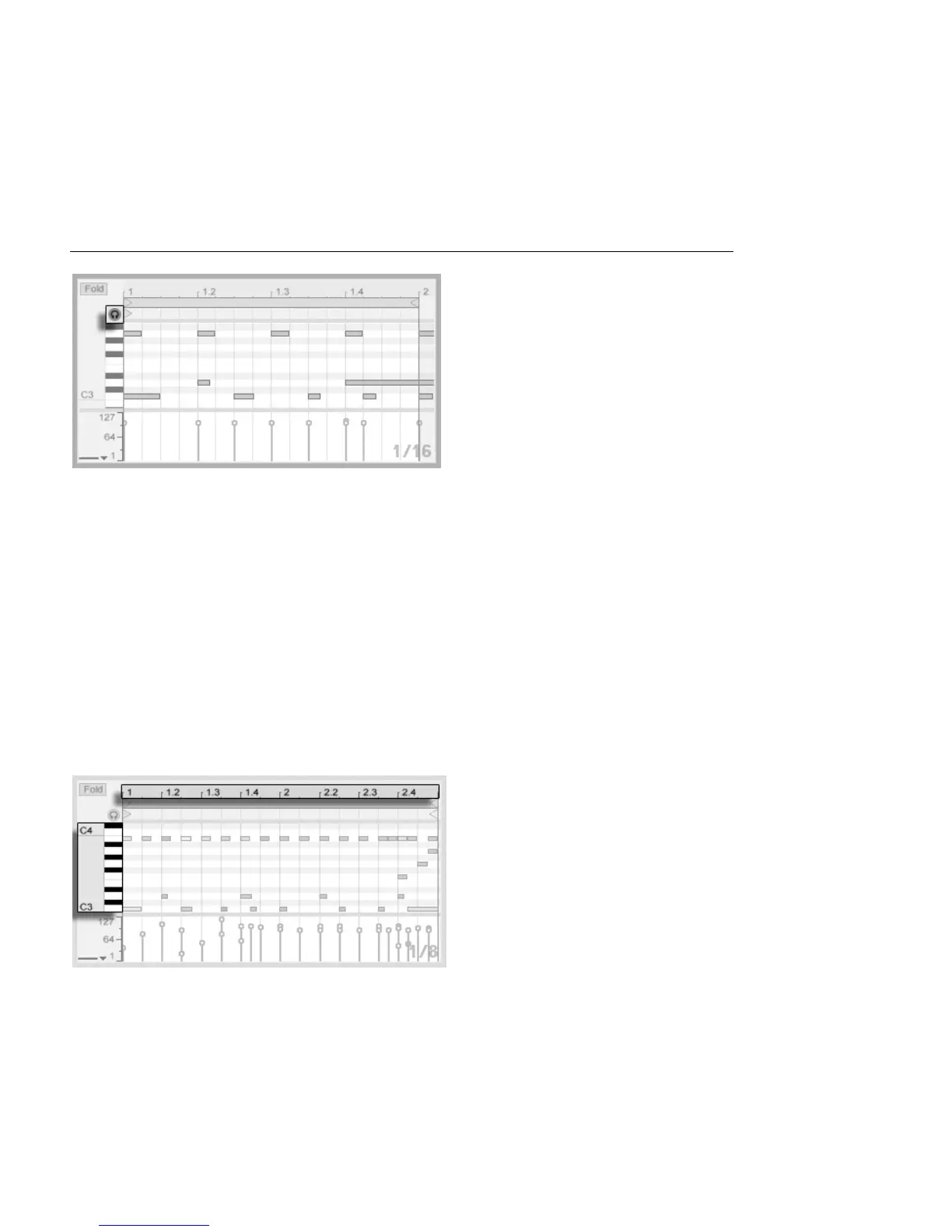
Provided your MIDI track's device chain contains an instrument, activating the Preview switch
in the MIDI Editor allows you to hear notes as you select and move them. If the MIDI track
is armed, activating Preview also allows you to step record new notes into the clip.
Note velocity is adjusted in the Velocity Editor, by clicking and dragging on the associated
markers. You can also use Draw Mode in the Velocity Editor: It will draw identical velocities
for all notes within a grid tile.
After drawing a few notes and moving them around, you will probably want to know how to
get around in the Note Editor. So, before we get into detailed editing information, we will
rst explain MIDI Editor navigation.
10.3 MIDI Editor Navigation and Transport
Note Scale Position Is
Shown Vertically and
Beat-Time Horizontally.



 To Next Page