CHAPTER 14. MIXING 186
The Session View Mixer.
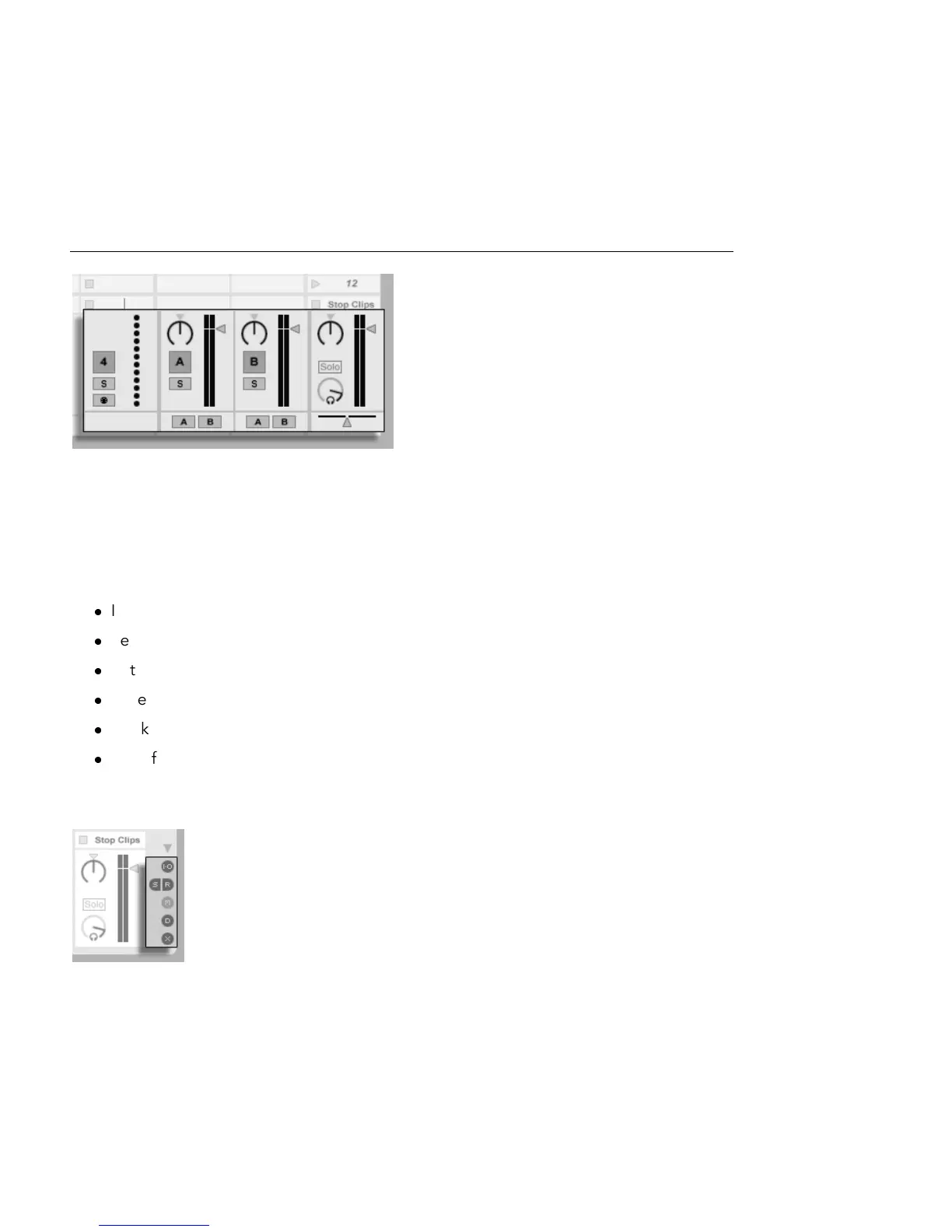
The Session View is a standard vertical mixer layout. You'll likely nd the Session View mixer
more intuitive than the Arrangement mixer, which comes in handy when you work with
automation. Note that the Tab key toggles between the Arrangement and Session Views.
The View menu options listed below show or hide mixer components. You can use different
mixer view setups in the Session View and in the Arrangement View:
In/Out
Sends
Returns
Mixer
Track Delays
Crossfader
The Mixer Section selectors on the right-hand side of the screen duplicate the View Menu
commands, making it possible to quickly show or hide different mixer components.
The Mixer Section
Selectors.



 To Next Page