CHAPTER 15. RECORDING NEW CLIPS 208
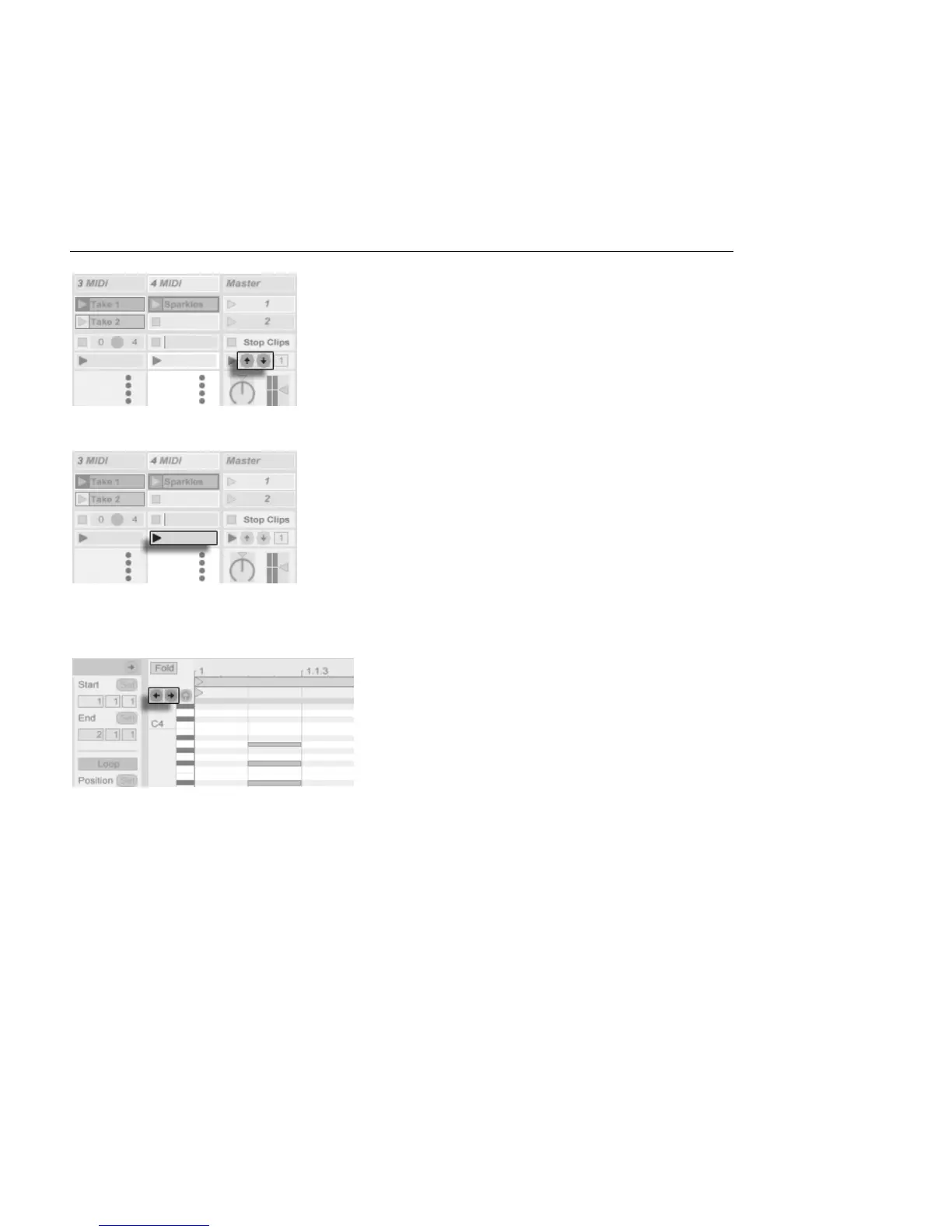
The Scene Up/Down
Buttons.
One key is used to jump to the next scene...
A Track Launch Button.
... and another key to start and end recording in the respective track.
You can also map the step recording navigators.
The Step Recording
Arrows.
This allows you to, for example, use MIDI foot pedals to move the clip's insert mark, thereby
keeping both hands free for playing a keyboard.



 To Next Page