CHAPTER 16. WORKING WITH INSTRUMENTS AND EFFECTS 210
Devices in the Track
View.
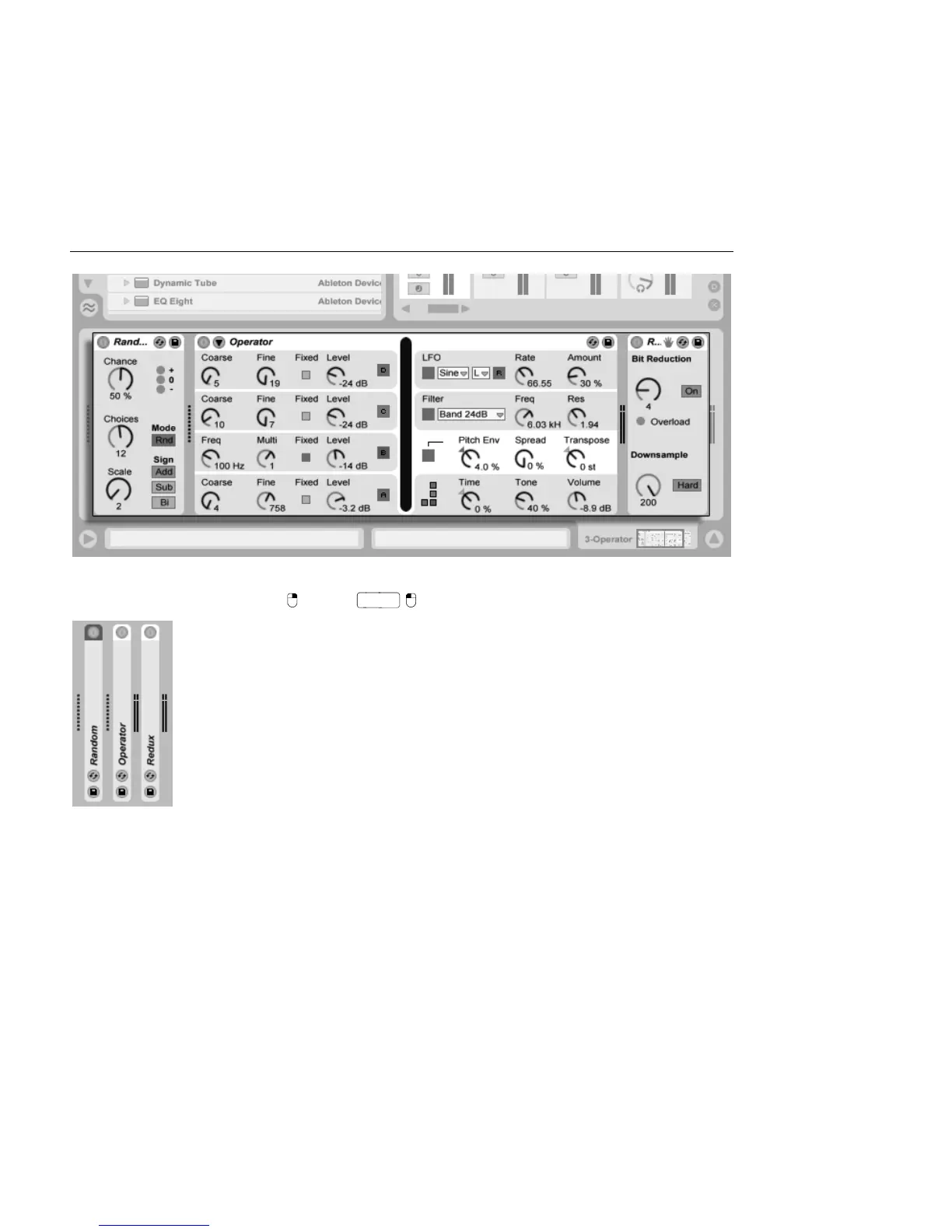
To save space in the Track View, a device can be collapsed by double-clicking on its title bar
or by choosing Fold from its (PC) /
(Mac) context menu.
Devices Can Be Folded.
To learn about a particular device and how to operate it, consult the Live Audio Effect
Reference, Live MIDI Effect Reference or the Live Instrument Reference.
To learn about creating and using custom groupings of instruments and effects, check out
the Instrument, Drum and Effect Racks chapter.
Get hands-on with devices by assigning their parameters to MIDI or key remote control.



 To Next Page