CHAPTER 5. MANAGING FILES AND SETS 33
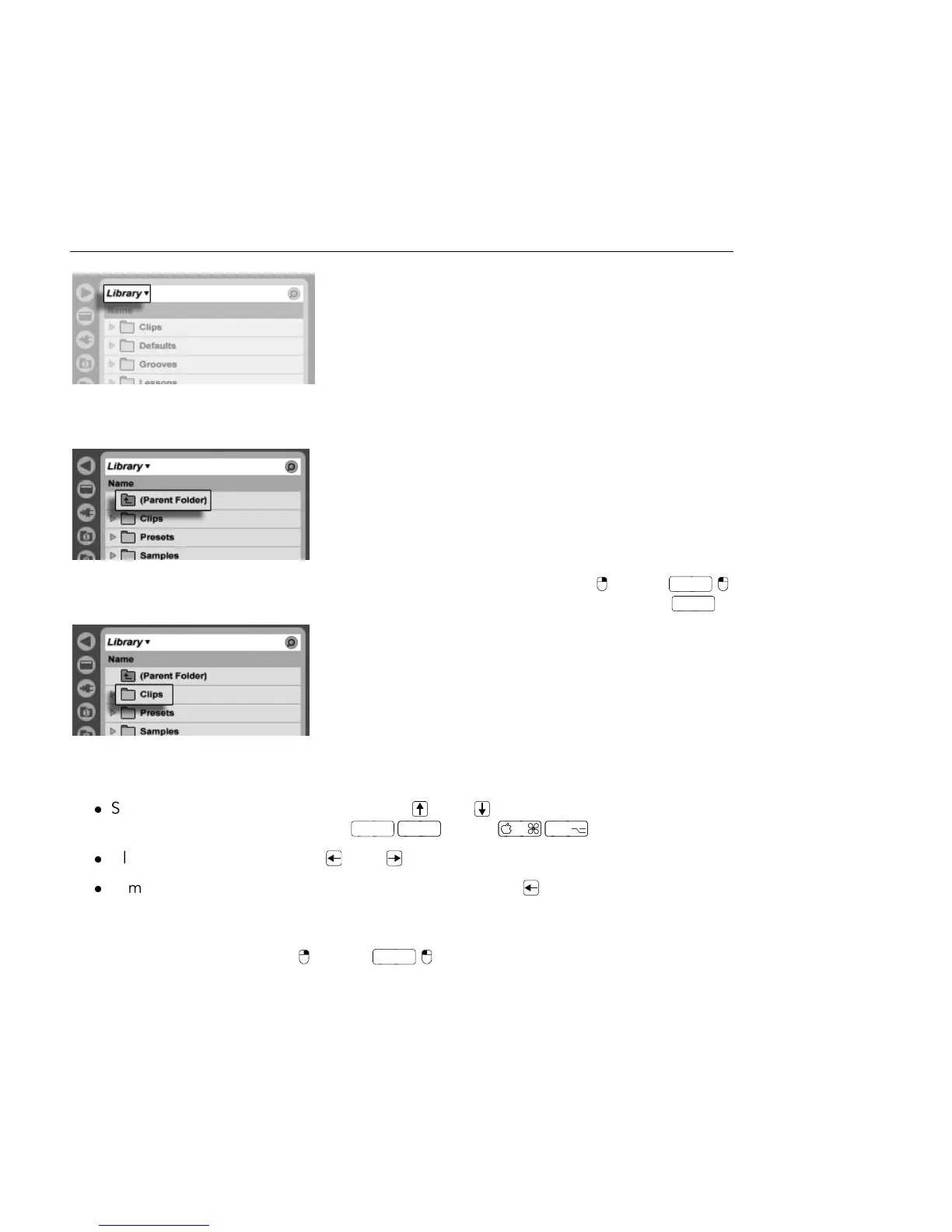
Library Is this
Browser's Root.
The Browser root can easily be changed: The topmost Browser item, called Parent Folder,
will move the Browser root up one step up in the disk hierarchy when double-clicked.
The File Browser's
Parent Folder Item.
You can also set the Browser root to any folder in the Browser via the (PC) /
(Mac) context menu, by double-clicking the folder, or by selecting it and pressing
.
A Folder in the Browser.
Moving through the les in Live's Browser can be done with either the mouse or the computer
keyboard:
Scroll up and down in the Browser with and , the mousewheel, or by clicking
and dragging while holding the
(Mac) modier.
Close and open folders with and .
Jump to the parent folder of any closed folder using . (Hint: If executed on a
top-level folder, this is an alternative to selecting the Parent Folder item, and will
move the Browser root up one level.)
To clean up the Browser, use (PC) /
(Mac) to access the context menu, and
then select the Close All Folders option to show only top-level folders. Double-clicking a



 To Next Page