CHAPTER 5. MANAGING FILES AND SETS 53
Set will be completely reconstructed, including their clips in the Session and Arrangement
View, their devices, and their automation.
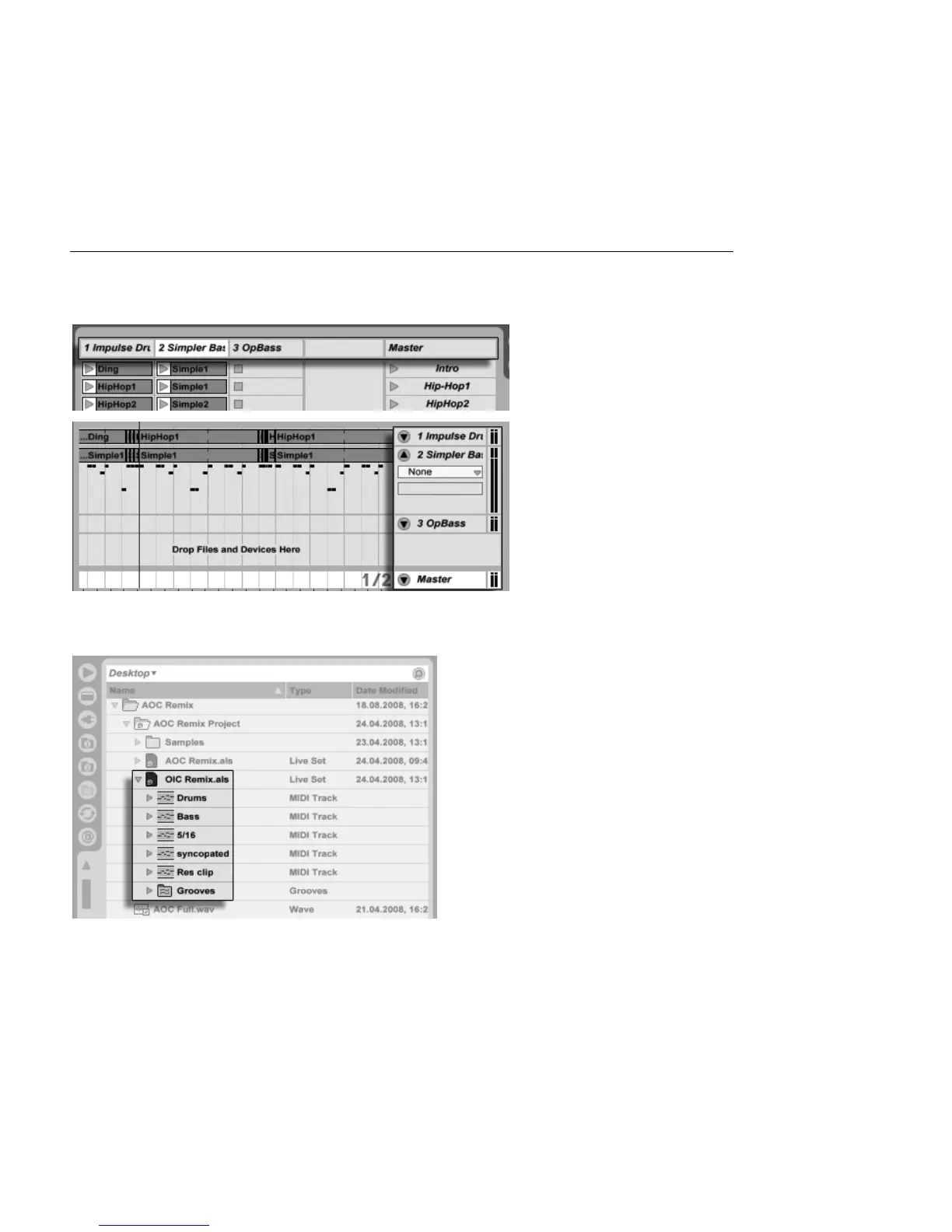
Session View Drop Area
for Importing Live Sets.
Arrangement View Drop
Area for Importing Live
Sets.
If you prefer to import individual tracks from a Set, you can unfold the Live Set in the File
Browser just as if it were a folder.
Unfolding a Set to
Reveal its Contents.
You can now drag the individual tracks and drop them as described at the beginning of this
section. Any grooves that were saved with your Set are also available as a folder within the



 To Next Page