9
3.3
Connecting the probe to the meter
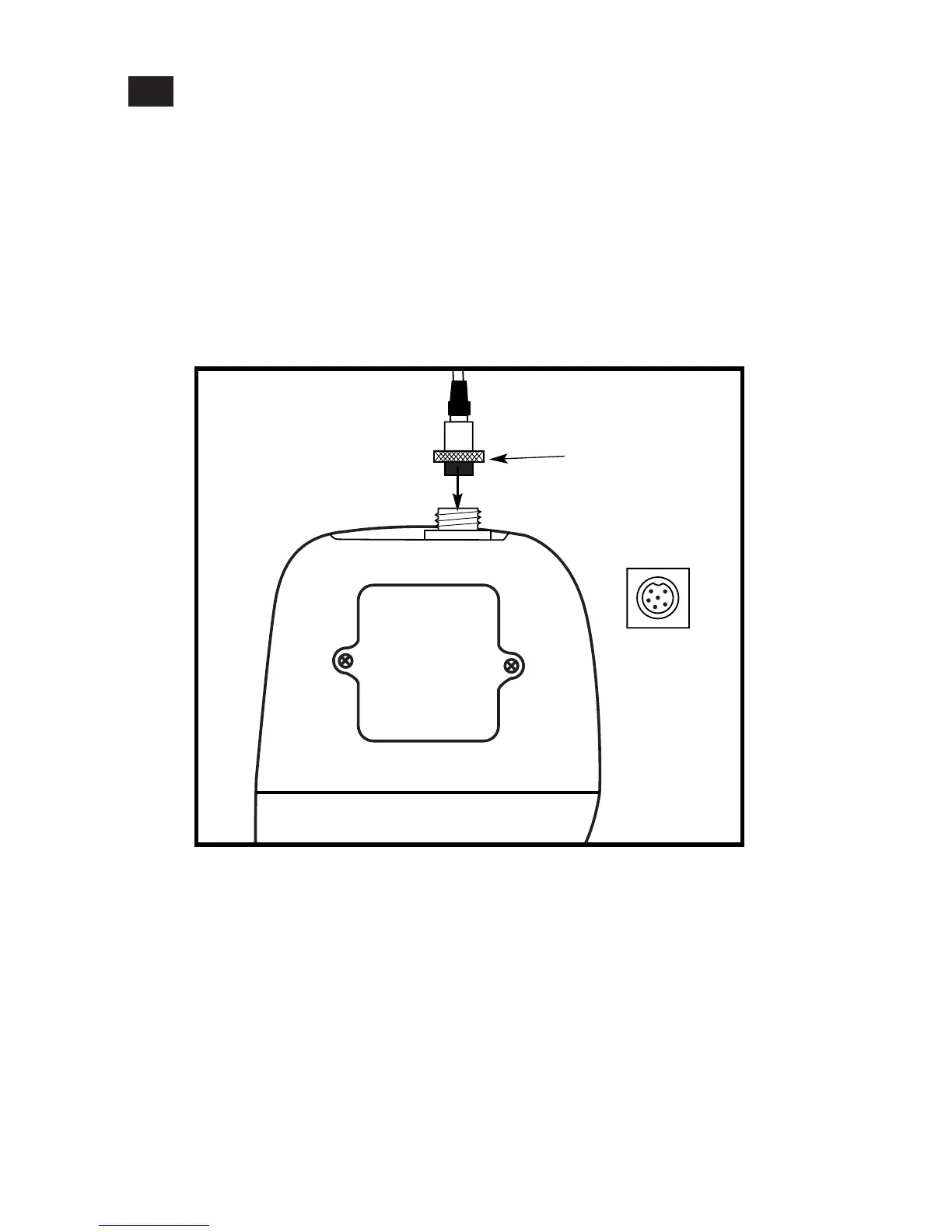
1. Line up the notch and 6 pins on the meter with the holes in the 6-pin connector.
Push down and turn the locking ring clockwise to lock into place.
See figure below.
2. To remove probe, turn the locking ring counterclockwise on the probe connector.
Pull probe away from the meter.
CAUTION: Do not pull on the probe cord or the probe wires might disconnect.
NOTE: Keep connectors clean. Do not touch connector with soiled hands.
Probe(with 6-pin connector)
locking ring
top view of 6-pin
connector of
temperature probe



 To Next Page