30
From measurement mode:
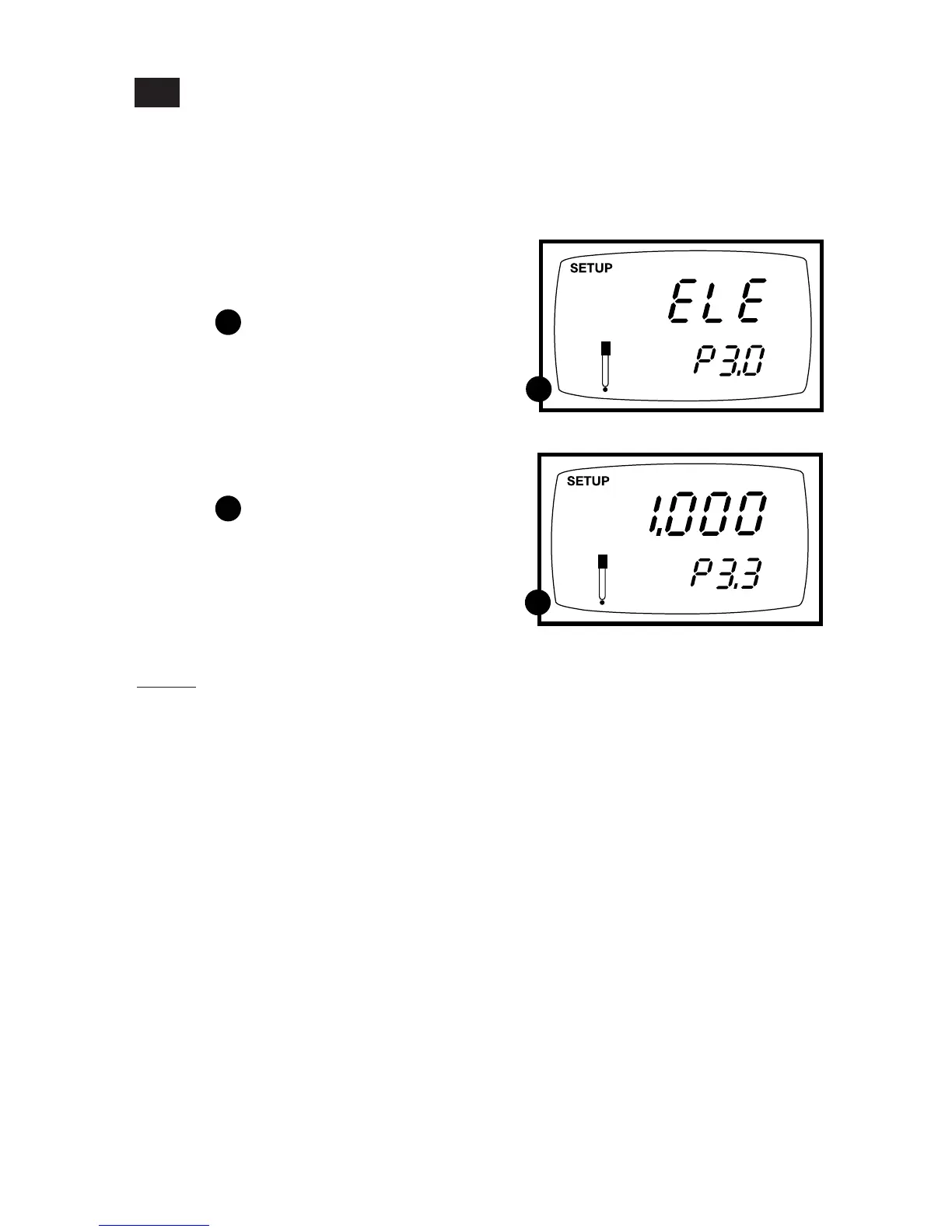
1. Press the Set up key to enter Set Up
mode.
See figure
2. Press the ▲ and ▼ keys to scroll
through subgroups until you view
parameter P3.0.
3. Press the ENTER key repeatedly to
view the effective cell constant for each
range.
See figure
4. When you have scrolled through all
probe data, you will automatically
return to the subgroup menu. Press
the CAL/MEAS key to return to
measurement mode.
Notes
Cell constants will degrade with time and
usage. You can use this feature to alert you
to the need for a new probe prior to total
failure.
P3.0: Viewing probe data
Program 3 has five "view only" options that let you check your probe’s parameters for
diagnostic purposes. These options show you the effective cell constant for each range.
The cell constant is adjusted according to your calibration.
7.4
A
A
B
B



 To Next Page