43
10. Error Messages
LCD
Indicates Cause Solution
Display
Err Unrecognized input Wrong input in Release key. Select
annunciator from keypad selected mode. valid operations
depending on mode.
CAL & Err Calibration error Wrong buffer value Check your calibration
annunciators on/ input at calibration. input value, clean probe.
Buffer and Dirty probe. See Calibration sections or
electrode Probe Maintenance section.
indicators blink
Battery Low battery level Need new batteries Clean battery contacts.
indicator blinks or battery Replace batteries with fresh
connection is bad ones, noting polarity
Err. 1 Memory write Hardware failure. Turn meter on and off
(in primary error again. If message persists,
display) return unit*
Err. 2 Memory checksum Hardware failure. Turn meter on and off
(in primary error again. If message persists,
display) return unit*
Err. 3 ACD converter Hardware failure. Turn meter on and off
(in primary error again. If message persists,
display) return unit*
Err. 4 Keypad error Fault in keypad Turn meter on and off
(in primary again. If message persists,
display) return unit*
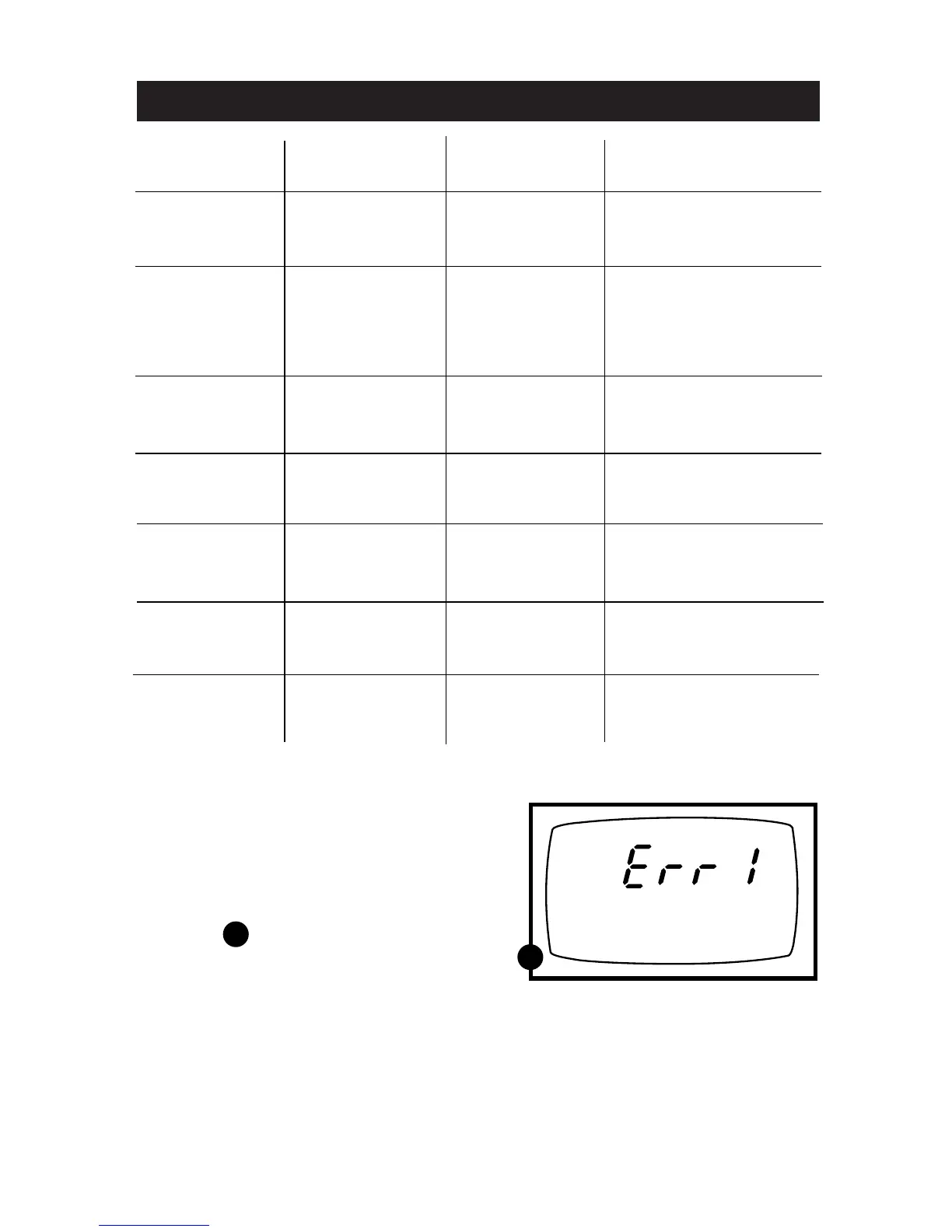
If an error message appears in the primary
display (the upper row of larger digits),
switching off the meter and switching it on
again may eliminate the error message.
See figure
If error persists, or the meter shows
incorrect values, return the meter.
For a complete diagram of the display,
see page 5.
ERR 1 in primary display
A
A



 To Next Page