28
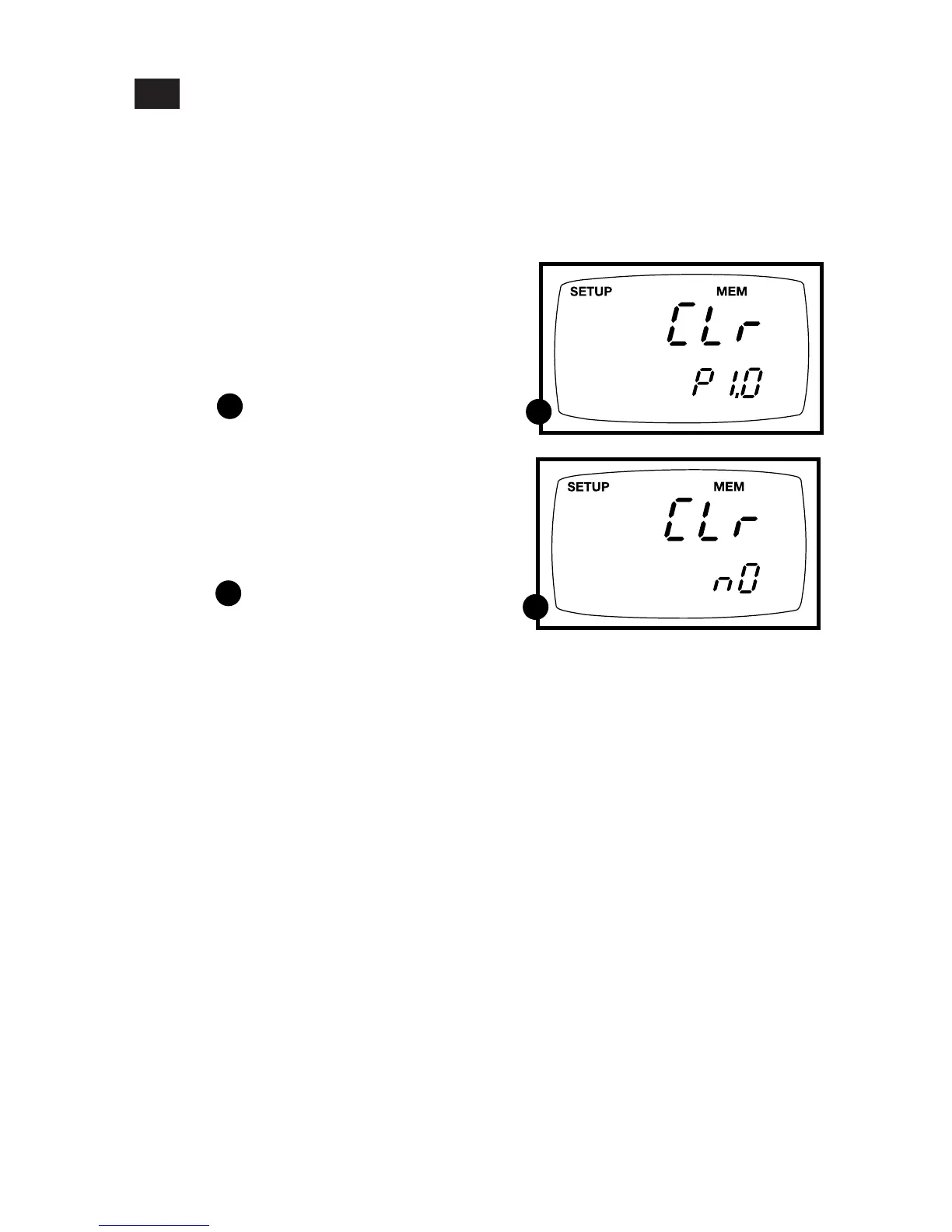
P1.0: Memory Clear
Use this parameter to clear all memory values when you need to store a new series of
values. This lets you avoid confusing the old values with the new ones. NO is the
default setting.
NOTE: Selecting YES will wipe out all memory.
7.2
A
A
B
B
From measurement mode:
1. Press the Set up key to enter Set Up
mode.
2. Press the ▲ and ▼ keys to scroll through
subgroups until you view parameter P1.0.
See figure
3. Press the ENTER key to enter parameter
P1.0.
4. Press the ▲ and ▼ keys to toggle
between NO and YES.
• NO retains current memory
• YES clears all memory
See figure
5. Press the ENTER key to confirm selec-
tion and return to the subgroup menu.
Press the CAL/MEAS key to return to
measurement mode.



 To Next Page