25
7. Advanced set up mode
The advanced set up mode lets you customize your meter’s preferences and
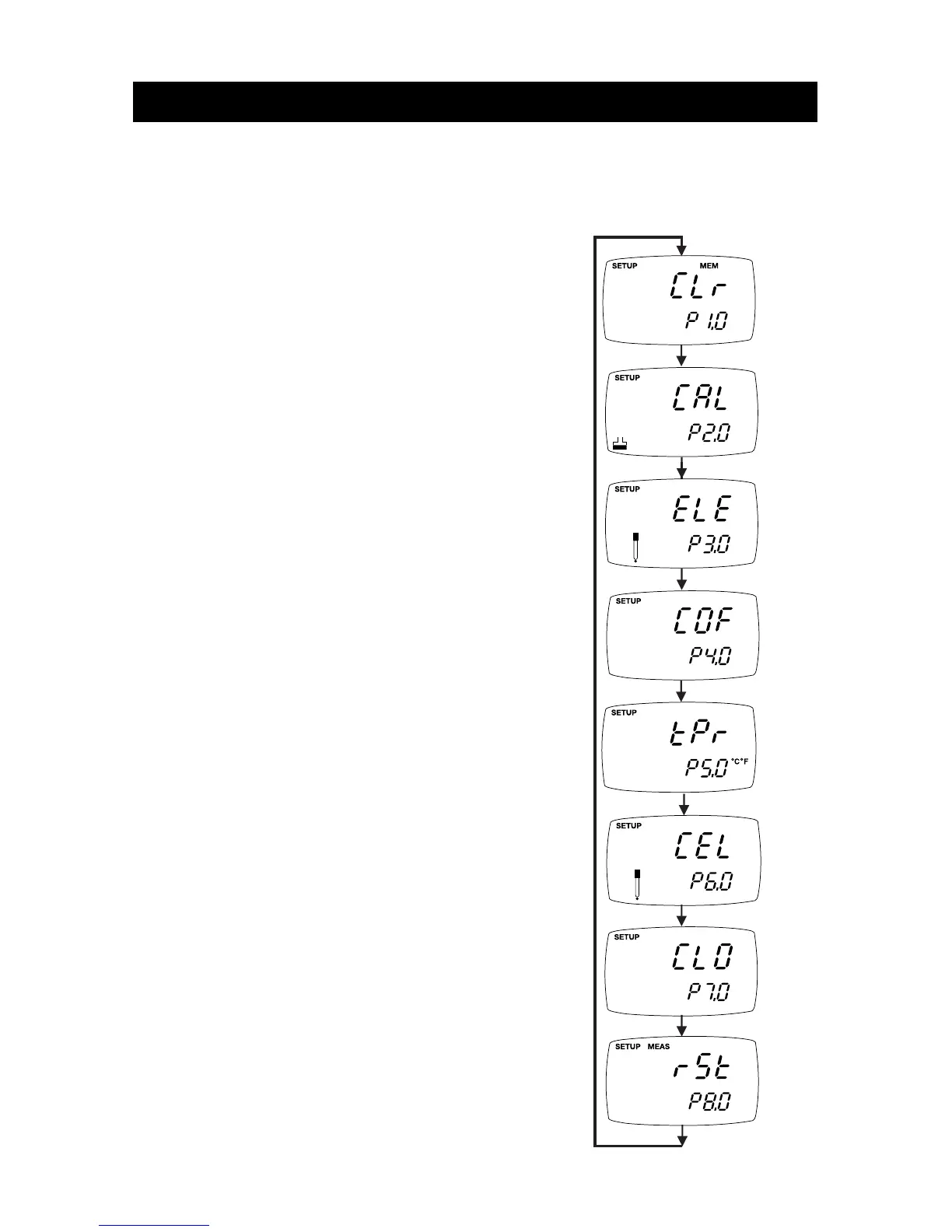
defaults. Your waterproof meter features different sub groups that organize all
set-up parameters.
The sub groups are:
1. P1.0: Memory clear (CLR)
2. P2.0: Viewing calibration data (CAL)
3. P3.0: Viewing probe data (ELE)
4. P4.0: Unit configuration (COF)
5. P5.0: Temperature (tPr)
6. P6.0: Selecting cell constant (CEL)
7. P7.0: Setting clock (CLO)
8. P8.0: Reset to factory defaults (rSt)



 To Next Page