22 21
5.5
This feature lets you freeze the display for a
delayed observation. HOLD can be used
any time when in MEAS mode.
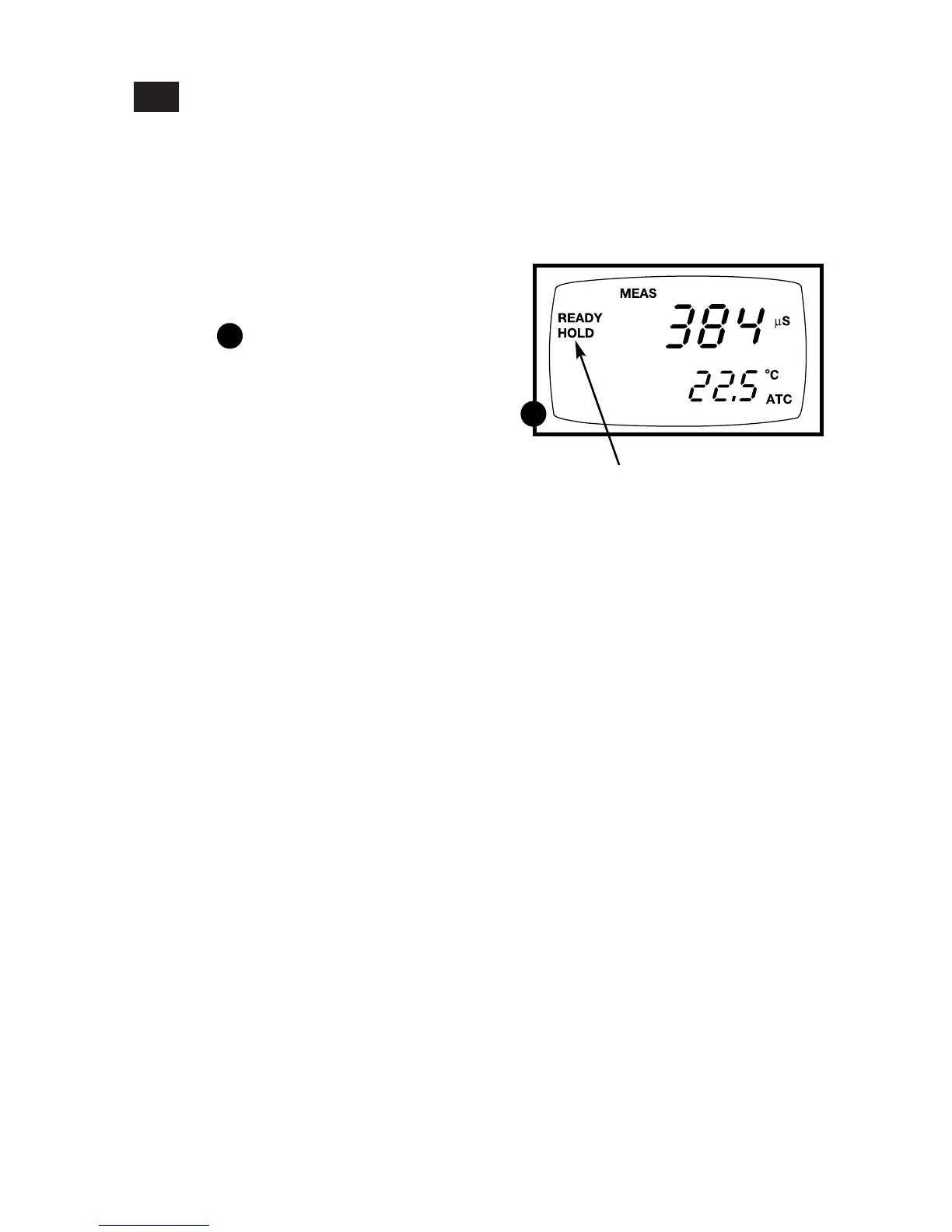
1. To hold a measurement, press the
HOLD key while in measurement
mode. "HOLD" will appear on the
display.
See figure
2. To release the held value, press HOLD
again. Continue to take measurements.
NOTE: This meter shuts off automatically
after 30 minutes of nonuse.
If the meter is shut off either
automatically or manually, the
HOLD value will be lost. For
longer storage, use the memory
functions (see pages 23-24).
NOTE: Your meter has an auto endpoint
feature. When this feature is
switched on, and when a reading is
stable for more than 5 seconds, the
display will automatically “hold”
the reading. The “hold” indicator
appears. Press the HOLD key to
release the reading. To switch on or
off the auto endpoint feature, see
Set up program P4.1 on page 31.
A
A
Hold Function



 To Next Page