37
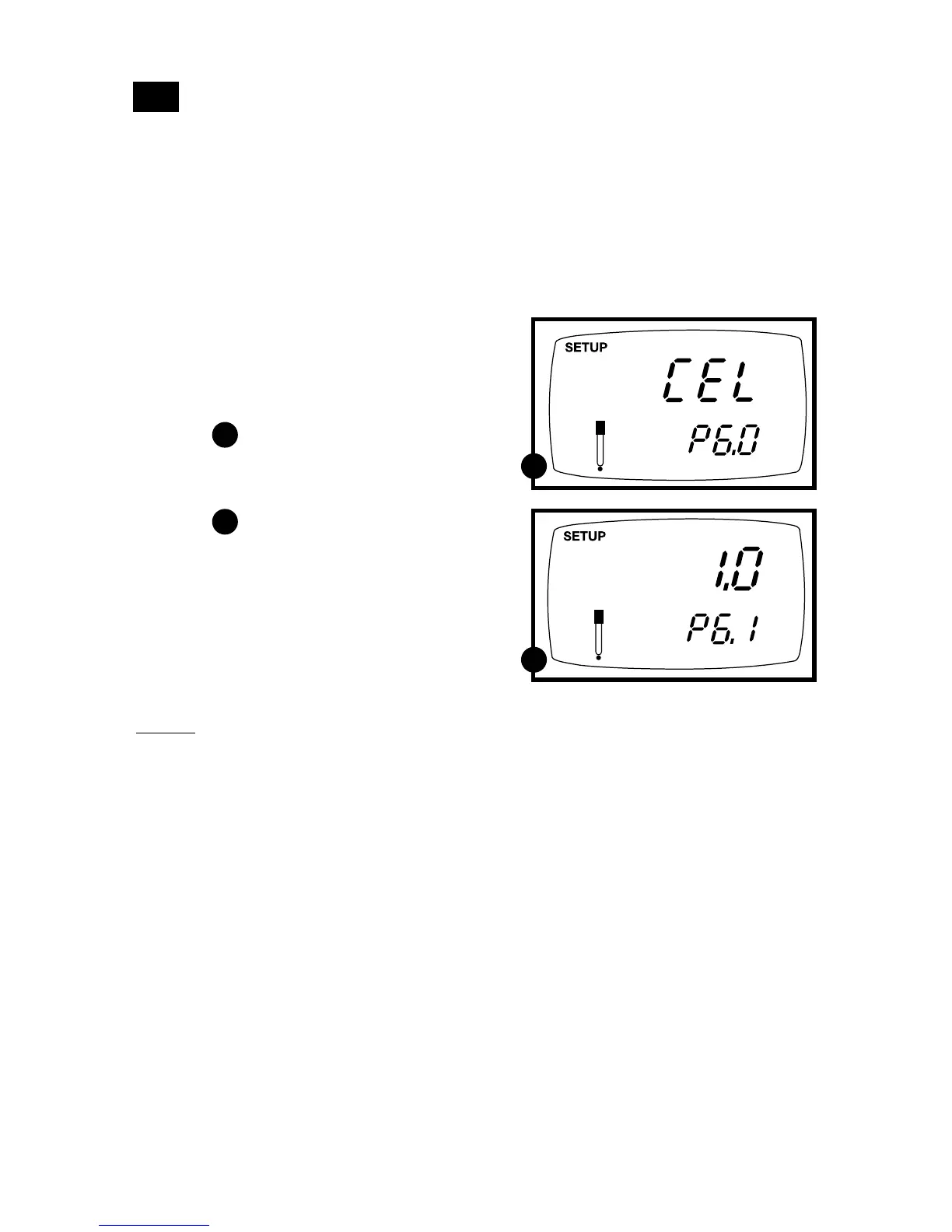
P6.0: Selecting the cell constant
Your meter lets you select a cell constant of K = 1.0, 10, or 0.1.
• Use a cell of K = 1.0 for midrange measurements
• Use a cell of K = 10 for high range measurements (above 20 mS or 10 ppt)
• Use a cell of K = 0.1 for low range measurements (below 20 µS or 10 ppm).
The cell included with your meter has a cell constant of K = 1.0. Contact us for infor-
mation on cells with different cell constants.
7.7
From measurement mode
1. Press Setup key to enter Set Up mode.
2. Press the ▲ and ▼ keys to scroll through
subgroups until you view parameter P6.0.
See figure
3. Press the ENTER key to select
parameter 6.1.
See figure
4. Press the ▲ and ▼ keys to select the
between K = 1.0, 0.1, or 10.
5. Press the ENTER key to confirm selection
and to return to the subgroup menu. Press
the CAL/MEAS key to return to measure-
ment mode.
Notes
When using a cell of K = 0.1, the lowest
measuring range will be:
• 0 to 1.999 µS (0 to 0.999 ppm).
The 0 to 199.9 mS (10 to 200 ppt) range will
not be accessible.
When using a cell of K = 10, the highest
measuring range will be:
• 0 to 1999 mS (100 to 2000 ppt).
The 0 to 19.99 µS (0.00 to 9.99 ppm) range
will not be accessible.
A
A
B
B



 To Next Page