24
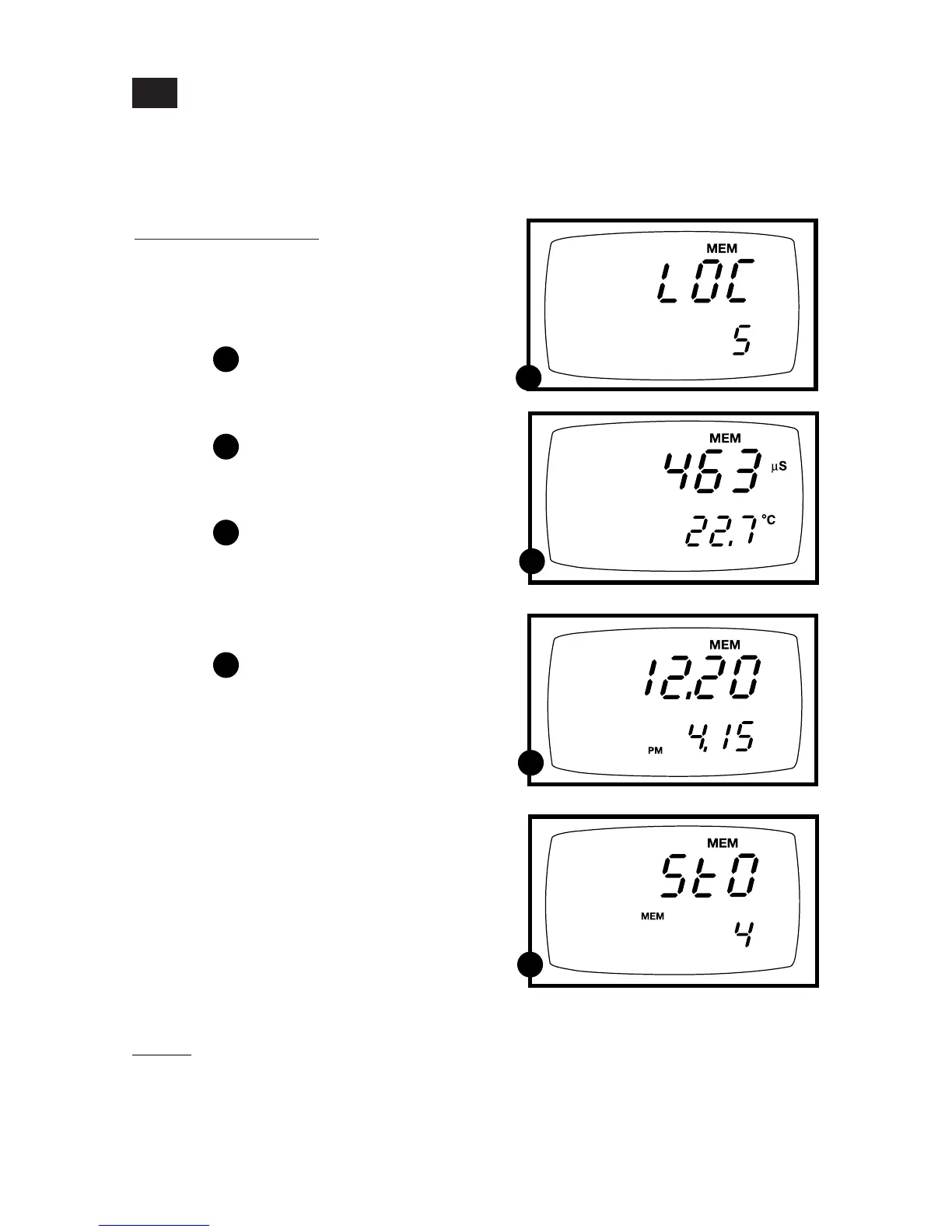
To recall readings:
1. Press the MR key once to retrieve the
last reading stored. The memory location
screen—MEM, “Loc” and the memory
number—will flash on the display.
See figure
2. Press the ENTER key to recall the read-
ing stored under that memory number.
See figure
3. Press the ENTER key again to view the
date and time the reading was taken.
See figure
4. Press the ENTER key again to return
to the “memory location” screen. The
display automatically moves to the next
memory location screen.
See figure
5. If necessary, press the ▲ key to select
the next “memory location” screen;
press the ▼ key to select the previous
“memory location” screen.
6. Repeat steps 2-5 to review additional
stored data sets.
7. To exit Memory Recall, press the MEAS
key to return to the Measurement mode.
Memory Recall
This function recalls the previous readings stored in the memory. You can only
access MR from the MEASurement mode. Memory recall is in “Last In First Out”
order.
6.2
B
C
C
D
D
E
E
Notes
Readings stored in memory are retained even if the unit is turned off. To erase all
readings stored in memory, use the SETUP mode P1.0 on page 28.
B



 To Next Page