40
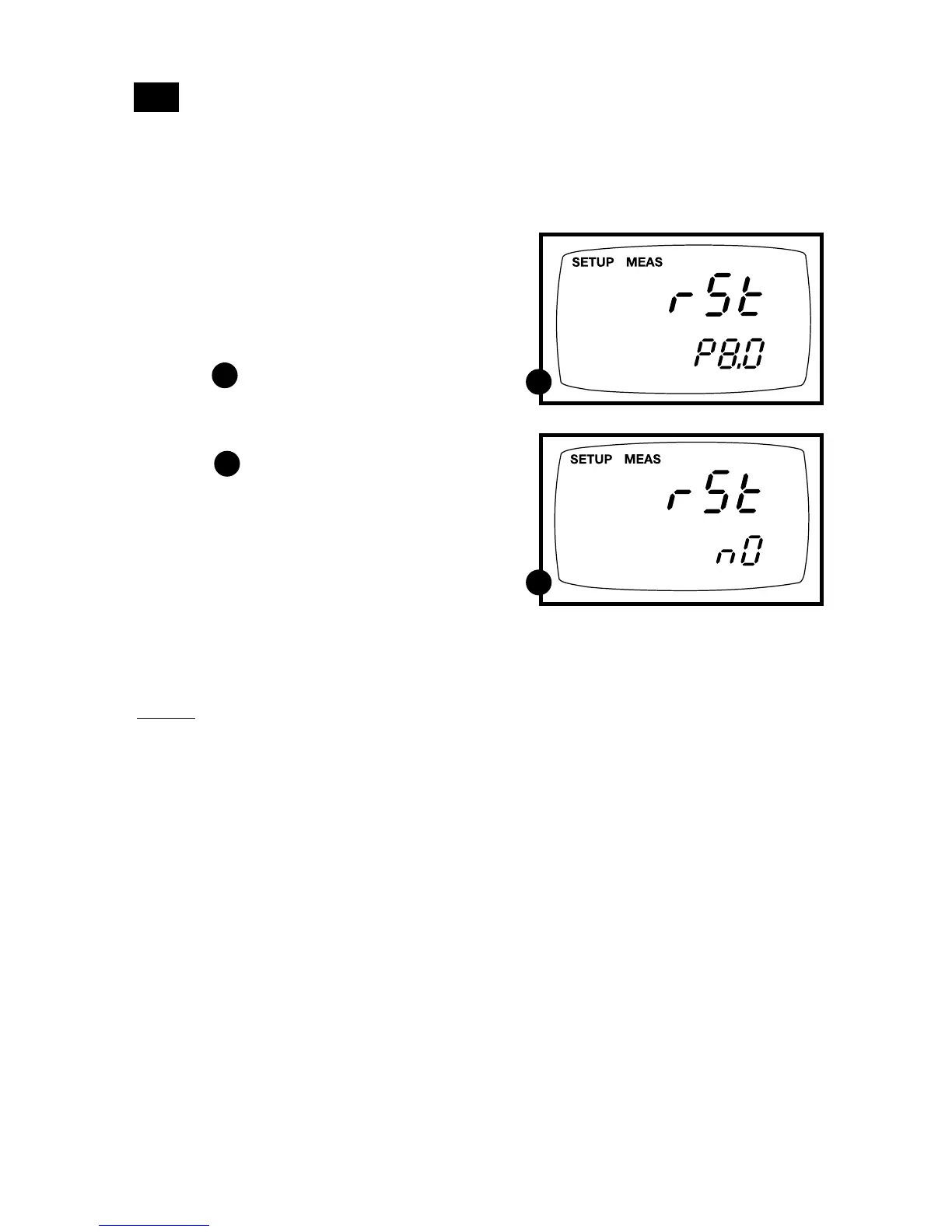
P8.0: Resetting to factory default settings
Program 8.0 lets you reset all parameters to factory default settings. This clears all
calibration data, memory, and any other setup functions you might have changed.
It does not clear clock settings.
A
B
7.9
From measurement mode
1. Press Setup key to enter Set Up mode.
2. Press the ▲ and ▼ keys to scroll through
subgroups until you view parameter
P8.0.
See figure
3. Press the ENTER key to enter
parameter P8.0.
See figure
4. Press the ▲ and ▼ keys to toggle
between NO and YES.
• NO retains current settings
• YES resets to factory default settings
5. Press the ENTER key to confirm selec-
tion and to return to the subgroup menu.
Press the CAL/MEAS key to return to
measurement mode.
Notes
See Addendum 5 on page 49 for a table of
factory default settings.
A
B



 To Next Page