23
6. Memory and data input functions
Memory Input
Your meter stores up to 50 sets of data. Data sets include conductivity, temperature,
date, and time.
6.1
A
To store a reading:
1. During any measurement function
(MEAS), press the MI key to input any
data into the memory
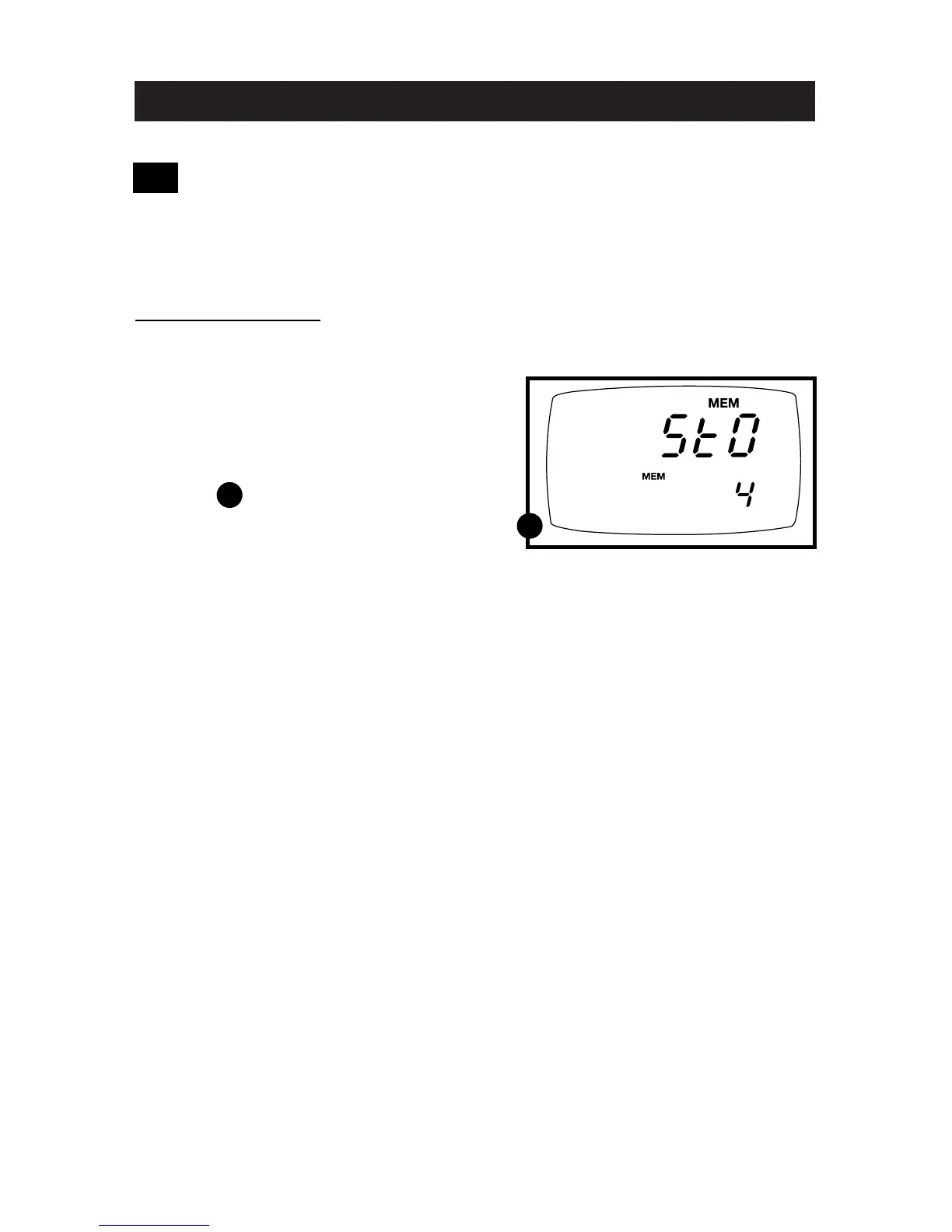
2. MEM, “Sto” and memory number
will flash. The meter then returns to
measurement mode.
See figure
NOTE: If the memory is full, the first value
stored will be erased to create space
for the new value.
A



 To Next Page