29
From measurement mode:
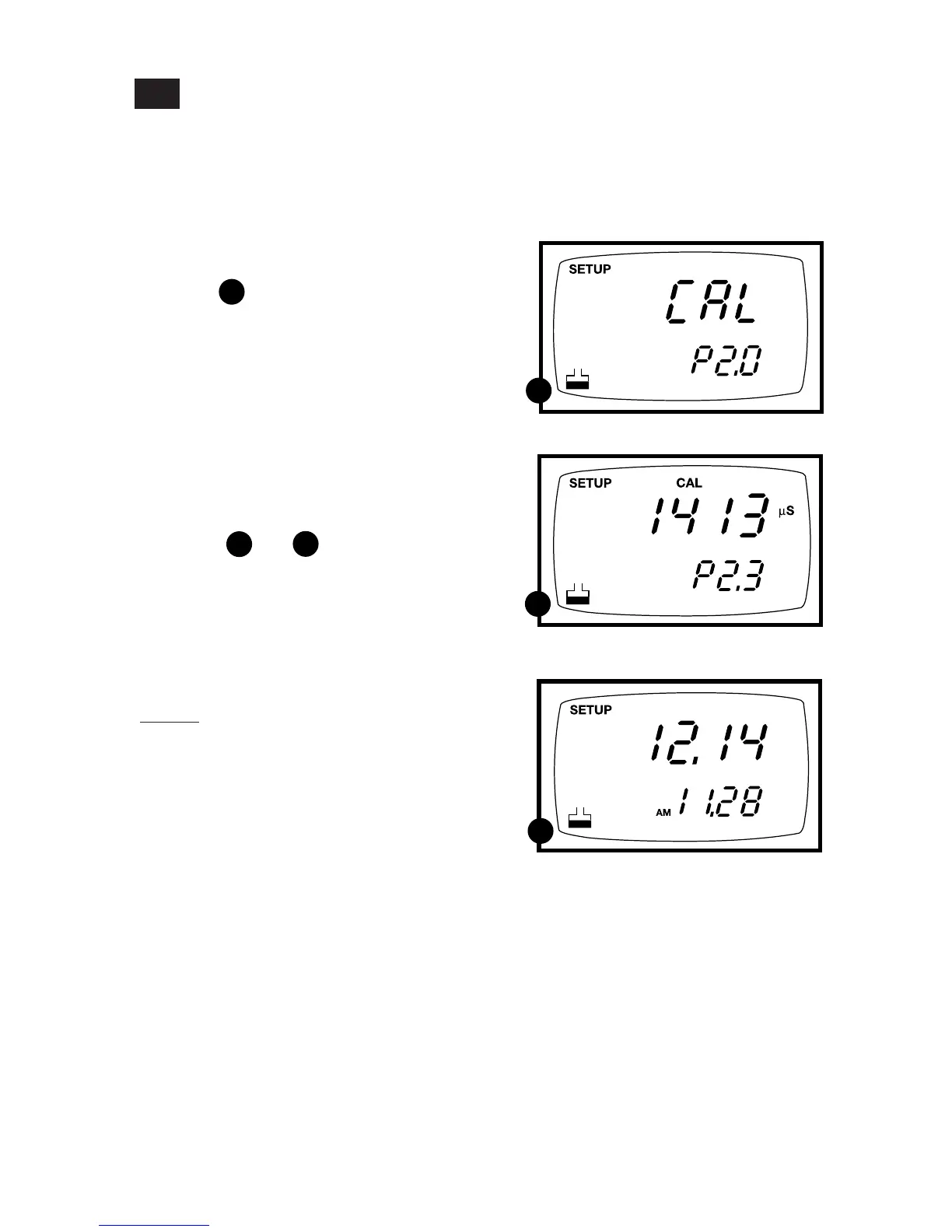
1. Press the Set up key to enter Set Up
mode.
See figure
2. Press the ▲ and ▼ keys to scroll through
subgroups until you view parameter
P2.0.
3. Press the ENTER key repeatedly to
view previous calibration data. The
meter will first display the calibration
point, and then display the date and time
of calibration to help you comply with
GLP standards.
See figures and
4. When you have scrolled through all
calibration data, you will automatically
return to the subgroup menu. Press the
CAL/MEAS key to return to measure-
ment mode.
Notes
If there is no previous calibration data at a
particular point, the primary display will
show “----”.
If you entered Set Up mode from
Conductivity measurement mode, calibra-
tion data will be in µS or mS. If you entered
Set Up mode from TDS measurement mode,
calibration data will be in ppm or ppt.
P2.0: Viewing calibration data
This mode lets you recall previous calibration data, which helps you know when to
recalibrate your meter. This is a “view only” mode.
7.3
A
A
B
B
C
C
Calibration data
date/time



 To Next Page