7-22 – Fan Balance 7
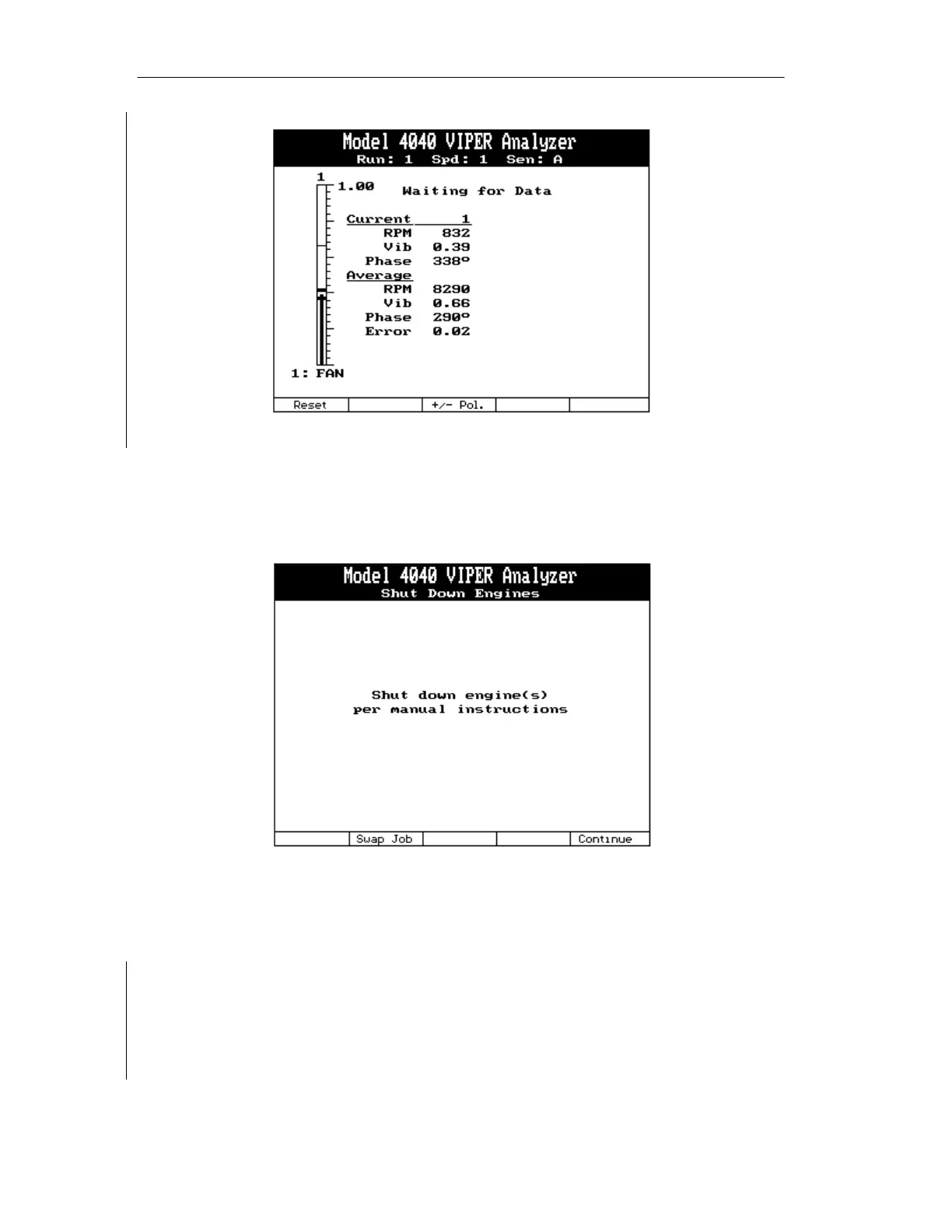
7.1.20. Shut Down Engines. The screen will display the message “Shut Down engine(s) per
flight manual instructions”. Press [F2] “Swap Job” to return directly to the Main
Menu without rebooting the analyzer. Press the [F5] “Continue” key to
acknowledge the message and shut down the engine(s).
7.1.21. Review Prior Run(s) Data. The Review Prior Run(s) Data screen, shown below,
will be displayed showing the RPM, Vib (amplitude) and Deg (phase angle)
collected on all runs up to this point. Pressing the [⇐] or [⇒] keys will allow you to
navigate through the readings from all runs of the current job. Use the text on the
first line to determine the run number. While viewing the current run, the currently
active RPM field will have its color scheme inverted. Use the [⇓] and [⇑] keys to
move the highlighted field. To re-take measurements for the current speed, press the
[F1] “RetakeOne” key. To retake readings for all speeds, use the [F2] “RetakeAll”
key. Press [ENTER] to accept the current measurements and continue.


 To Next Page