9-22 – Vibration Spectrum Surveys 9 Revision 3.01, Oct 2012
9.3. - Manage Jobs
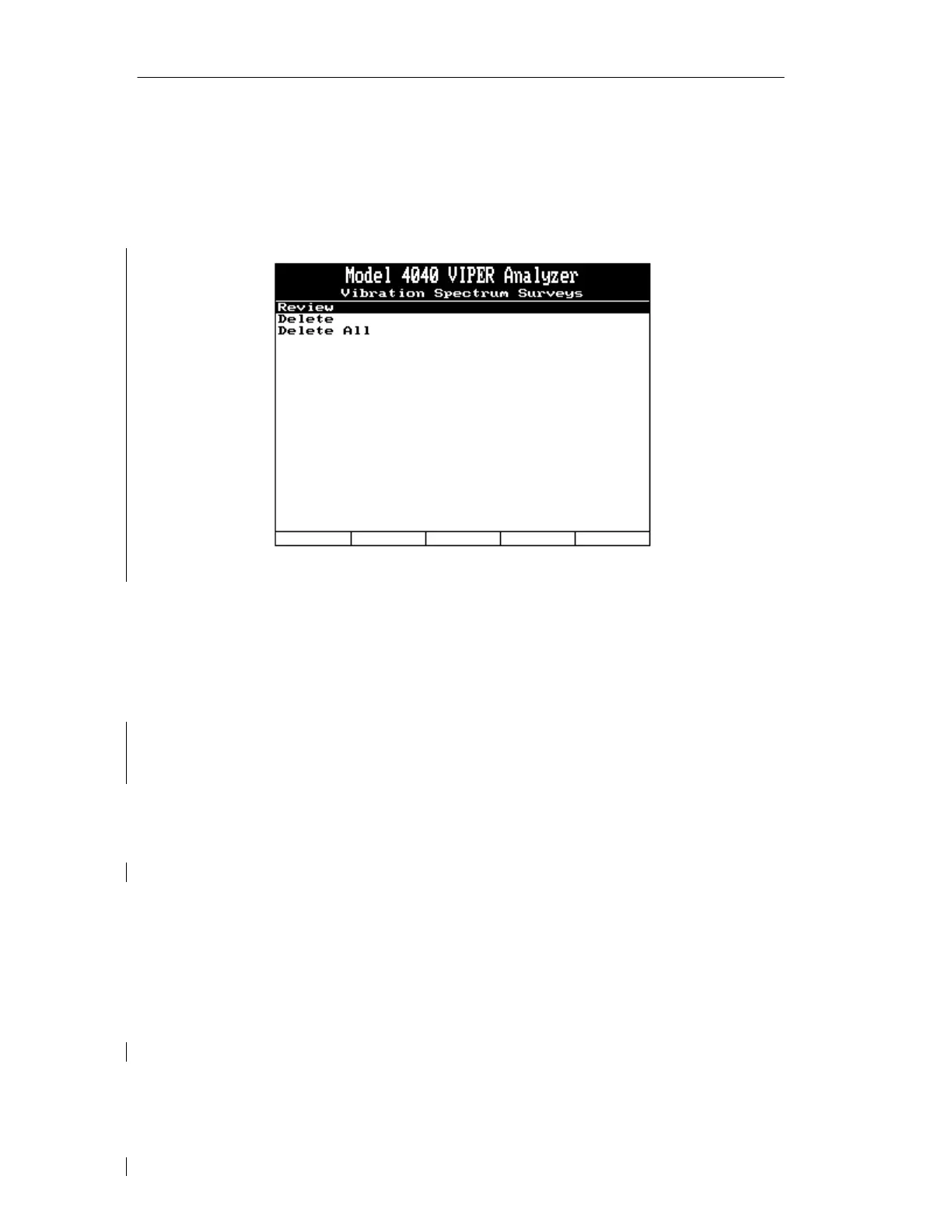
Selecting “Manage Jobs” from the “Vibration Spectrum Surveys” banner screen menu
presents several sub-menu choices to choose from. These choices allow you to “manage”
previously completed job data you have stored in the analyzer.
9.3.1. - Review
Selecting the “Review” option presents a list of stored jobs on the “Job List” banner screen.
You can select one job for on-screen viewing. When viewing is complete, press the
[BACKUP] or [ENTER] key to exit the screen.
9.3.2. - Delete
The “Delete” option presents a list of stored jobs on the “Job List” banner screen. From the
list, you may select one job for deletion. After making your selection, the “Delete Job”
banner screen will appear, asking you to verify your intent to delete the selected job by
pressing the [F1] key for “Yes” or the [F5] key for “No.” You may wish to transfer the data
to AvTrend for reference or permanent record prior to deleting. Once deleted, the job cannot
be retrieved from the analyzer.
9.3.3. - Delete All
The “Delete All” option will delete all currently stored jobs. After selecting this option, the
“Delete All Job” banner screen will appear, asking you to verify your intent to delete all the
jobs by pressing the [F1] key for “Yes” or the [F5] key for “No.” You may wish to transfer
the data to AvTrend for reference or permanent record prior to deleting. Once deleted, the
jobs cannot be retrieved from the analyzer.



 To Next Page