5-28 – Main Rotor Track & Balance 5 Revision 3, Oct 2012
5.3.9. – Review Data
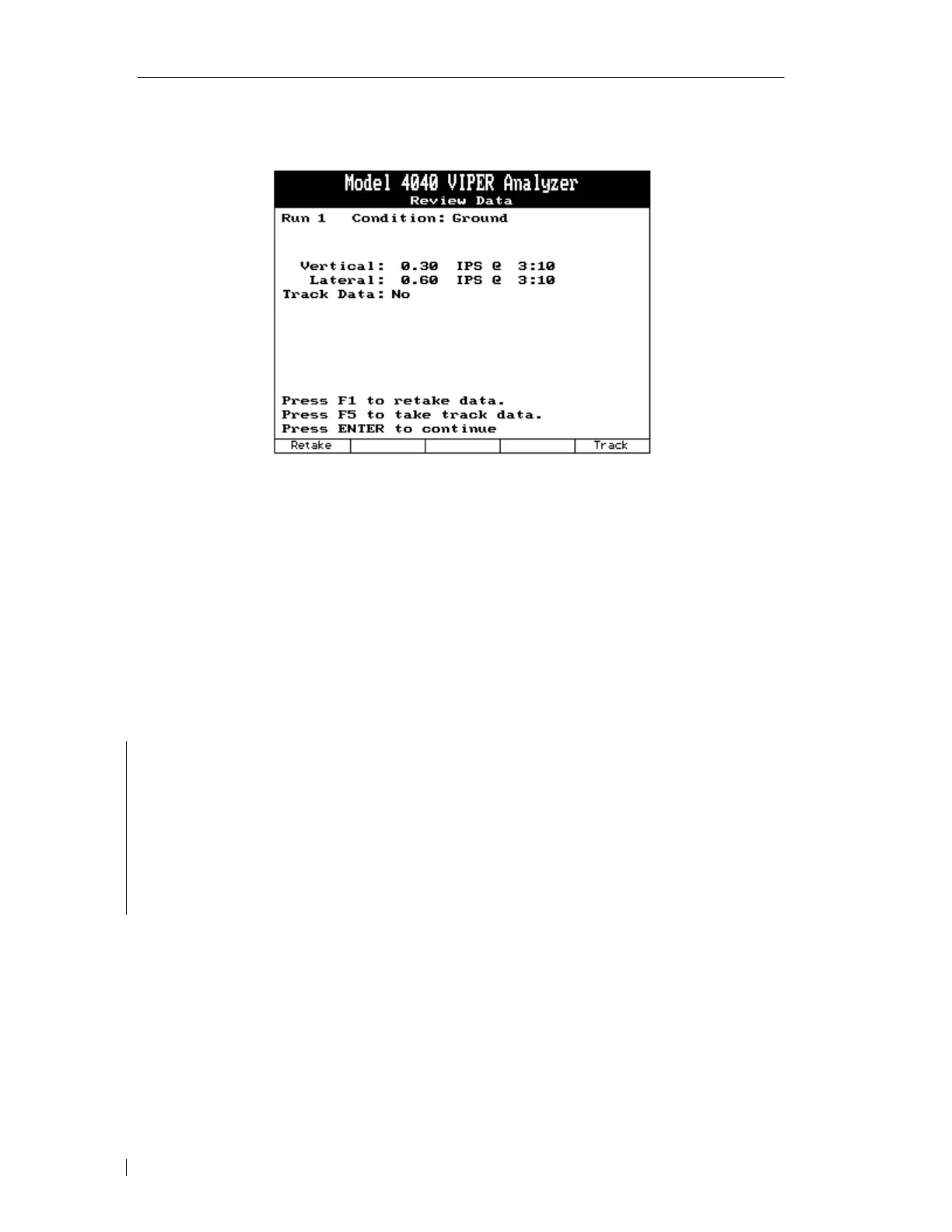
The “Review Data” screen will now appear presenting the vibration data for the current run
and condition.
This screen also offers a chance to retake the measurement by pressing the [F1] “Retake”
key. Pressing this key returns you to the data acquisition screen, paragraph 5.3.8.
If you wish to measure and record track for this run and condition, press the [F5] “Track”
key. Proceed to paragraph 5.3.9.1.
When you have finished reviewing the data, press [ENTER] to return to the “Select
Conditions” screen in order to acquire more measurements or to end the run. See paragraph
5.3.7 “Select Aircraft Condition”.
5.3.9.1. – Track Measurement
NOTE
The steps below will only be required when using the Model 540/540-2 Optical Tracker.
When using the Model 550 TraX
TM
it will not be necessary to aim the unit each time
data is collected. After the TraX
TM
is installed, data acquisition should be automatic
when required. See the TraX
TM
Operational Supplement (550-OM-01, ACES P/N 75-900-
4043) for details on operating the TraX
TM
.



 To Next Page