4-8 – Propeller Balance 4
4.1.1.3.1. This is an information-only screen for use in verifying the parameters of the
vibration sensor you have chosen. You may not edit or otherwise enter
information on this screen. If this sensor does not possess the specifications you
require for this setup, you may enter a new sensor in the “Sensor Setup” screen, or
choose another sensor from the existing list. Press [BACKUP] or [ENTER] to exit
this screen and return to the “Prop Balance Setup” banner screen. When all fields
are completed to your satisfaction, press the [ENTER] key to accept the inputs and
continue to the “Prop Hole Layout Setup”.
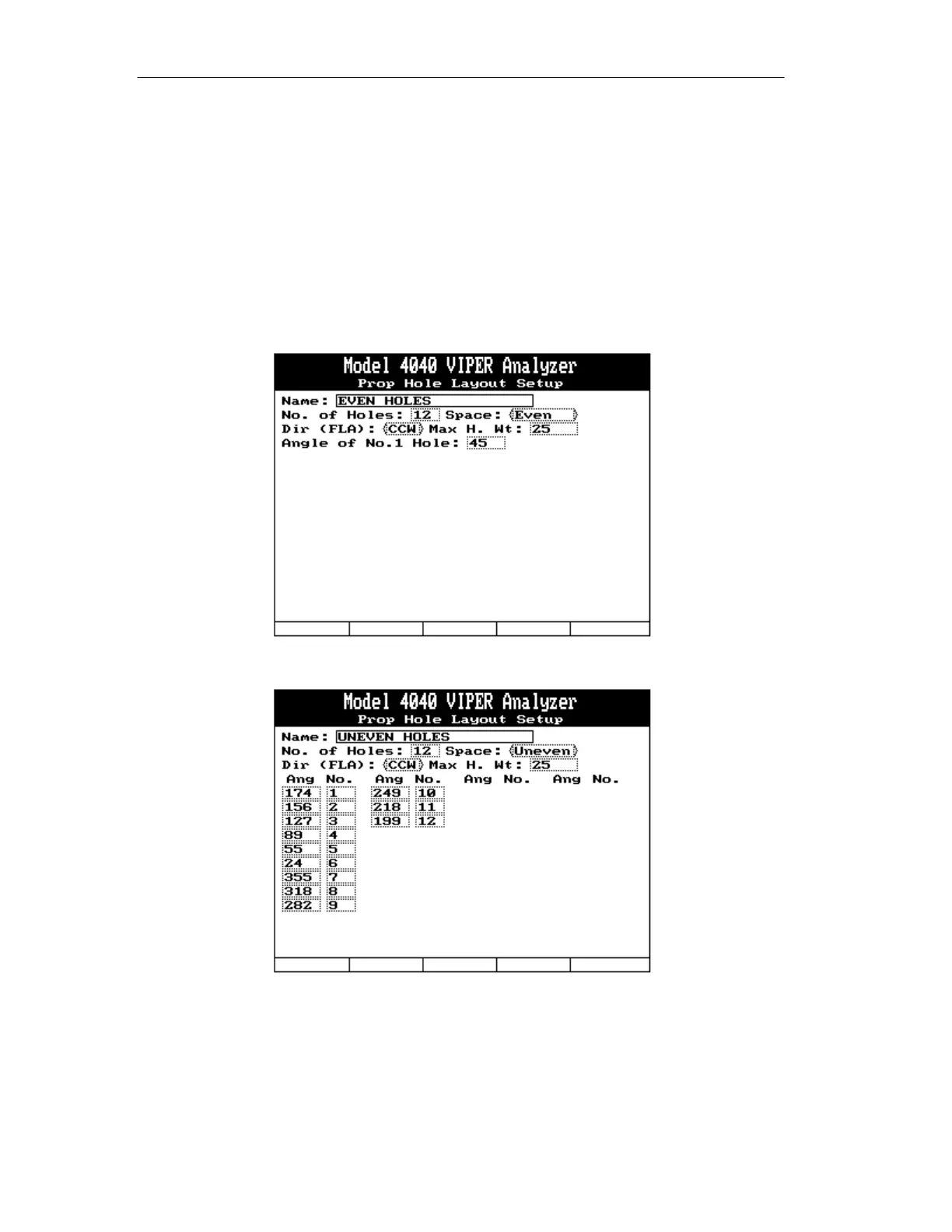
4.1.1.4. – Prop Hole Layout Setup
4.1.1.4.1. If “Yes” was selected under the “Holes:” entry in step 4.1.1.1.6 the “Prop Hole
Layout Setup” banner screen is the next screen displayed. The “Name” field is
automatically filled in from the name you entered in the previous “Prop Balance
Setup” screen. Complete the fields on the screen by doing the following:



 To Next Page