5-22 – Main Rotor Track & Balance 5 Revision 3, Oct 2012
5.3.2. – Setup List
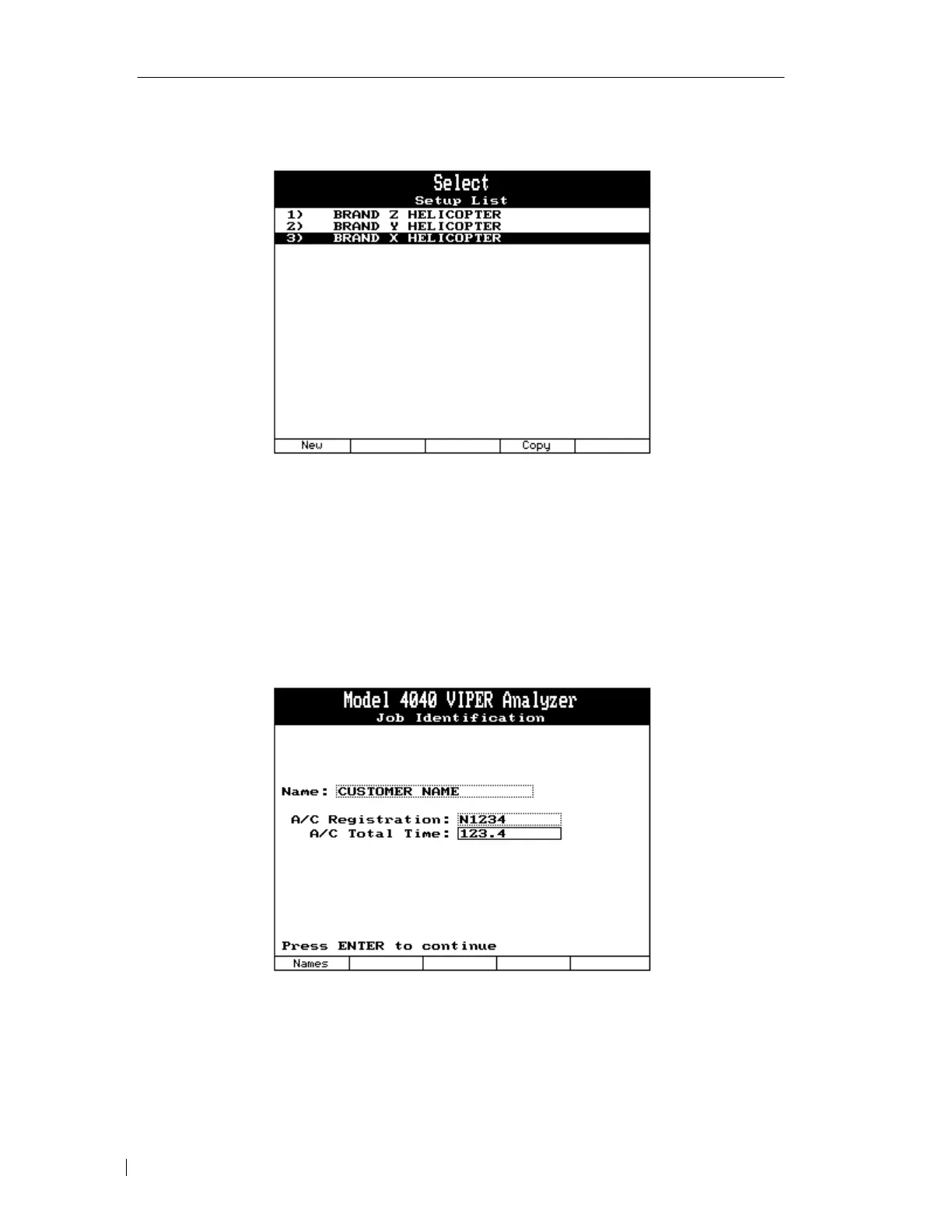
The setup list presents the stored main rotor setups in analyzer memory. Select the setup you
wish to use by highlighting the name of the setup using the [⇓] key and pressing [ENTER]. If
the setup you need is not present, press the [F1] “New” key to proceed to the “Main Rotor
Setup” screen to define a new setup. The [F4] key can be used to copy an existing setup and
rename or change parameters.
5.3.3. – Job Identification
The “Job Identification” banner screen appears next allowing entry of the customer name,
ACFT registration, and total time. This information is optional, but it is suggested that at least
a customer name be entered, as it will aid in identifying the job for future use.



 To Next Page