Viper 4040 User Manual
Revision 3.01, Oct 2012 18 Miscellaneous Items – 18-5
uses the reverse polarity and is set to “Yes”. If you do not know the polarity
requirements of the sensor, call ACES Systems and ask for Customer Support.
10. The “Input Type:” is a toggle selection field. The two selections are “Single Ended” and
“Differential”. This information is obtained directly from the Sensor’s Specification
Sheet, Single Ended being the most common. If you do not know the polarity
requirements of the sensor, call ACES Systems and ask for Customer Support.
11. When all fields are completed as required, press [ENTER] to accept your settings and
exit the screen.
18.1.1.2. - Delete Sensor
Delete is a selection available on the “Manage Sensors” banner screen menu.
Select Delete from the “Manage Sensors” banner screen menu. Next select a sensor to delete
from the list that appears. Only unlocked sensors will appear in this list. The analyzer will
display a message that asks “Are you sure?” Press [F1] to confirm “Yes,” press [F5] for “No”
and to return to the “Manage Setups” screen.
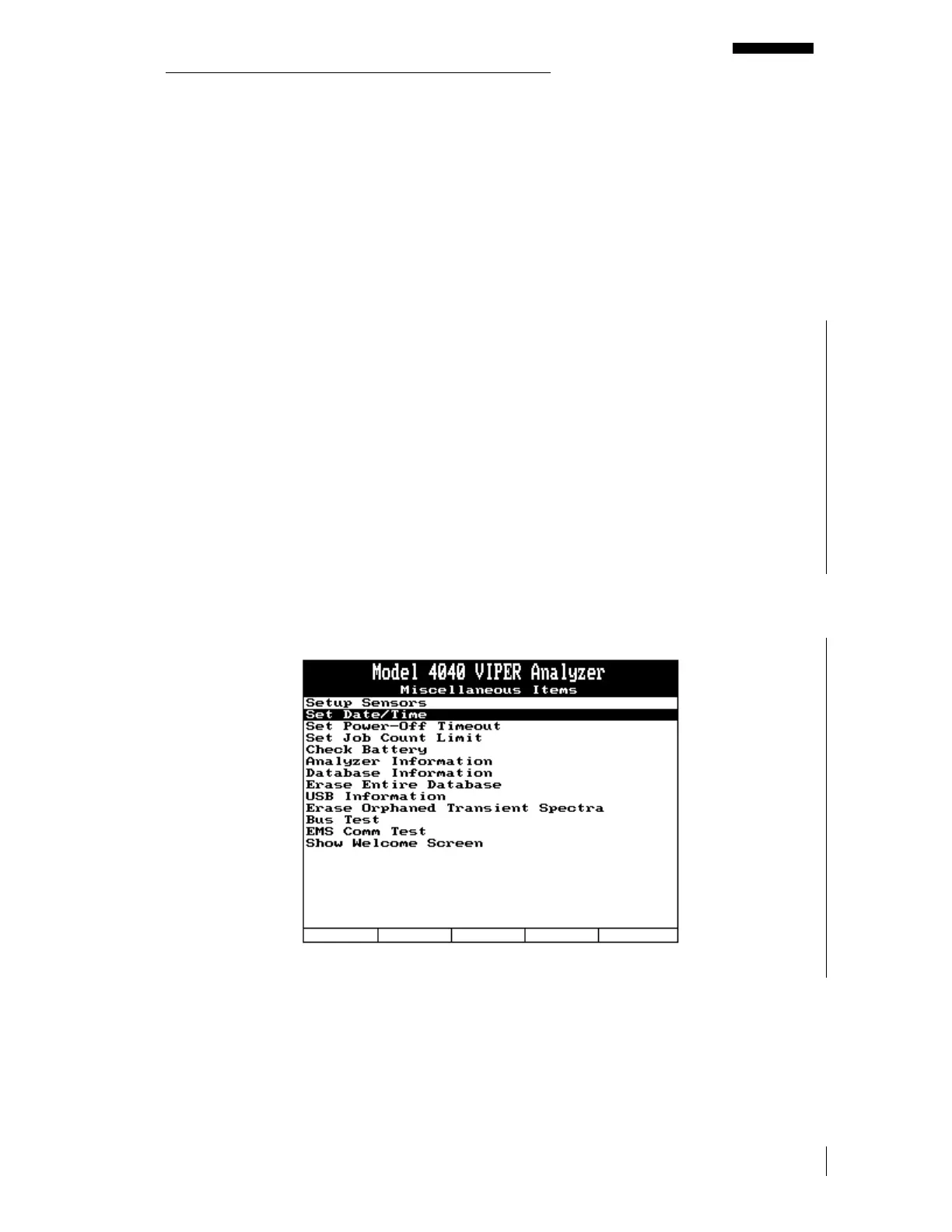
18.1.2. - Set Date and Time
The “Set Date and Time” selection allows you to set the desired date and time in the analyzer.
These settings are entered directly using the analyzer keypad.
To set the date and time, do the following:



 To Next Page