5-30 – Main Rotor Track & Balance 5 Revision 3, Oct 2012
NOTE
If the number of data packets gathered is less than 75 % of the total rotations defined
in paragraph 5.3.4, select the [F5] “Track” option upon returning to the review data
screen as described in paragraph 5.3.9.
When you have finished reviewing the track, press [ENTER] to return to the “Review Data”
screen.
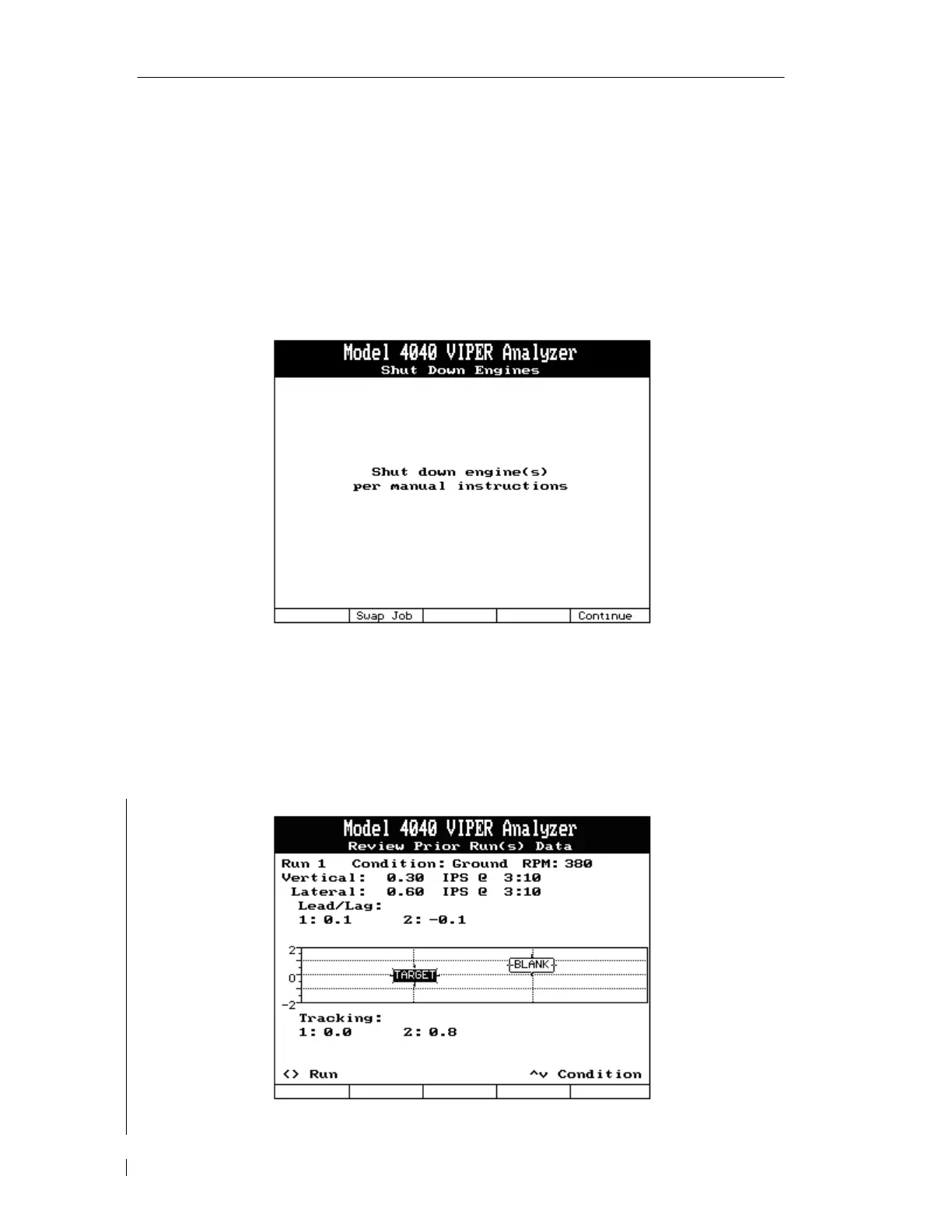
5.3.10. – Shut Down Engines
When you have chosen to end the current run, the analyzer will prompt you to shutdown the
aircraft. You can use the [F2] “Swap Job” key to return to the Main Menu without rebooting
the analyzer or [F5] “Continue” key to move to step 5.3.11.
5.3.11. – Review Prior Run(s) Data


 To Next Page