Viper 4040 User Manual
Revision 3.01, Oct 2012 18 Miscellaneous Items – 18-
13
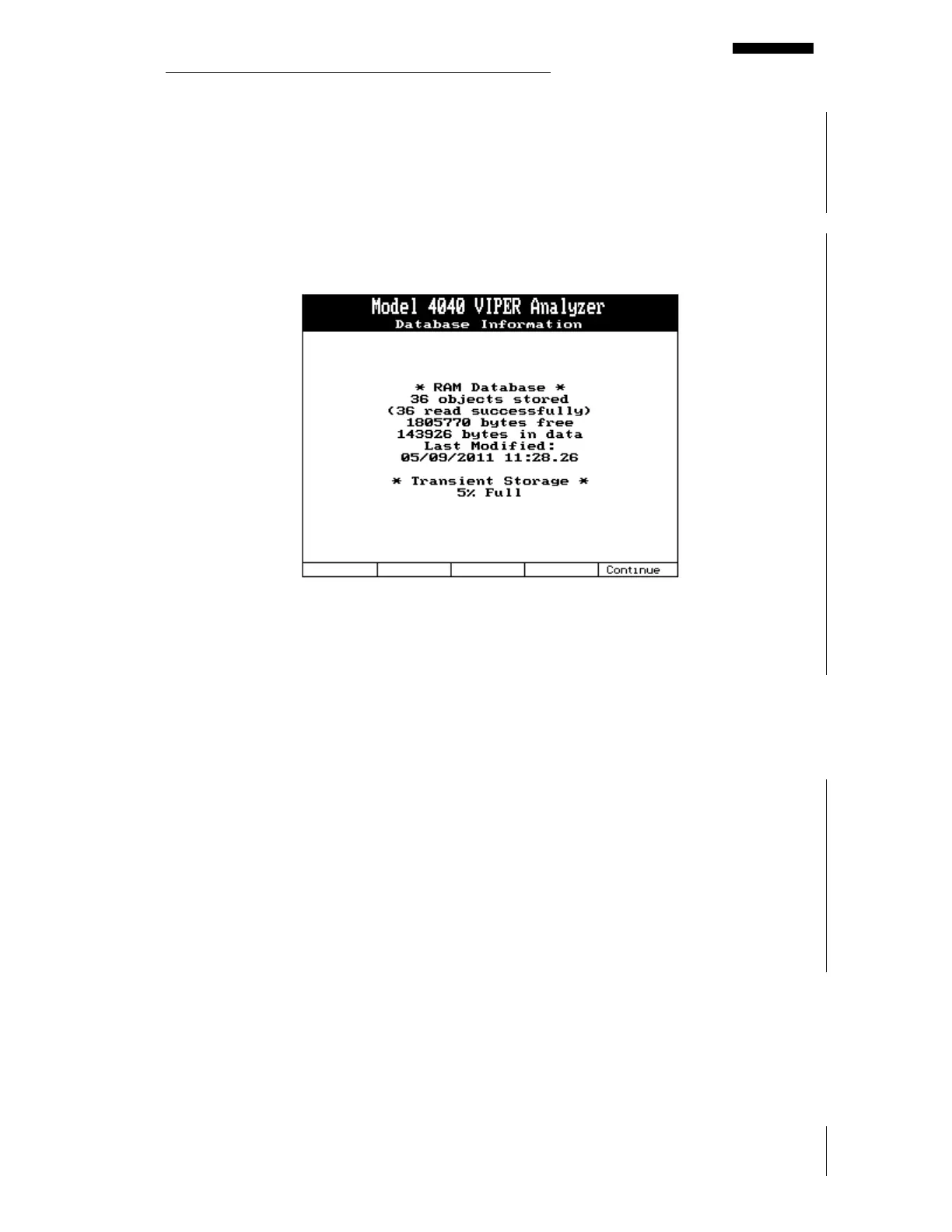
Full, you must delete some of the Transient Vibration Survey Jobs to allow for proper data
storage.
In either case, the RAM Database or the Transient Storage, you will be prompted during the
job or before the job if enough memory is not available to store the current job. This is an
information (read only) screen and its contents cannot be altered by the user from within this
screen. Press the [F5] “Continue” key or the [BACKUP] key to exit this screen.
18.1.8. – Erase Entire Database
The Erase Entire Database menu item is a fast method of removing all stored data, setups,
and jobs that currently reside in the analyzer’s memory. After selecting this option and
pressing the Enter key, the analyzer will show a message asking you to verify that this is what
you intend to do. Pressing the [F1] “Yes” key or the [F5] “No” key verifies your intent.
18.1.9. – USB Information
The USB Information key has no function even though USB transfers are possible.
18.1.10. – Erase Orphaned Transient Spectra
The Erase Orphaned Transient Spectra function checks the flash file system (FFS) for any
spectra that belong to any transient vibration survey that no longer exists. The transient
vibration survey may have been intentionally erased or deleted by several available options in
the analyzer.
For instance, if a transient survey in the RAM database becomes corrupt the analyzer will
detect this during the next boot and present an information screen to notify you of the corrupt
data. It will then provide the option to delete all corrupt data by pressing a function key. The



 To Next Page