10-10 –Overall Vibration Surveys 10 Revision 3.01, Oct 2012
a NORMAL CURSOR immediately at the highest displayed amplitude frequency. The
[
] and [
] keys may also be used immediately to EXPAND or SHRINK the Y scale.
10.1.6. - Collecting Data
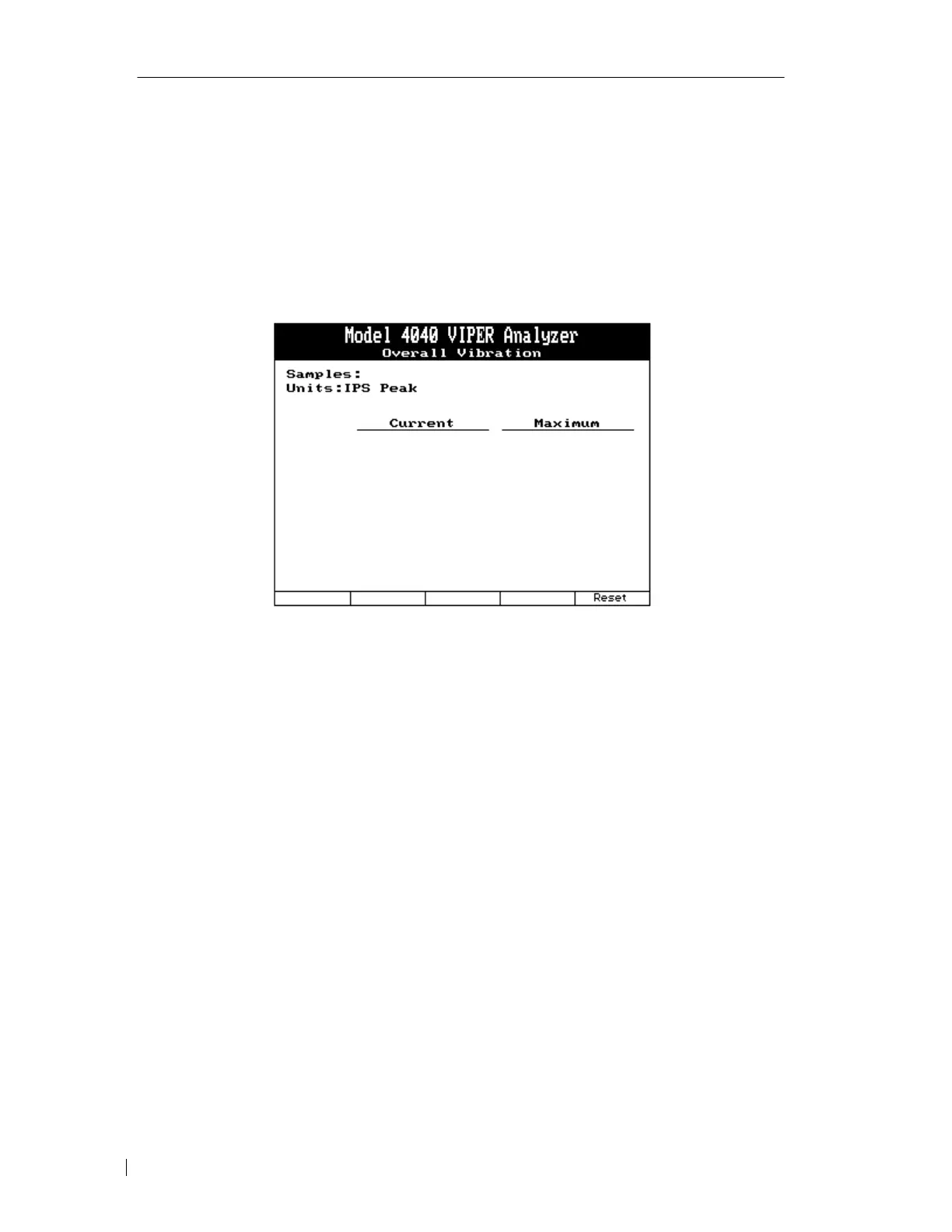
When the data screen is displayed, you will also see one function box at the bottom of the
screen (see following figure) corresponding to the position of the [F5] key. The box reads
“Reset.”
Pressing the “[F5]” key will delete the collected data, zero out the affected fields and begin
anew. As shown in the screen above, the analyzer will report the total number of Samples
taken and the engineering Units of vibration plus the modifier for those samples. Lower on
the screen, there are two columns corresponding to the “Current” input measurements and the
“Maximum” which is the highest amplitude reading from the number of Samples taken.
There will be a number of rows corresponding to the number of input channels specified in
the Setup for this job.



 To Next Page