11-28 – Transient Vibration Surveys 11 Revision 3, Oct 2012
selected job by pressing the [F1] key for “Yes,” or the [F5] key for “No.” We highly
recommend you download the setup(s) for reference or permanent record prior to deleting
them. Once deleted, the setups cannot be retrieved from the analyzer.
11.4.4. - Select Setup for Remote Job
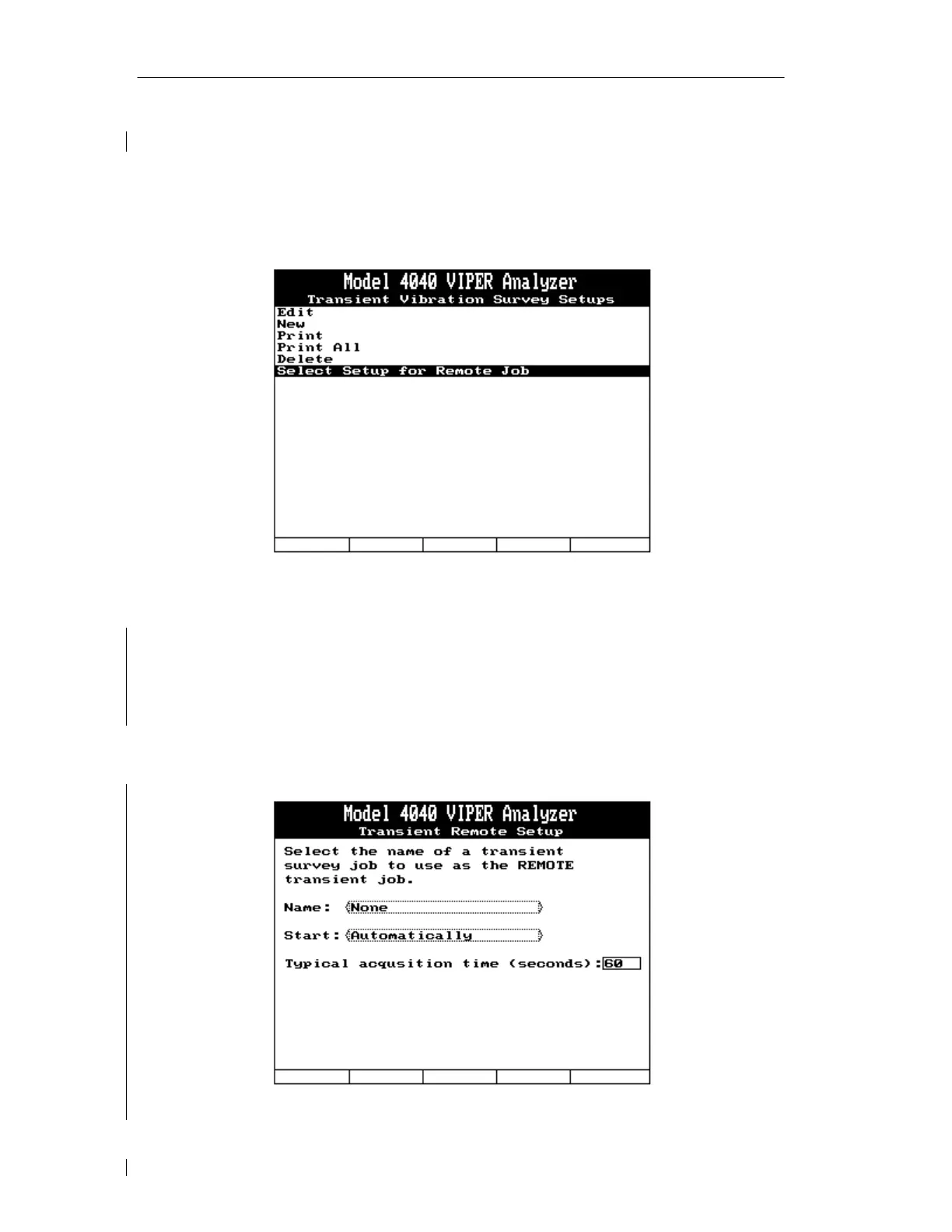
The “Select Setup for Remote Job” option allows you to select the name of a transient survey
setup to use for a REMOTE transient job. You must select the name of a specific setup from
the “Name:” toggle field, as shown below. The next line allows you to select the method the
analyzer will use to start the job. The choices are “Automatically” or “Pilot Trigger”.
Automatically tells the analyzer to start the job as soon as it is turned on. Pilot Trigger is an
ACES option that allows the job to be started from a remote location, the Pilot’s station for
example. To help the analyzer properly manage internal memory, you should also enter a
time (in seconds) of a typical data acquisition. Valid time entries are between 20 and 999
seconds.



 To Next Page