Chapter 13
Monitor Magnitude & Clock
(Revision 1, Aug 2007)
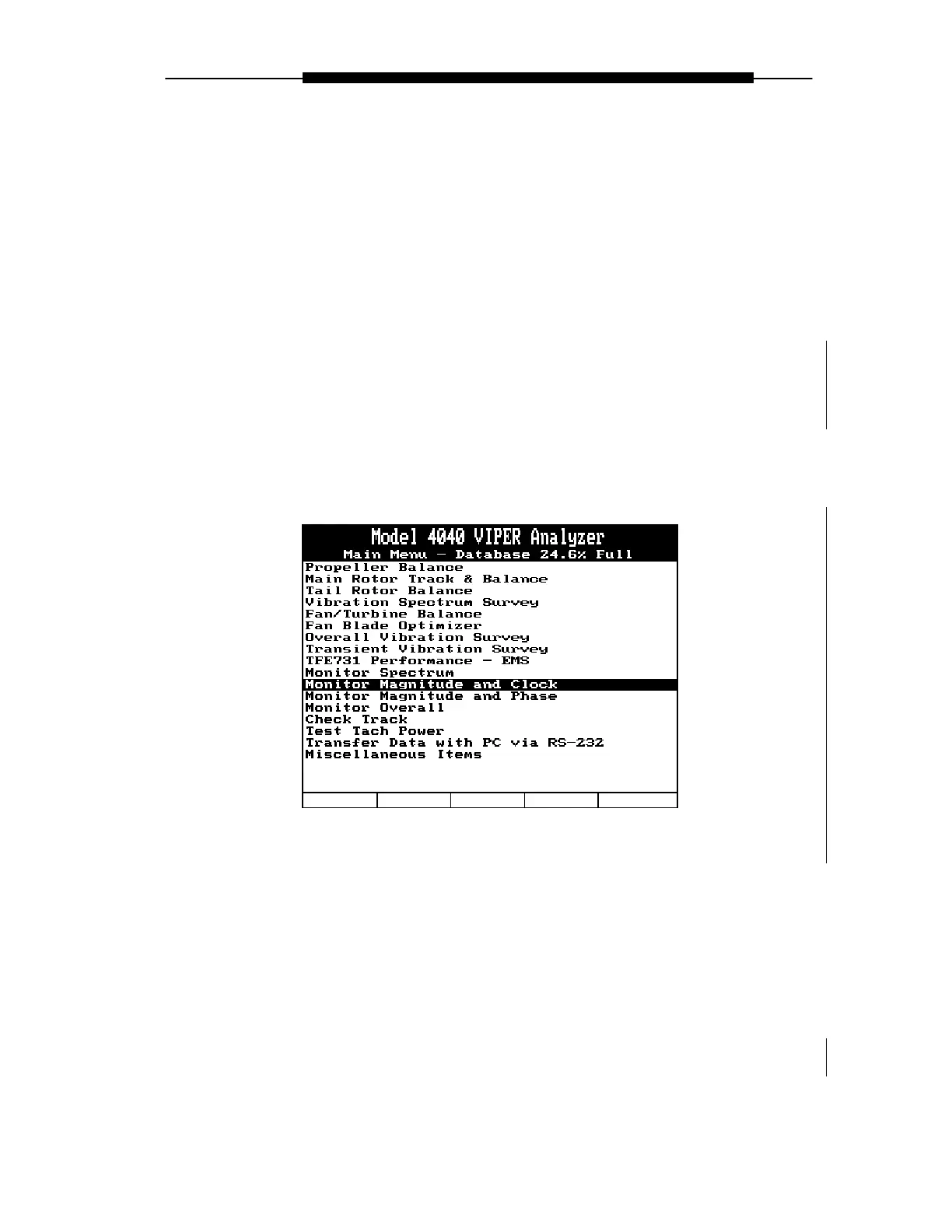
“Monitor Magnitude and Clock” is an analyzer function that is accessed from the analyzer’s
Main Menu banner screen. A description of this function follows, along with the information
required to complete the menu screens within the function, and the steps necessary to perform
the function.
The “Monitor Magnitude and Clock” function provides for rapid acquisition of a clock angle
and amplitude reading without defining and saving a setup. This function allows for no
storage of readings for future review.
It is not recommended that you use this function for the acquisition of measurements from tail
rotors or other items that have a balance chart that utilizes a strobe light for phase (clock)
angles. Measurements acquired with this function will not be accurate for use in these
applications. To balance these applications, use the “Tail Rotor Balance” selection from the
Main Menu.
To use the “Monitor Magnitude and Clock” function, do the following:



 To Next Page