Basic Operating Procedures
ACIST RXi System User’s Guide | 35901700-001,01 2019-09 English
Unpack and Prepare the Navvus® MicroCatheter
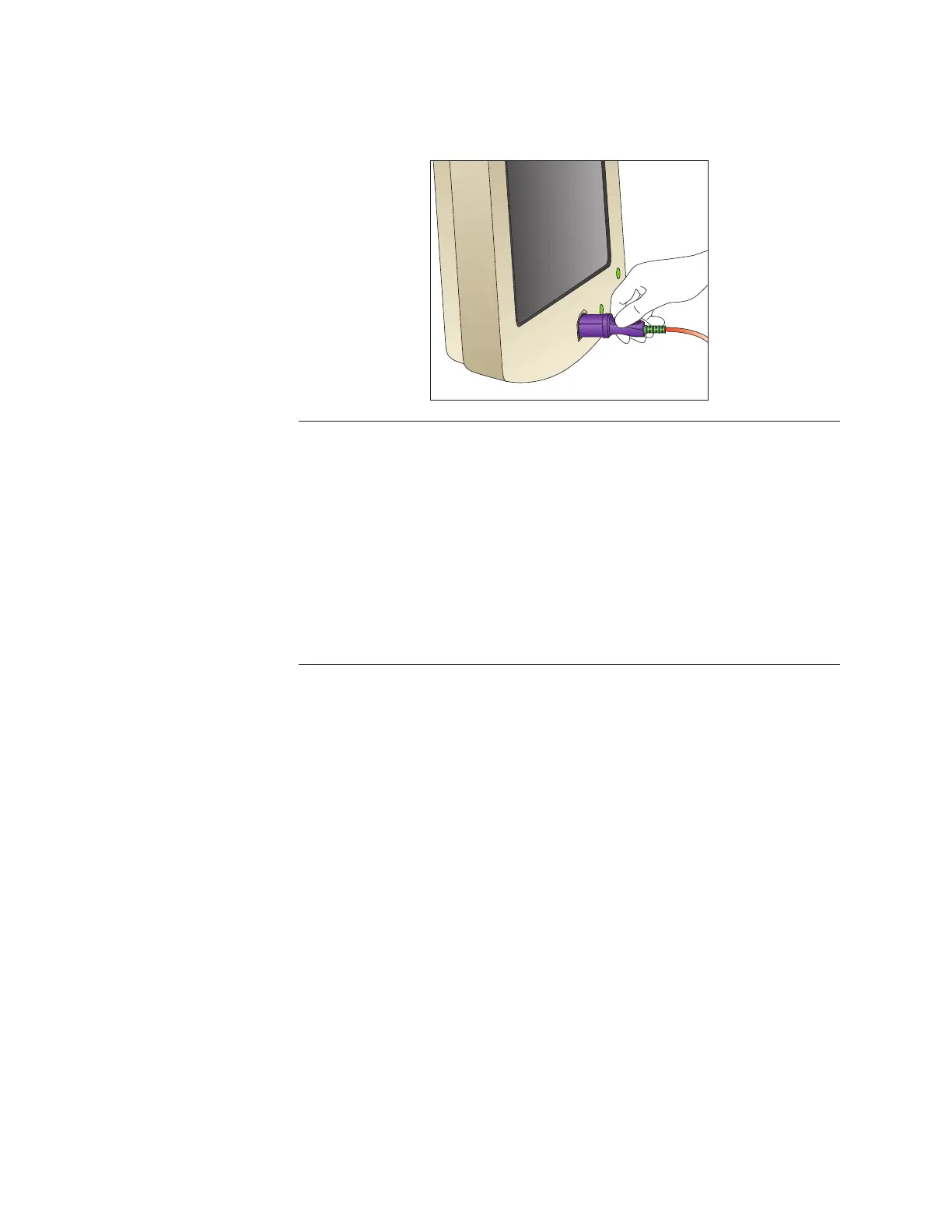
8. Attach the Navvus MicroCatheter’s handle assembly to the ACIST RXi
System, as shown in the illustration below:
Note
When manipulating the Navvus MicroCatheter, avoid creating a knot in the cable.
The Navvus MicroCatheter pressure sensor is automatically zeroed when the handle
assembly is inserted into the ACIST RXi System console. Therefore, the tip should be
outside the patient when this handle assembly is inserted into the system console.
Once inserted, do not remove the Navvus MicroCatheter from the system throughout
the procedure.
The Navvus MicroCatheter status indicator LED illuminates GREEN when the handle
assembly is properly inserted. If the LED illuminates RED, re-insert the handle assembly
or replace the microcatheter.



 To Next Page