2. INSTALLATION
2.1. Unpacking and Initial Inspection
Before you install your eBox, thoroughly read this manual.
First, carefully inspect the cardboard carton and its contents for physical damage.
ACOM ships eBox in protected container, but it cannot assure that mistreatment by
shippers will not occur. If damage is evident, notify your dealer immediately. Delay may
void the carrier's warranty.
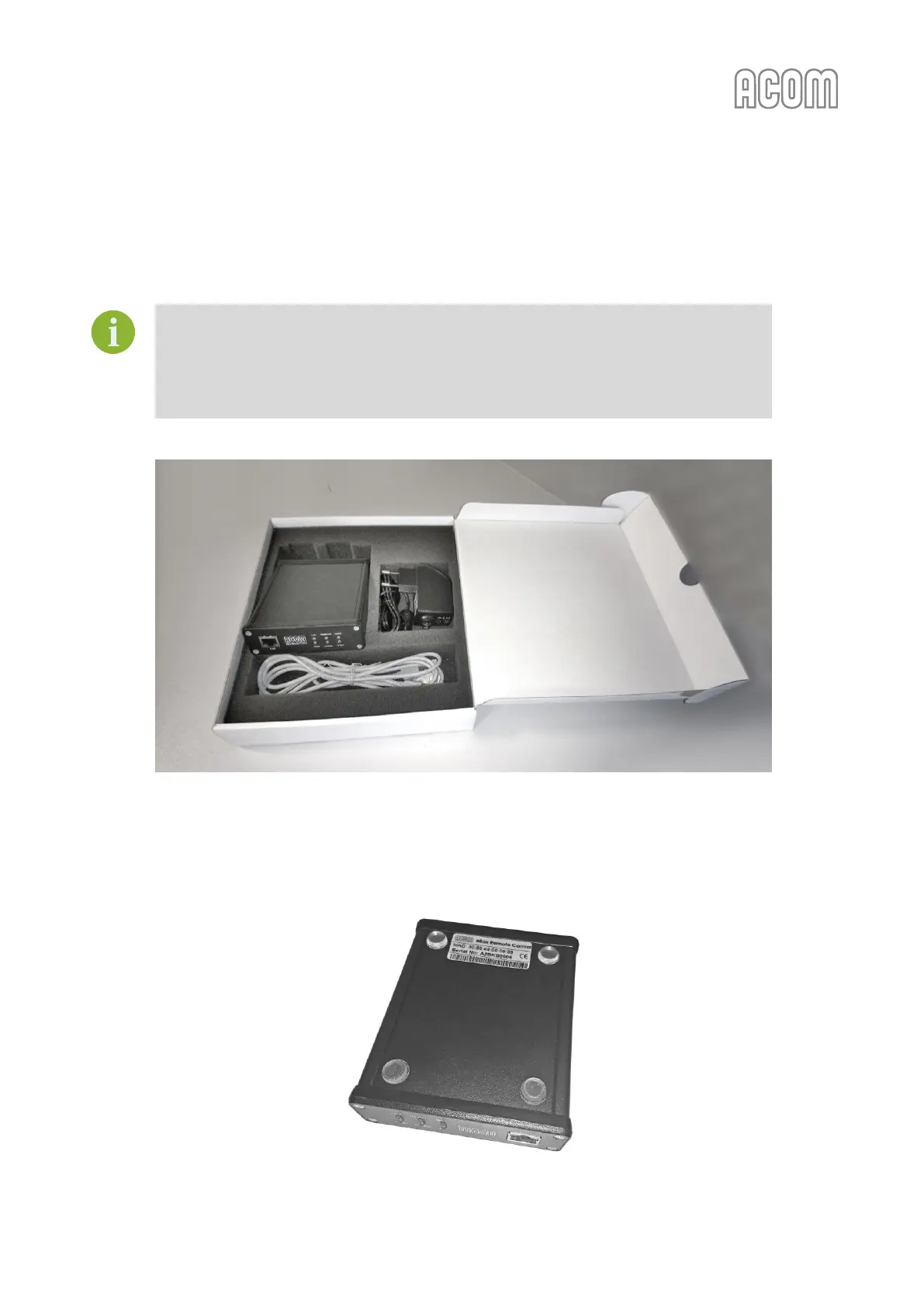
Figure 2-1 eBox in original packaging
Figure 2-1 eBox in original packaging
Keep all packing materials for possible future eBox shipment (see Section 8.2.4 Returning to the Service
Provider).
Figure 2-2 eBox with sticked pads (bottom view)
Figure 2-2 eBox with sticked pads (bottom view)



 To Next Page