5.2. Amplifier Settings
The Settings
Amplifier menu contains parameters regarding the ACOM amplifier, connected to the eBox
device.
When you use the eBox for a first time, the device is not configured to operate with a specific amplifier
model (factory setting). Once you are successfully logged-in, the Home and Settings menus will be shown
in the menu bar of the web-page. Click on Settings
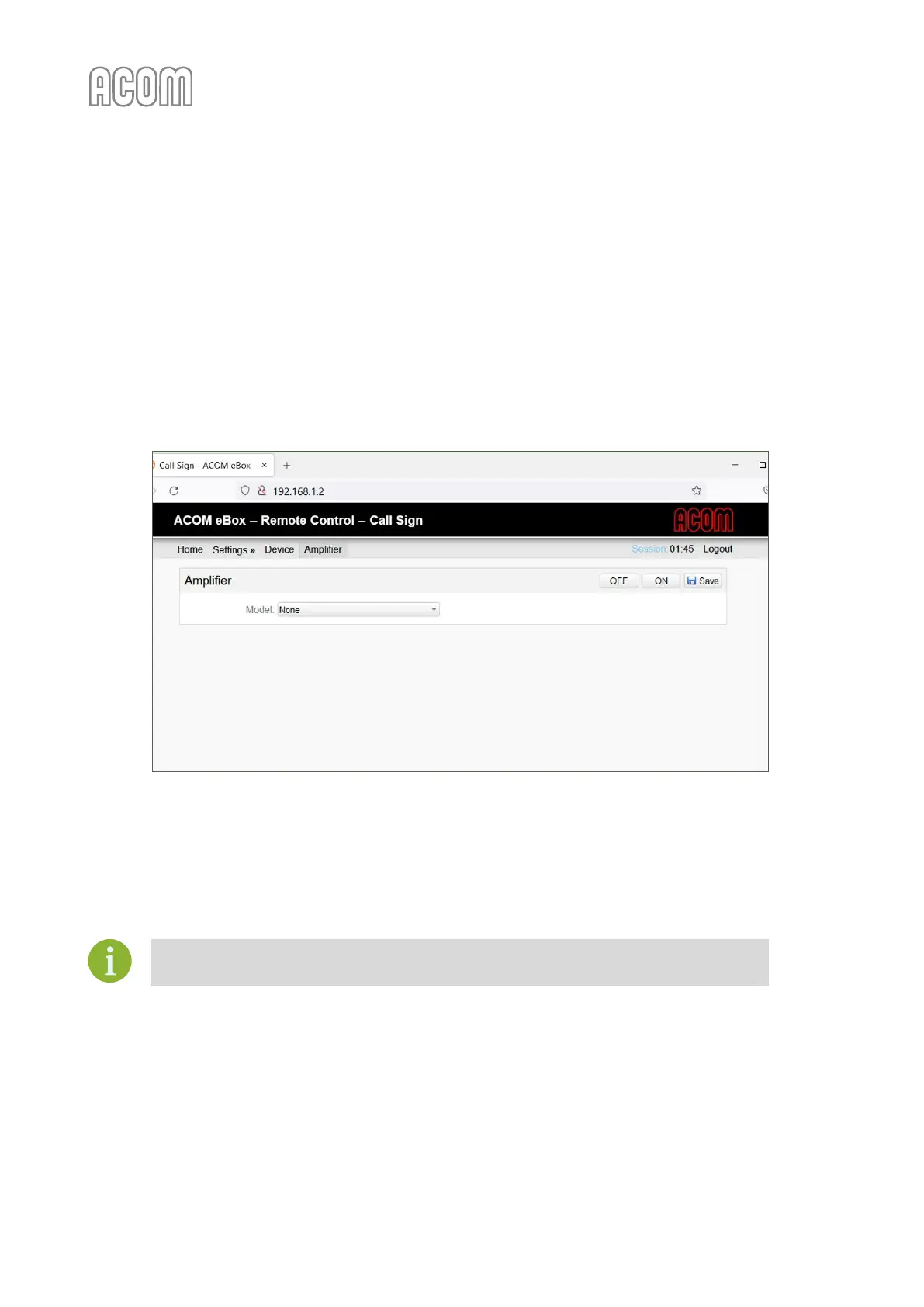
Amplifier to see selection page as shown on Figure 5-3
eBox Amplifier model selection, select your ACOM amplifier model and click on Save button to confirm your
choice.
Figure 5-3 eBox Amplifier model selection
Figure 5-3 eBox Amplifier model selection
The amplifier's settings screen is divided in panels in which the different parameters are thematically
grouped. Depending on the used ACOM amplifier model, the panels include different information.
All panels are visible for both User and Administrator authentication levels.



 To Next Page