2.2. Power Supply
NOTICE
In order to avoid any damage (not covered by the warranty), check carefully to be
certain that the voltage for which the eBox power supply adapter is intended
corresponds to your mains nominal voltage.
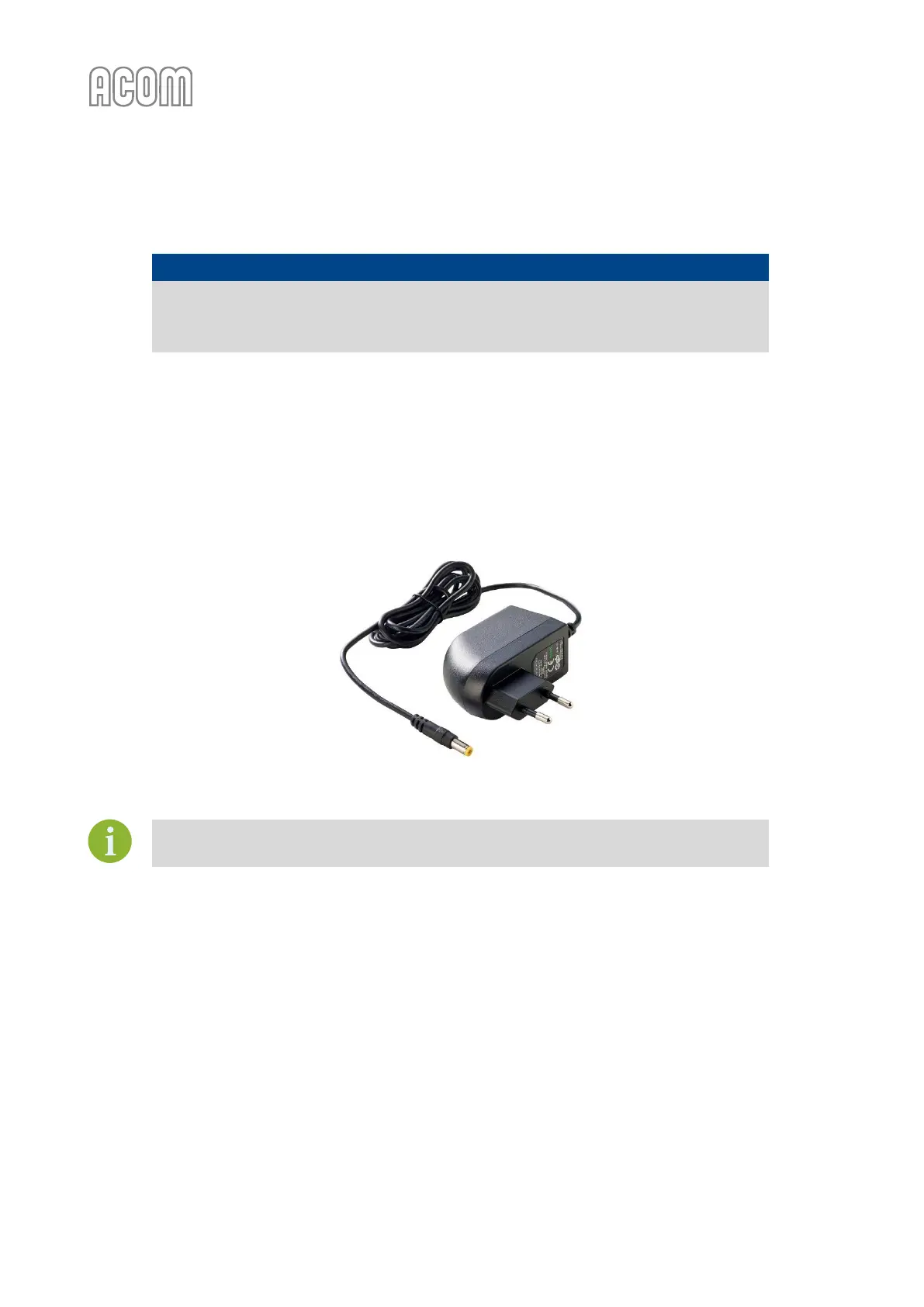
Normally, the eBox is supplied with power supply adapter as follow:
• Input: 100-240 VAC / 1.0 A max.;
• Output: 12 VDC / 2.0 A;
• Output power: 24 W max.;
• Cable length: Approx. 1.5 m;
• Power input plug type: Europlug.
Figure 2-3 Power supply adapter
Figure 2-3 Power supply adapter
If you need different power plug or plug-adapter, please, contact your dealer (see
Section 1.2 Owner Assistance).
2.3. eBox Location Selection
Position the eBox near your ACOM amplifier. You will need an easy access to the front and rear side of the
eBox for cabling and monitoring.



 To Next Page